SocialPilot Review 2025: Is It Worth It for Your Business?
Discover if SocialPilot is the right social media management tool for your business in 2025, with insights on features, pros, cons, and a better alternative.
SocialPilot is one of the many social media management tools designed to simplify scheduling, analytics, and collaboration. It promises to help businesses, marketers, and agencies streamline their social media workflow—all in one place.
If you manage multiple social accounts, you know how time-consuming it can be to create, schedule, and track content across different platforms. SocialPilot claims to make this process seamless, offering bulk scheduling, in-depth analytics, and team collaboration features at an affordable price.
But does SocialPilot truly live up to its promises, or is it just another tool in a crowded market? We put it to the test. Here’s what we found.
{{cta-richtext}}
Quick Summary of SocialPilot
.table_component caption { caption-side: top; text-align: left; }
.table_component th { border: 1px solid #dededf; background-color: #eceff1; color: #000000; padding: 5px; }
.table_component td { border: 1px solid #dededf; background-color: #ffffff; color: #000000; padding: 5px; }
    </tr>
    <tr>
        <td>Scheduling</td>
        <td>✅ Bulk scheduling for up to 500 posts </td>
    </tr>
    <tr>
        <td>Free Plan</td>
        <td>❌ No free plan, only a 14-day trial</td>

    </tr>
    <tr>
        <td>Pricing</td>
        <td>✅ Starts at $30/month, various tiers available</td>

    </tr>
    <tr>
        <td>Content Creation</td>
        <td>✅ AI-powered content suggestions, Canva integration</td>

    </tr>
    <tr>
        <td>Analytics</td>
        <td>❌ Basic Instagram insights, inconsistent reporting</td>

    </tr>
    <tr>
        <td>Collaboration</td>
        <td>✅ Team management with approval workflows </td>
    </tr>
    <tr>
        <td>Pros</td>
        <td>✅ Scalable, intuitive UI, strong analytics, Canva integration</td>

    </tr>
    <tr>
        <td>Cons</td>
        <td>❌ No automatic failure alerts, weak video support, slow customer service</td>
    </tr>
</tbody>| Feature | SocialPilot |
|---|---|
| Ease of Use | ✅ Clean dashboard, intuitive navigation |
What is SocialPilot?
SocialPilot is a social media management tool designed to help businesses, agencies, and marketers streamline their workflow. It lets you schedule posts, analyze performance, and manage multiple accounts—all from a single dashboard.
With support for major platforms like Facebook, Instagram, Twitter, LinkedIn, Pinterest, Google Business Profile, and TikTok, SocialPilot provides a centralized space to plan and execute your social media strategy efficiently.
SocialPilot First Impressions
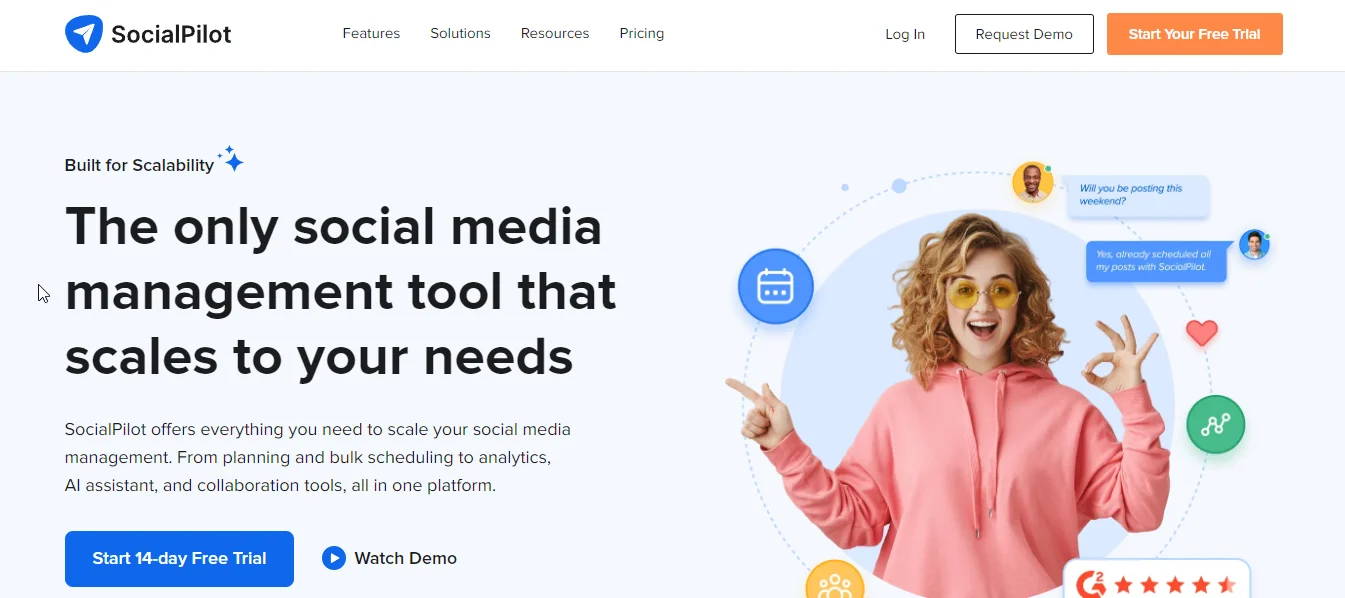
SocialPilot promises to streamline social media management for businesses and agencies. When we landed on its homepage, it was immediately clear that the platform emphasizes scalability, offering publishing, scheduling, analytics, and AI collaboration tools—all designed to simplify content management across multiple channels.
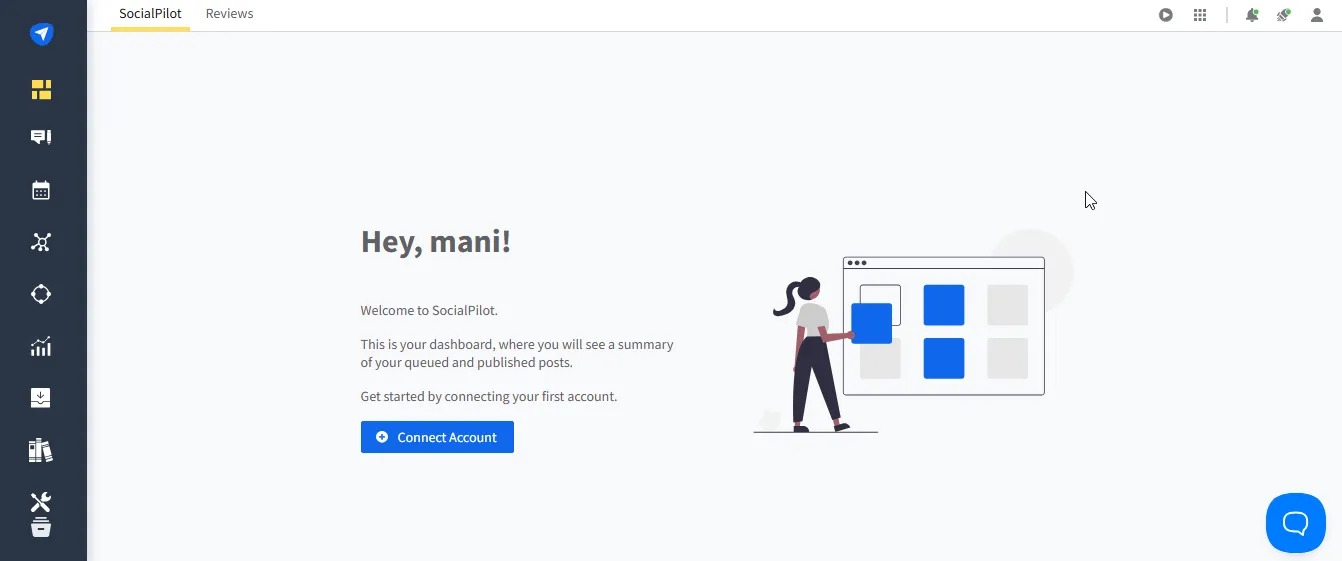
Once inside the app, SocialPilot offers a clean, structured dashboard with a tool tab on the left. It’s easy to navigate but feels robotic, missing the dynamic and engaging vibe you’d expect from a social media tool.
It’s functional and straightforward, but it lacks the lively energy that makes social media fun.
SocialPilot Features
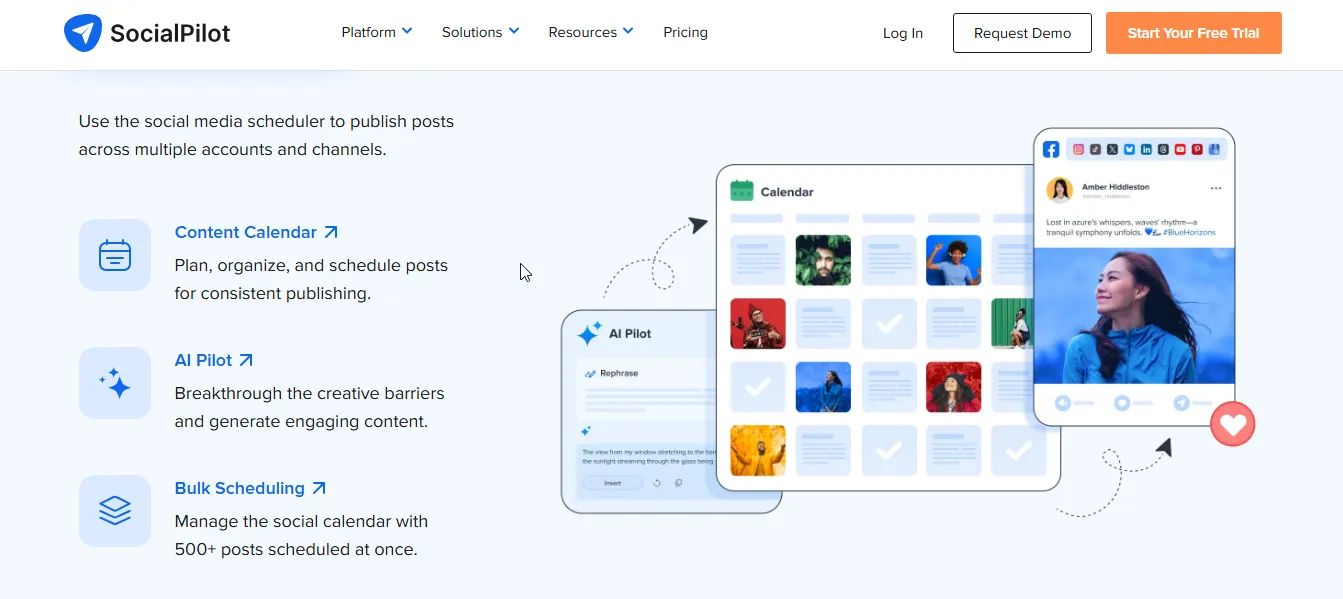
- AI Pilot: SocialPilot generates engaging social media posts using AI, helping you overcome creative blocks and maintain consistent content quality.
- Bulk Scheduling: The platform allows scheduling up to 500 posts at once, making content planning efficient for businesses and agencies.
- Content Calendar: The app provides a visual planner to organize, schedule, and track posts for a well-structured social media strategy.
- Advanced Analytics: This feature caught our eye as it delivers detailed insights into post performance, audience engagement, and campaign effectiveness for data-driven decision-making.
- Collaboration Tools: SocialPilot enables teams to assign roles, manage client approvals, and work together seamlessly on social media campaigns.
{{cta-richtext}}
SocialPilot Pros
SocialPilot offers a suite of tools designed to simplify social media management, from seamless scheduling and collaboration to in-depth analytics, helping businesses and marketers streamline their workflows.
- Scalability: When we used SocialPilot for our business, it effortlessly adapted, making scaling social media management smooth.
- User-Friendly Interface: Navigating the dashboard was easy for us, the intuitive layout made onboarding quick—no steep learning curve at all.
- Comprehensive Reporting: This was a total game-changer for us! The in-depth analytics helped us understand & tweak our content strategy for better engagement.
- Seamless Integration: Managing multiple platforms felt effortless—connecting accounts was smooth, and everything synced perfectly.
- Content Scheduling Capability: We tested bulk scheduling, and it saved us hours! Planning weeks of content in one go was a huge time-saver.
- Canva Integration: Designing visuals within the platform was a pleasant surprise—it streamlined our workflow without switching between apps.
SocialPilot Cons
While SocialPilot is a robust social media management tool, it does have some drawbacks, such as occasional publishing failures and slower customer support.
“I've recently noticed that when a scheduled post generates an error, I don't get immediate notifications.“
- Daniela C., review from G2
- No Automatic Failure Alerts: While using SocialPilot, we were frustrated that failed posts didn’t trigger alerts, forcing us to constantly check our queue.
- Limited Video Support: We must say, that the platform let us down with its weak video upload capabilities, making it a struggle for us to manage video-heavy content.
- Weak Instagram Analytics: What really disappointed us was the lack of detailed Instagram insights, leaving us guessing about our content’s performance.
- Inconsistent Reporting: When analyzing multiple accounts, we noticed the social media reports felt incomplete, making it hard for us to get a clear overview.
- Poor Customer Support: The support system was a total letdown—we faced slow responses and unhelpful resolutions, making problem-solving a hassle.
SocialPilot Pricing
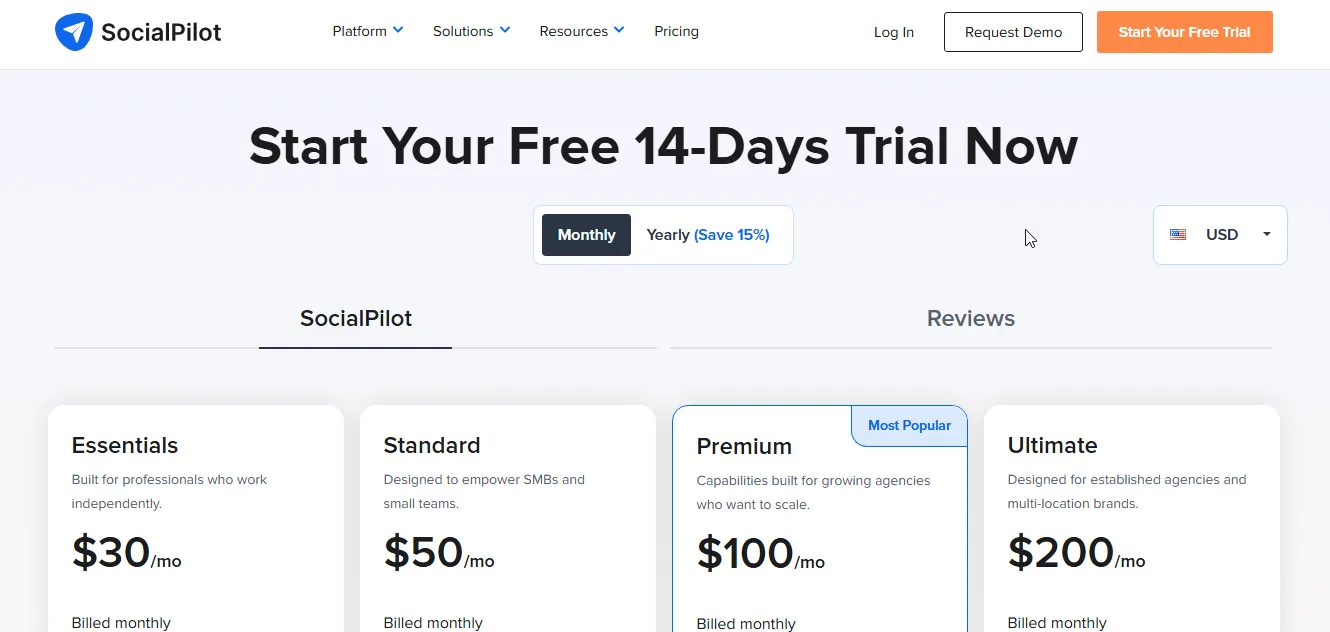
SocialPilot offers a range of pricing plans to accommodate individuals, small businesses, and agencies. Whether you’re managing a few accounts or scaling for multiple clients, there’s a plan that fits your needs. Here’s a breakdown of the available options:
Essentials Plan – $30/month
Ideal for independent professionals looking for an affordable social media management solution.
Includes:
- 7 Social Media Accounts
- 1 User
- 500 AI Credits
- Content Library
- Tags
- Extra Accounts – $4 per month
Standard Plan – $50/month
Designed for small businesses and teams that need collaboration features.
Includes everything in Essentials, plus:
- 15 Social Media Accounts
- 3 Users
- 1000 AI Credits
- Social Media Inbox
- Analytics
- Team Collaboration
- Manager Approval
- Extra Accounts – $4 per month
- Additional User – $5 per month
Premium Plan – $100/month (Most Popular)
Perfect for growing agencies that need advanced analytics and bulk scheduling.
Includes everything in Standard, plus:
- 25 Social Media Accounts
- 6 Users
- 5000 AI Credits
- Bulk Scheduling
- Advanced Analytics
- Client Approval
- White Label Reports
- Extra Accounts – $4 per month
- Additional User – $5 per month
Ultimate Plan – $200/month
Tailored for established agencies and multi-location brands needing enterprise-grade features.
Includes everything in Premium, plus:
- 50 Social Media Accounts
- Unlimited Users
- Unlimited AI Credits
- Advanced Security
- Advanced White Label
- Dedicated Account Manager
- Migration & Onboarding
- Extra Accounts – $4 per month
Enterprise Plan – Custom Pricing
For businesses requiring custom solutions, API access, and Single Sign-On (SSO).
Includes everything in Ultimate, plus:
- Custom Social Media Accounts
- Unlimited Users
- Unlimited AI Credits
- Unlimited Clients
- API Access
- Single Sign-On (SSO)
- Dedicated Account Manager
- Migration & Onboarding
Are You Looking for a SocialPilot Alternative?
While SocialPilot is a robust social media management platform, it has its limitations and drawbacks. Sometimes, posts fail to publish, and slow customer support can be a dealbreaker.
If you're looking for a more advanced solution, quso.ai might be the perfect choice. It offers everything SocialPilot provides—plus additional tools to help you grow your business’s social media presence.
Here’s why quso.ai is a superior alternative to SocialPilot:
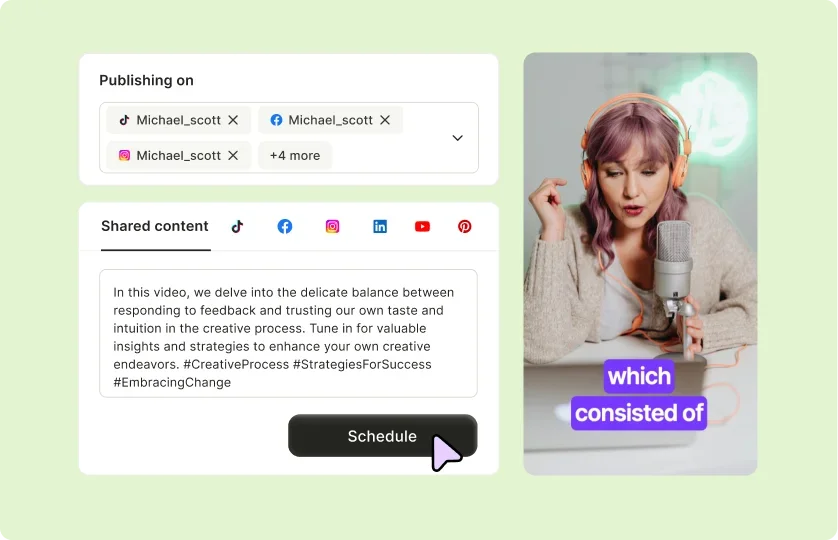
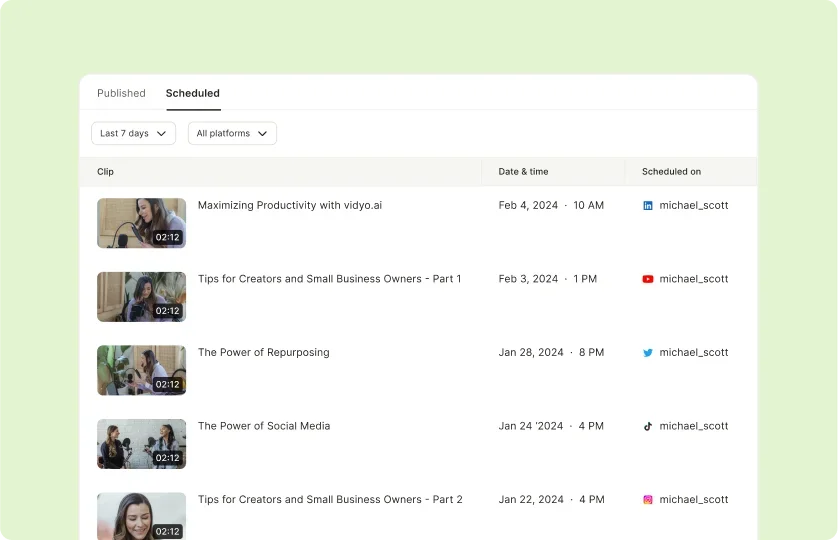
1. Effortless Scheduling Across 6 Platforms
Plan and schedule posts seamlessly on platforms like TikTok, Instagram, Facebook, YouTube and, more. With quso.ai, you can maintain a consistent presence and save time by organizing your content in advance.
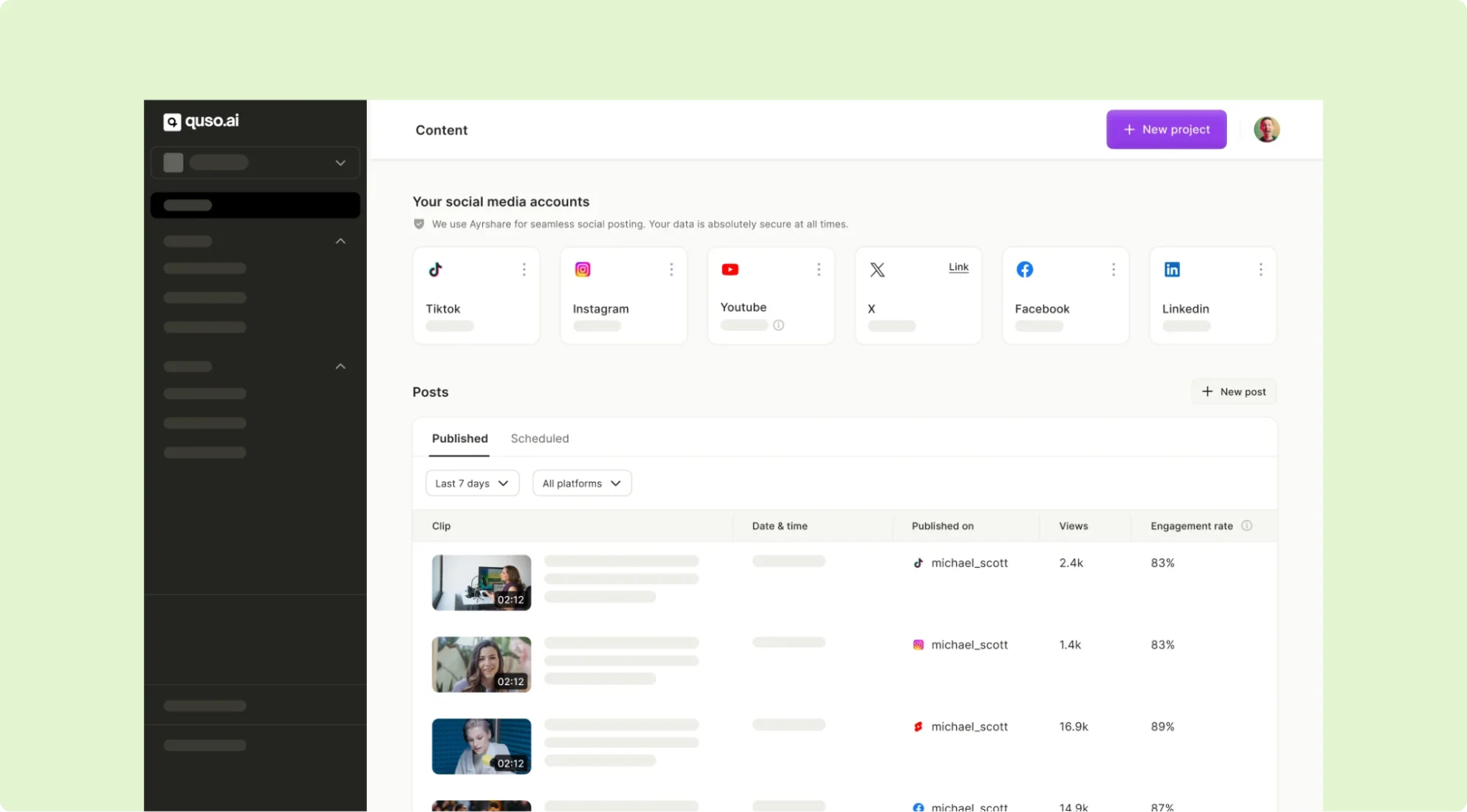
2. Powerful Analytics Dashboard
Get deep insights into your social media performance. quso.ai helps you track engagement, audience growth, and behavior across platforms, empowering you to make smarter, data-driven decisions.
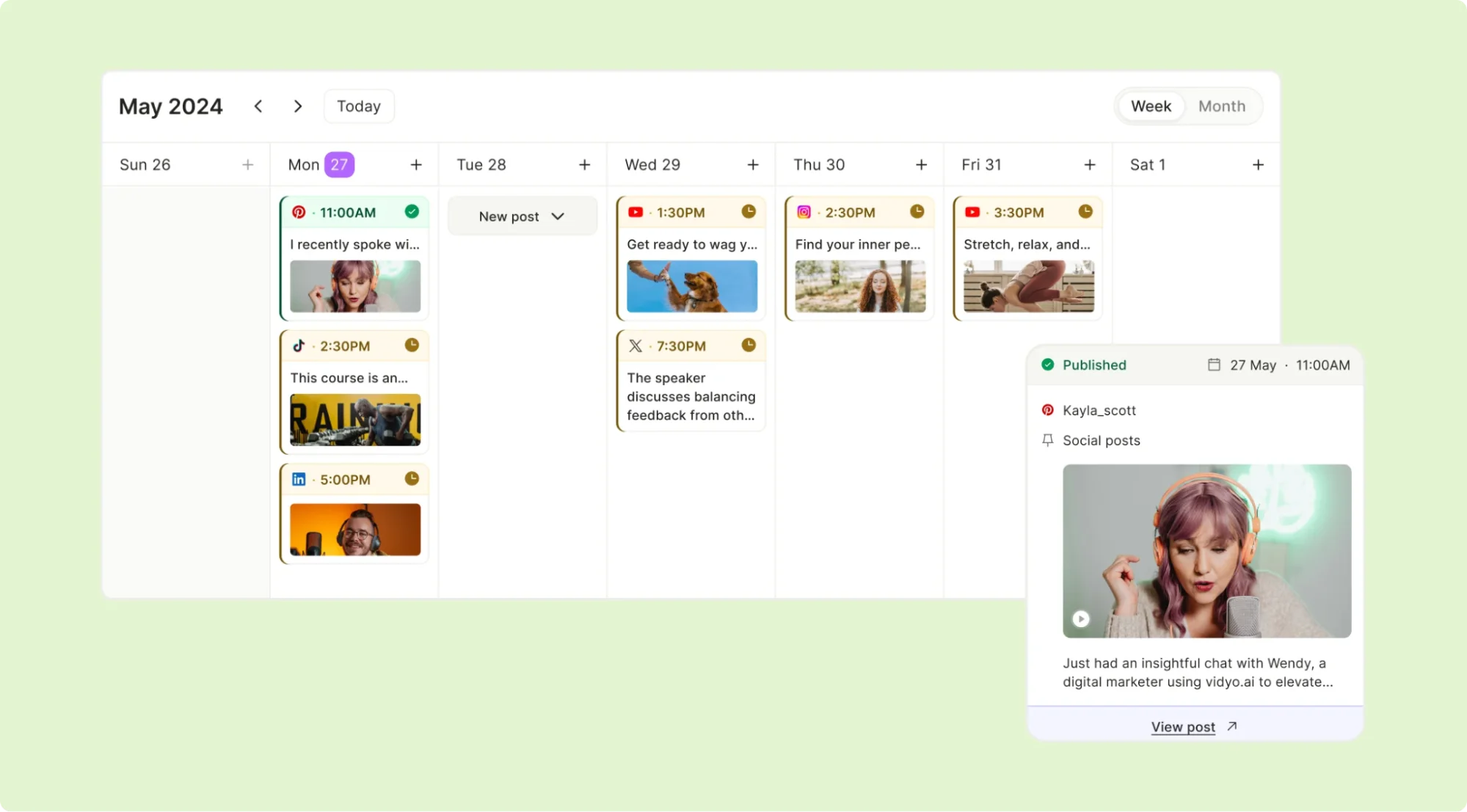
3. AI Content Planner
Stay ahead of the curve with quso.ai’s AI-powered content planner. Map out your content for the week, month, or key campaigns effortlessly, ensuring your workflow remains smooth and organized.
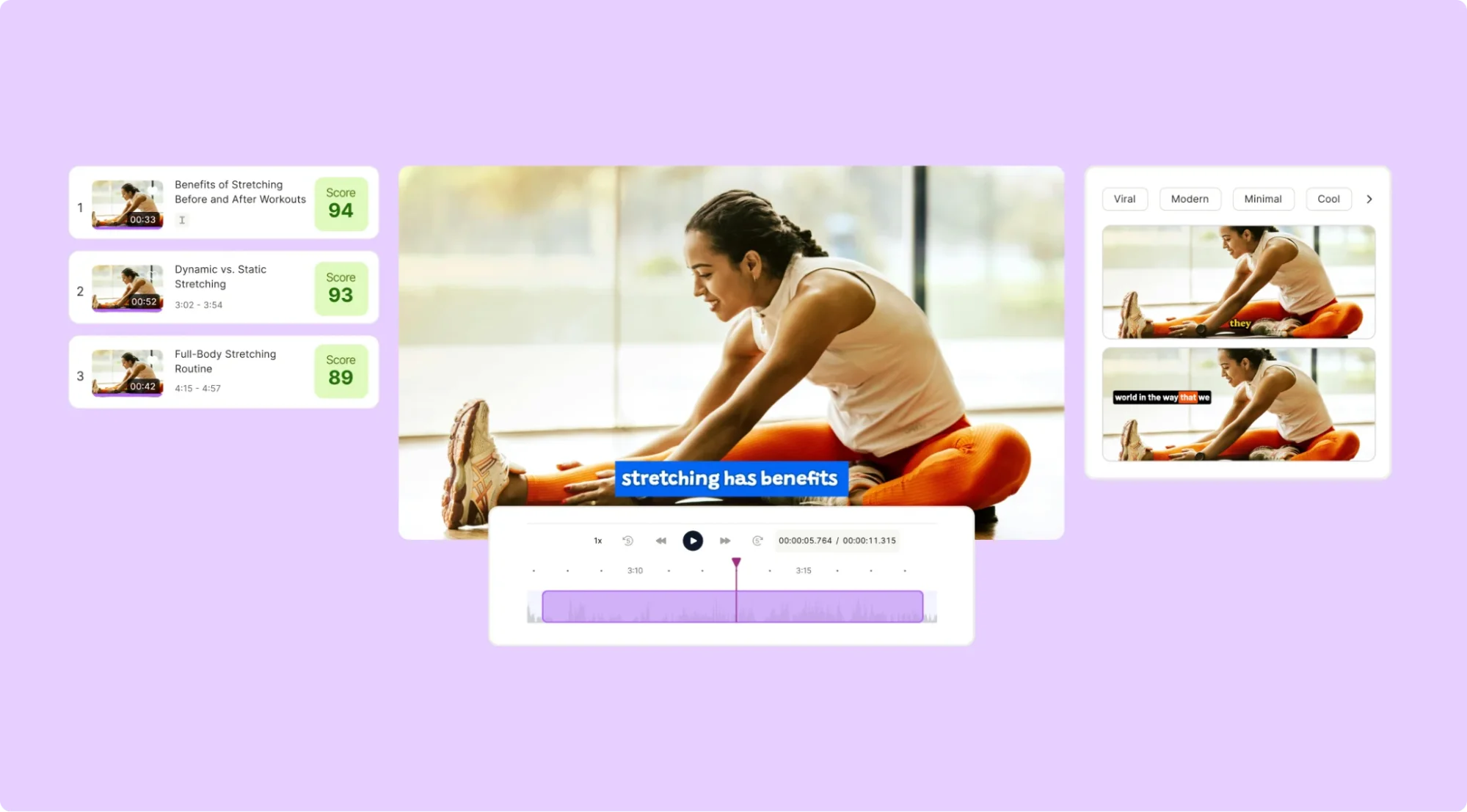
4. AI Content Creation
Create standout content in minutes with quso.ai. From generating social media-ready clips to editing, resizing, and optimizing visuals, the platform’s AI tools help you deliver high-quality results with minimal effort.
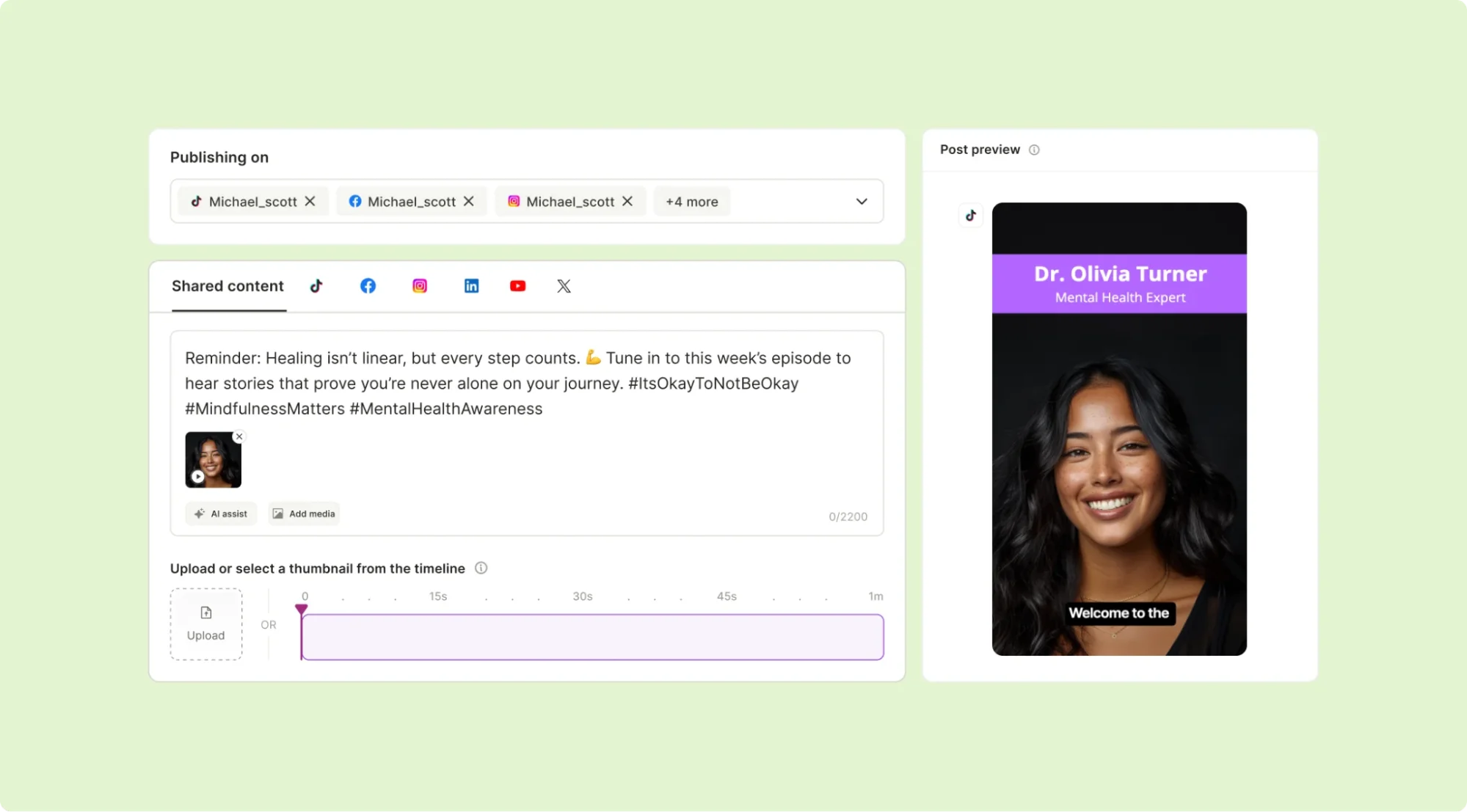
5. AI Caption Generator
Create impactful captions instantly. Whether it’s a catchy phrase, hashtag suggestions, or contextual details, quso.ai ensures your posts are always engaging and aligned with your brand voice.
6. Streamlined Team Collaboration
Collaborate like a pro with quso.ai’s intuitive tools. Work with your team to strategize, create, and execute social media plans efficiently, keeping everyone on the same page.
7. Bulk Content Uploads Simplified
Save time by uploading multiple assets in one go. From images to videos, quso.ai automates scheduling and publishing, letting you focus on creating a winning social media strategy.
Summing It Up: Is SocialPilot Worth It for Your Business?
After evaluating SocialPilot, we can say it’s a reliable social media management tool with solid scheduling, collaboration, and analytics features. It’s a great option for businesses, marketers, and agencies looking for an affordable way to streamline their social media workflow.
That said, SocialPilot has its drawbacks, including occasional post failures and slow customer support. If you need a more advanced solution, quso.ai might be a better fit.
With quso.ai, you get all the features of SocialPilot plus AI-powered insights, AI Content creation tools, an AI video editor, an AI video maker, and an AI inbox to optimize your social strategy.
Sign up for quso.ai today and take your social media management to the next level!
Turn this into 30 clips.
Drop your long video into quso and let IntelliClips do the editing.
Start clipping free