Integrations / TikTok

Smart TikTok Management for Growth

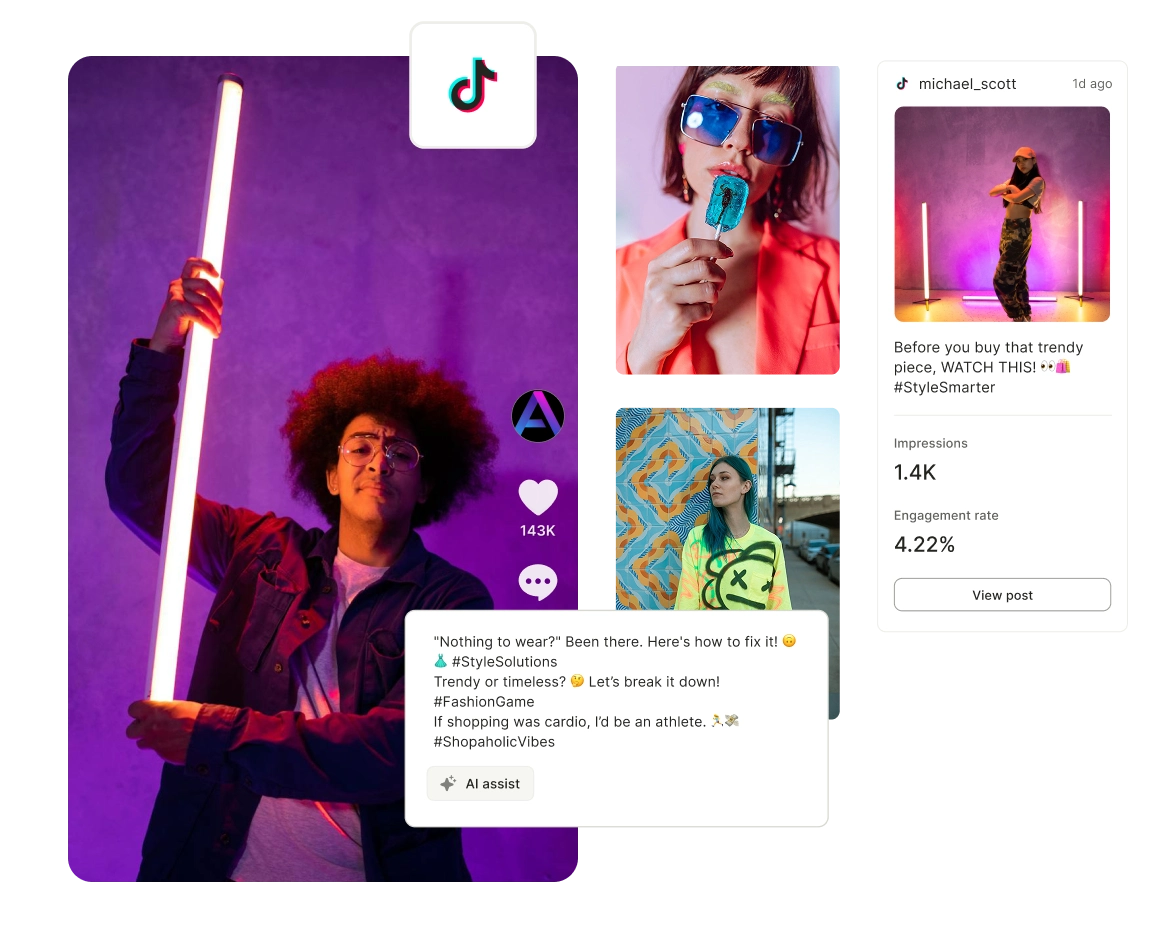
TikTok is where trends are born, but if you're still posting manually, you're already behind. Plan, automate, and optimize your content so you can focus on going viral, not micromanaging uploads.

Start Your Free Trial
Smart TikTok Management for Growth

A Complete TikTok Business Suite For You

Create Viral Content

Generate fresh TikTok ideas based on trends, sounds, and audience insights.

Create Viral Content

Schedule Your Posts

Plan and publish TikTok videos at the best times without manual uploads.

Schedule Your Posts

Predict Engagement

Use insights to forecast which videos will perform best before they go live.

Predict Engagement

Track Performance

Monitor views, engagement, and trends to refine your TikTok strategy.

Track Performance

Visualize TikTok Content Calendar in Seconds

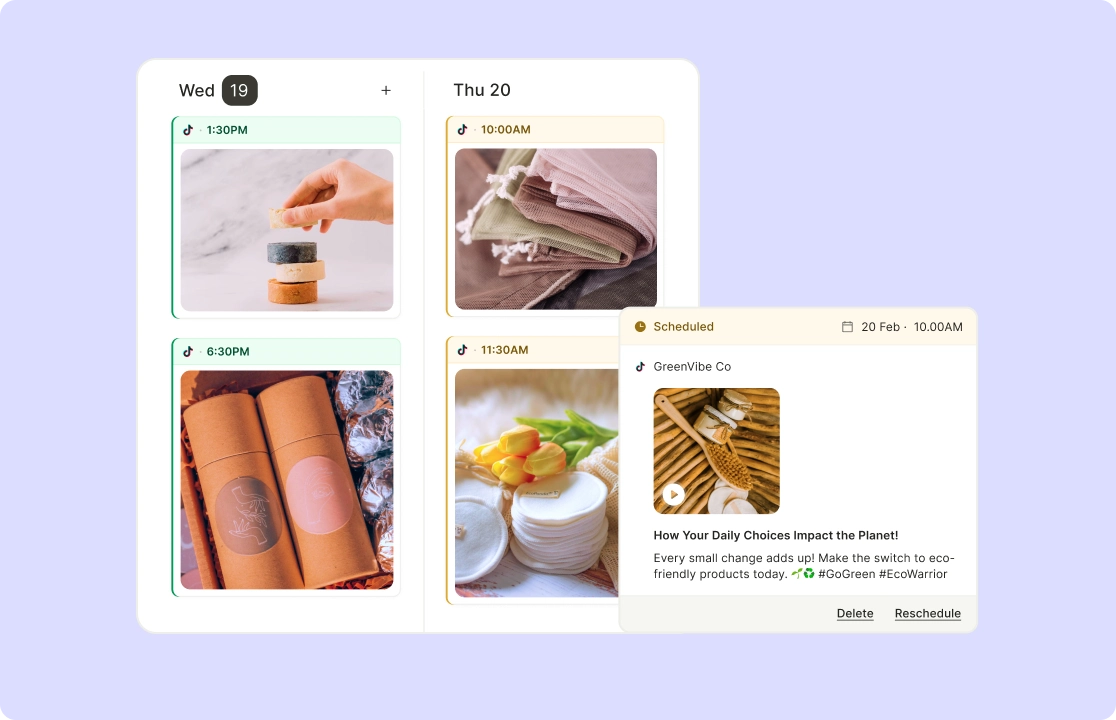
Forget going to your TikTok drafts every time you want to post something, get a complete view of your monthly TikTok content calendar through AI Content Planner. Rearrange posts directly on the calendar to test different posting sequences or balance content types.

Get started now

Visualize TikTok Content Calendar in Seconds

Schedule TikTok Videos with Ease

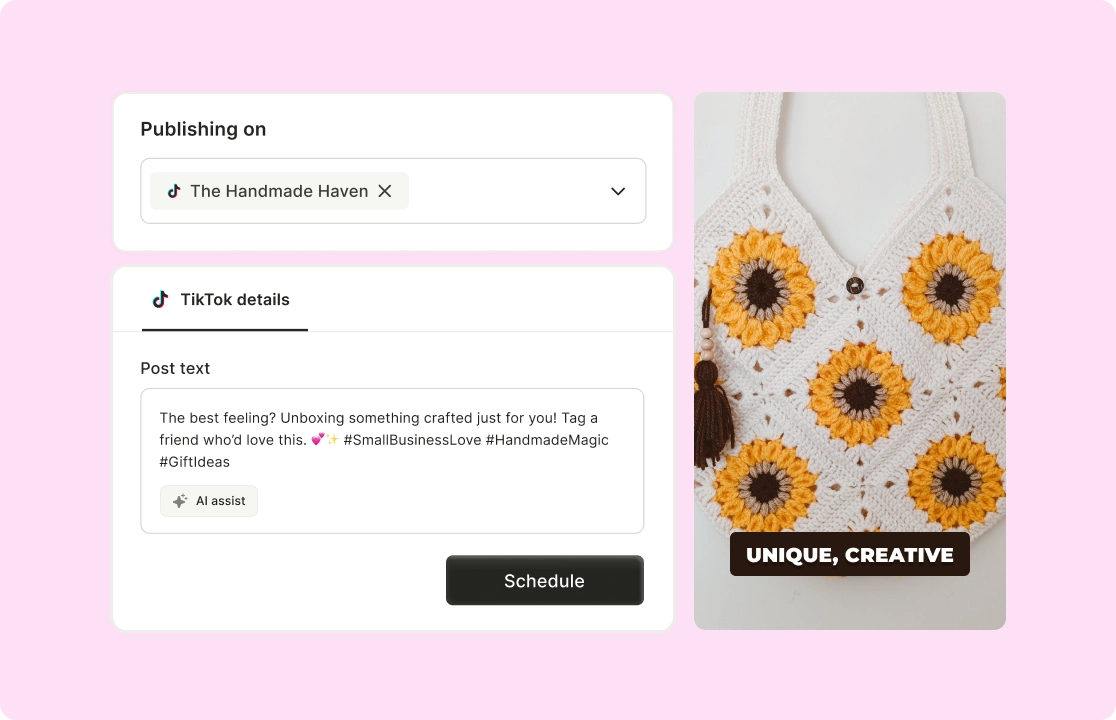
Plan and automate your posts to go live at the best times for maximum reach. Choose publishing times based on audience activity data or manual preferences. Schedule multiple videos in one session with captions, hashtags, and tags pre-added.

Start scheduling today

Schedule TikTok Videos with Ease

All Your Conversations In One Place

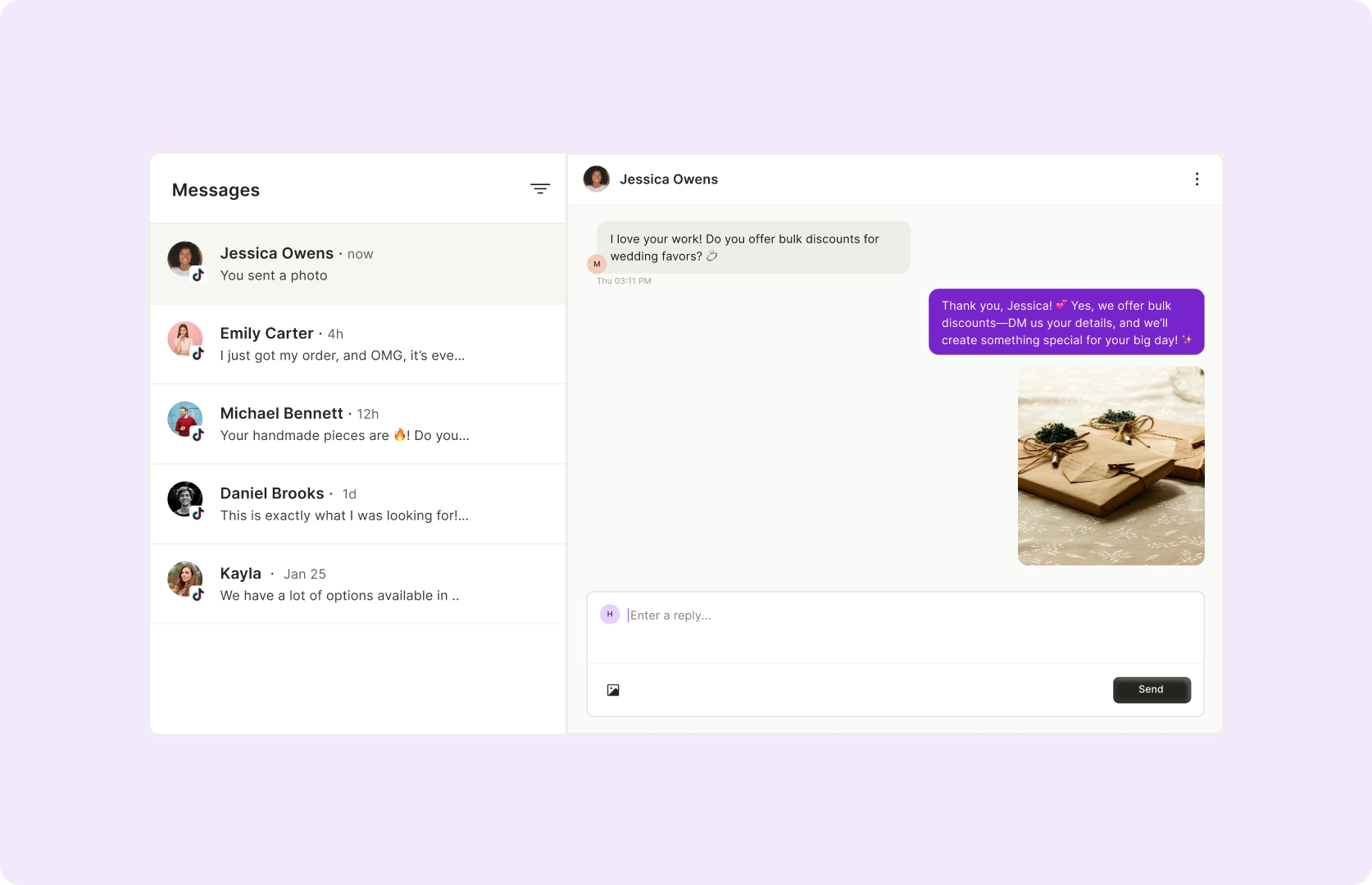
Use our AI Inbox Manager to track and manage all of your social media messages from one dashboard. View DMs, and mentions alongside other platform messages.

Manage conversations now

All Your Conversations In One Place

Track Performance and Grow Faster

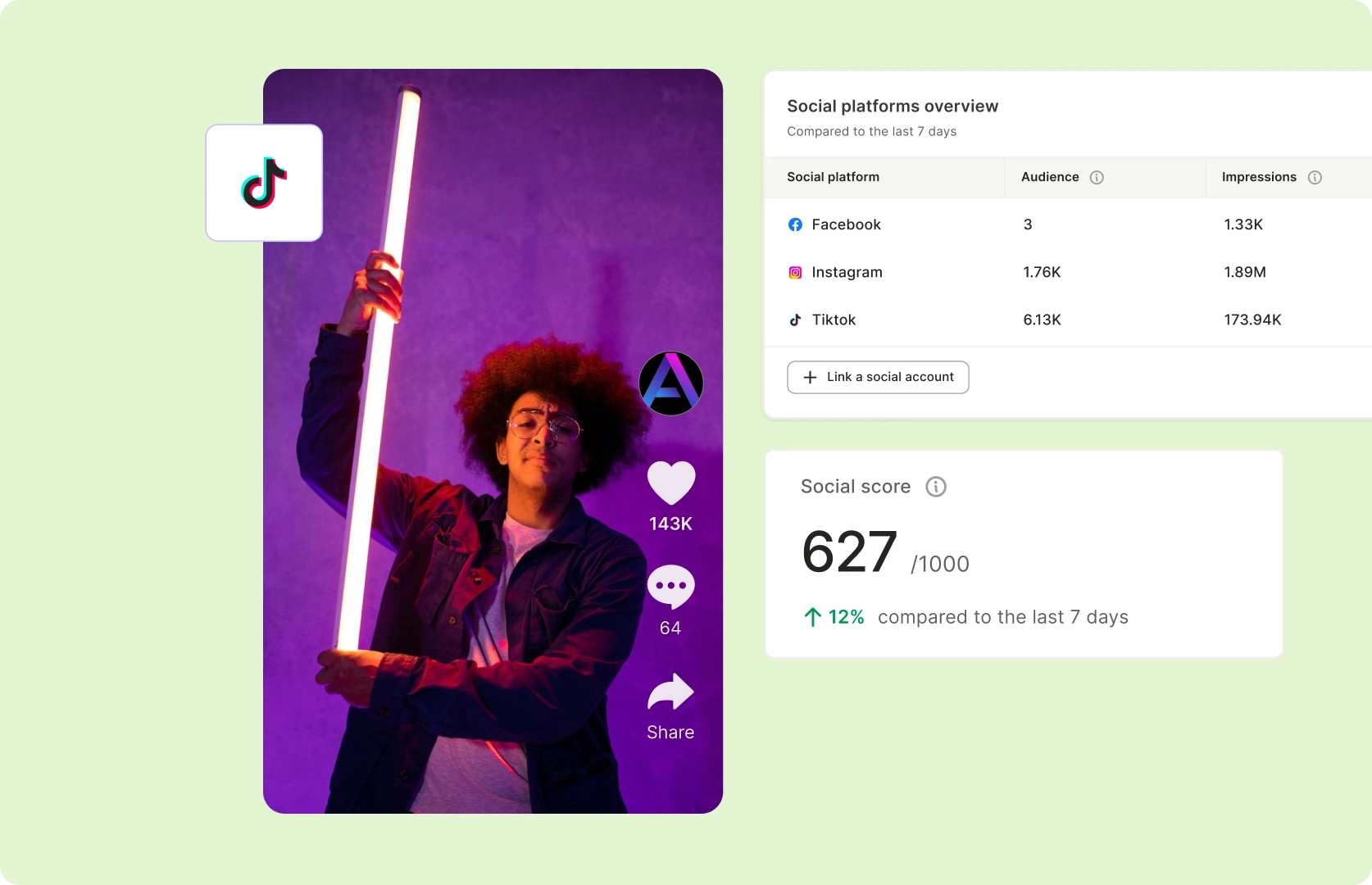
See your views, likes, and engagement metrics in one place to optimize your strategy. See how videos perform against past content or industry benchmarks with Social Media Analytics. Shift focus to high-performing formats or refine underperforming posts.

View insights now

Track Performance and Grow Faster

How To Schedule TikTok Video With quso.ai

  1. Click on Social Media Manager Section

Once you log in to the platform, spot “Social Media” on the left side of the panel.

  1. Choose Your Publishing Time

Now click anywhere on the date you wish to schedule the post on and choose the time.

  1. Customize The TikTok Post

Add Caption, Hashtags and sprinkle some emojis to make your post more descriptive. 

  1. Schedule The Video

Click on Post so that you can see your content is scheduled, and you can locate these posts on the left side under "Posts" and also track analytics.

FAQ

Can you schedule posts on TikTok?+

Yes! With quso.ai’s TikTok scheduler, you can plan and automate your videos so they post at peak engagement hours without manual uploads.

How to schedule TikTok posts?+

Just upload your video to quso.ai, choose the best posting time, and let AI handle the rest. It's that simple.

What insights can I get from TikTok analytics?+

quso.ai's TikTok analytics track engagement, reach, watch time, audience demographics, and performance trends so you can optimize your content strategy.

Can I use quso.ai's TikTok scheduler for free?+

Yes! We offer a free plan that lets you schedule TikTok posts and access basic analytics.

How do I track scheduled TikTok posts?+

quso.ai’s dashboard gives you a full view of your scheduled content, allowing you to manage, reschedule, or tweak posts before they go live.

Smart TikTok Management for Growth

Start Your Free Trial