Integrations / LinkedIn

Scale LinkedIn Leads Instantly

With quso.ai’s LinkedIn post scheduler, you can plan, automate, and optimize your content, ensuring your posts hit the right audience at the right time—without manual effort.

Get Started For Free
Scale LinkedIn Leads Instantly

Turn LinkedIn Into a Lead-Generating Machine

Generate More Leads

Reach decision-makers with consistent, targeted LinkedIn posts that drive engagement.

Generate More Leads

Schedule Posts

Plan and automate content to stay visible without the daily effort.

Schedule Posts

Track Performance

See which posts resonate with your audience and optimize accordingly.

Track Performance

Build Authority

Share insights, success stories, and thought leadership to grow credibility.

Build Authority

Map Out Your LinkedIn Content Strategy in Seconds

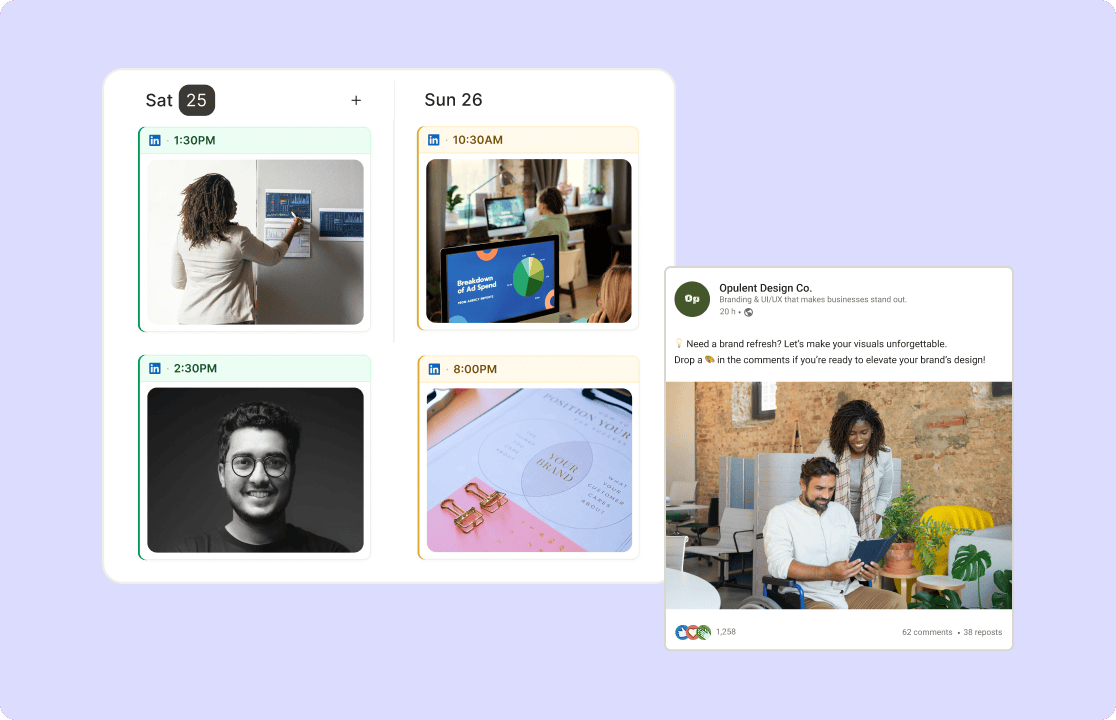
No more jumping between drafts and notes. See your entire LinkedIn content calendar at a glance with AI Content Planner. Rearrange posts, articles, or carousels to mix thought leadership, company updates, and industry insights—all optimized for professional engagement.

Get started now

Map Out Your LinkedIn Content Strategy in Seconds

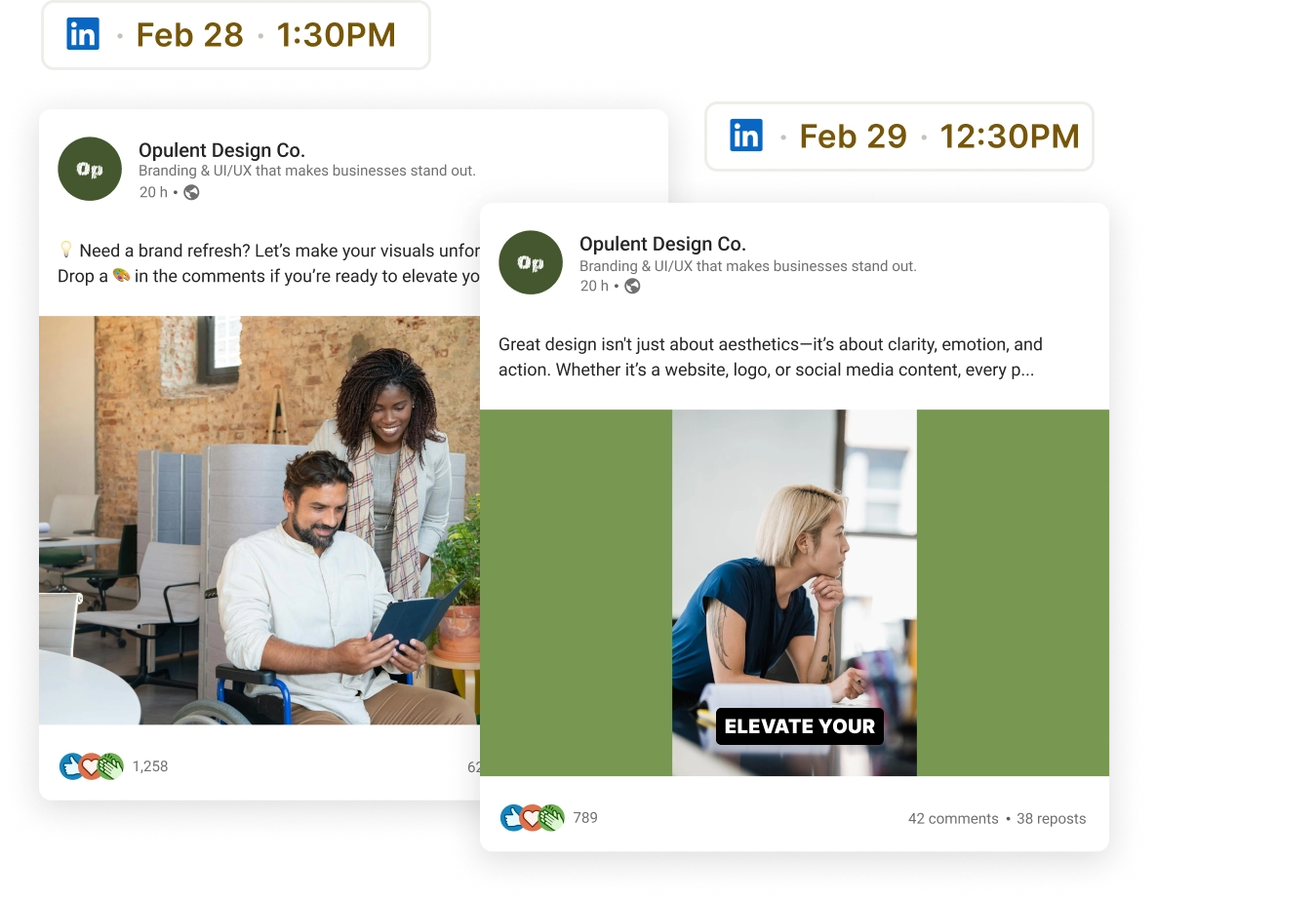
Schedule LinkedIn Posts That Get Seen

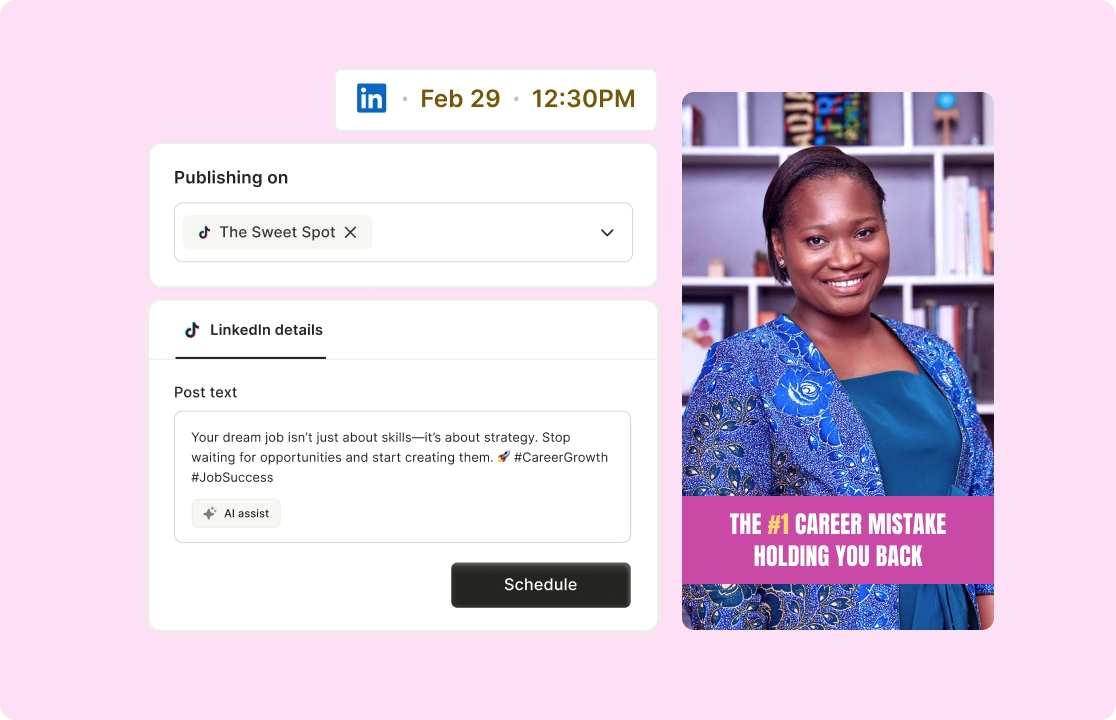
Plan and schedule posts when your audience is most active—without the daily effort. Select posting slots based on when your connections and followers are most active. Schedule multiple posts in one session, complete with captions, hashtags, and links.

Start scheduling today

Schedule LinkedIn Posts That Get Seen

Track Engagement and Measure Impact

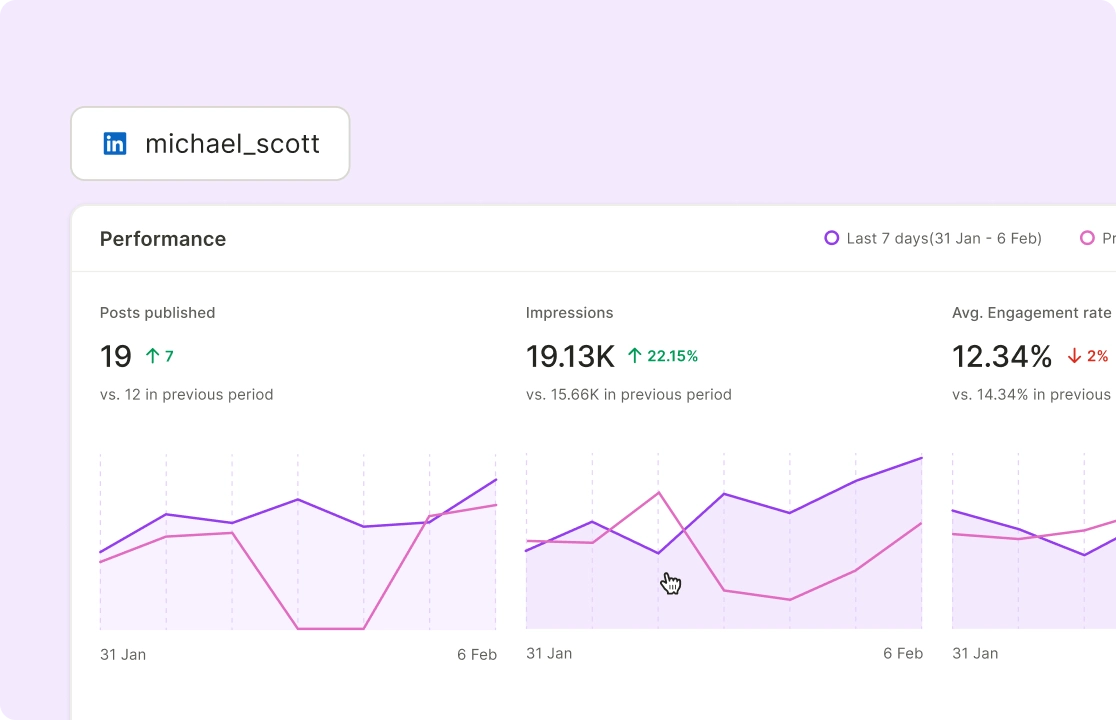
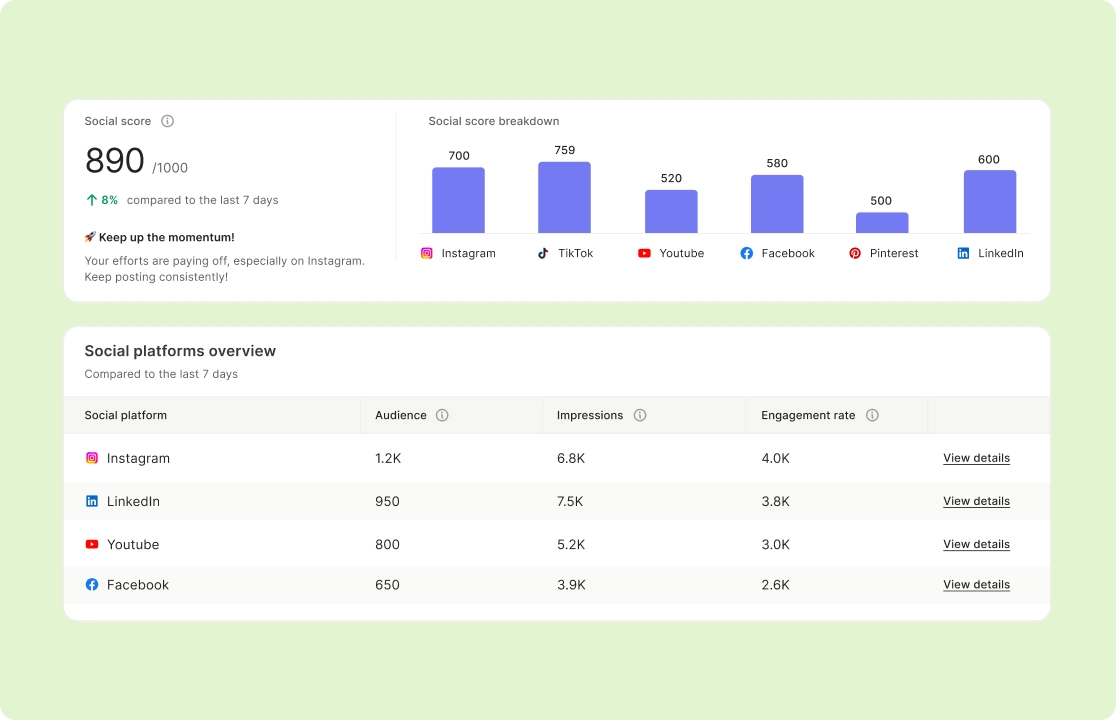
See impressions, clicks, and engagement metrics in real time to understand what works.Highlight posts with high engagement or reach to replicate their success. Download reports to share insights with your team or stakeholders.

Track performance now

Track Engagement and Measure Impact

Refine Your Strategy with Data-Driven Insights

Identify high-performing posts and adjust your content strategy to generate more leads. Review metrics for posts with the highest engagement or lead generation with Social Media Analytics. Experiment with different headlines, CTAs, or posting times to improve results.

Optimize your content now

Refine Your Strategy with Data-Driven Insights

How To Schedule LinkedIn Videos With quso.ai

  1. Click on Social Media Manager Section

Once you log in to the platform, spot “Social Media” on the left side of the panel.

  1. Choose Your Publishing Time

Now click anywhere on the date you wish to schedule the post on and choose the time.

  1. Customize The LinkedIn Post

Edit AI generated LinkedIn Caption, Hashtags and sprinkle some emojis to make your post more descriptive. 

  1. Schedule The LinkedIn Post

Click on Post so that you can see your content is scheduled, and you can locate these posts on the left side under "Posts" and also track analytics.
FAQ

How do I look at scheduled LinkedIn posts?+

With quso.ai’s LinkedIn post scheduler, you can easily view all scheduled posts from your dashboard, make adjustments, and stay organized.

Can you schedule posts on LinkedIn?+

Yes! quso.ai allows you to schedule LinkedIn posts in advance, ensuring you maintain a consistent posting schedule without manual uploads.

How do I edit scheduled posts on LinkedIn?+

Simply go to your scheduled posts in quso.ai, select the post you want to edit, make changes, and save. Your post will update automatically before publishing.

How does AI help optimize LinkedIn scheduling?+

quso.ai’s AI analyzes your audience behavior and engagement trends to suggest the best posting times, maximizing your visibility and reach.

Can I use quso.ai’s LinkedIn scheduler for free?+

Yes! We offer a free plan that lets you schedule LinkedIn posts and access essential analytics.

Scale LinkedIn Leads Instantly

Get Started For Free