AI Content Creator

AI Content Creator That Turns Ideas Into Content Instantly

Turn text into videos effortlessly—speed up content creation, attract more subscribers, and drive views and growth using one powerful AI marketing team.

Start Creating Content
AI Content Creator That Turns Ideas Into Content Instantly

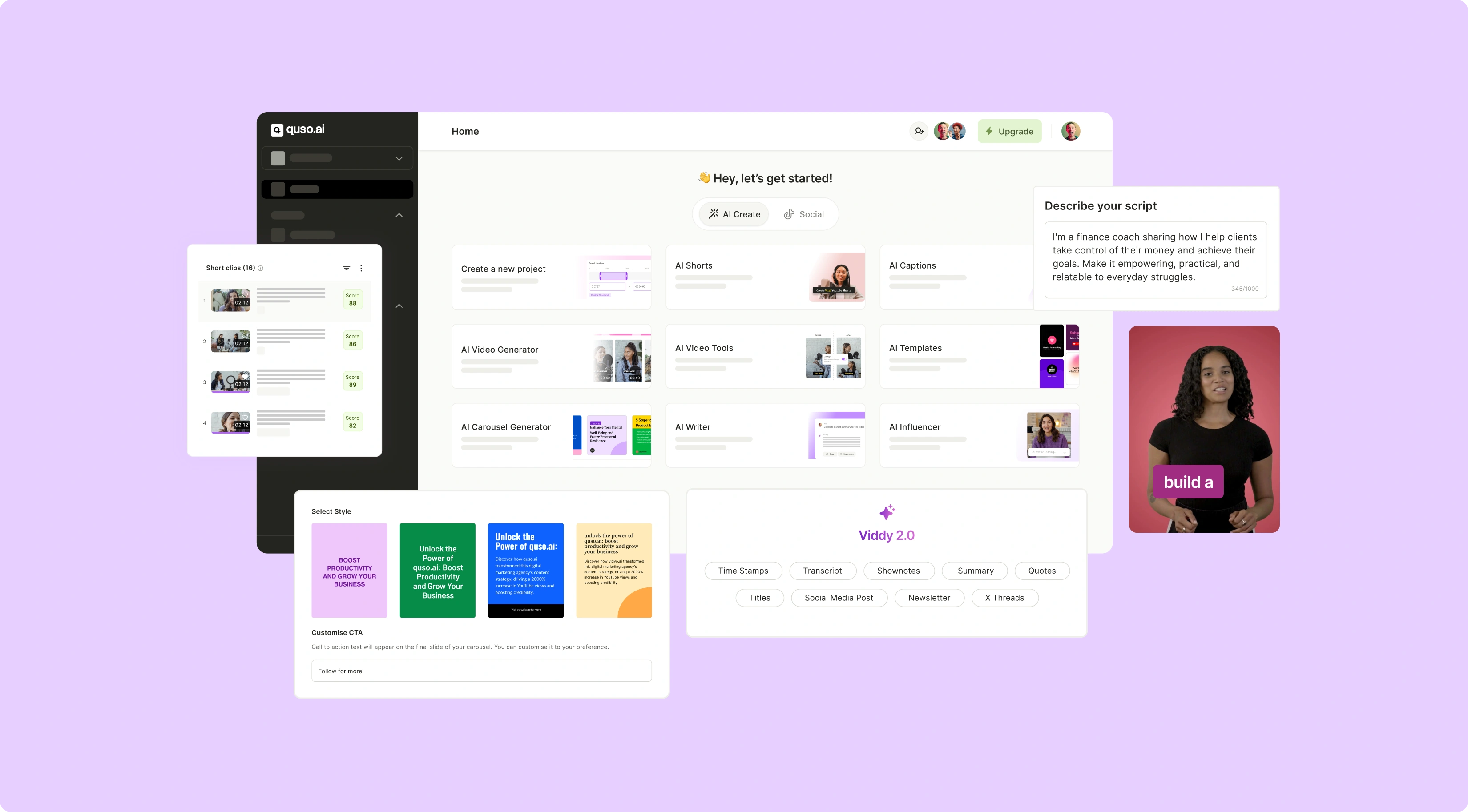
Your All-In-One AI Tool for Effortless Content Creation

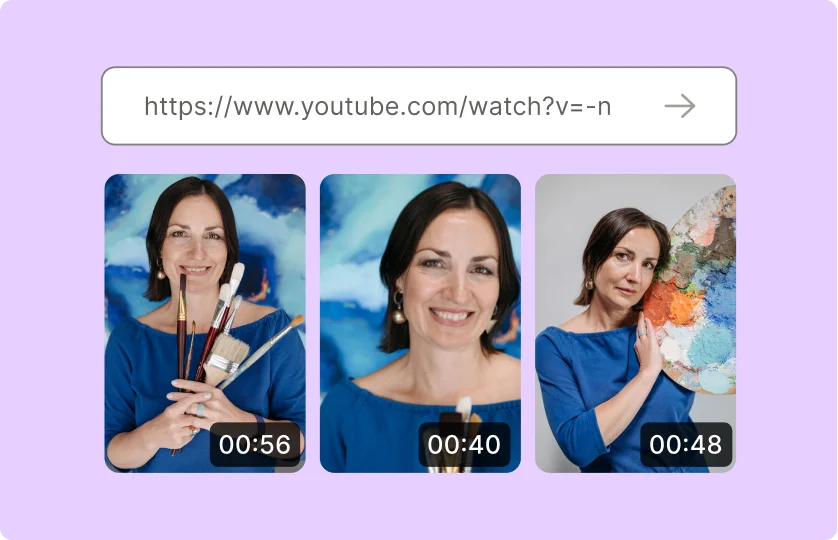
AI-Powered Video Clips in Seconds

Our AI clips generator identifies the most engaging moments from your videos, automatically trimming and editing them into shareable clips. Perfect for TikTok, Instagram, or any platform, this feature saves you hours of editing time.

AI-Powered Video Clips in Seconds

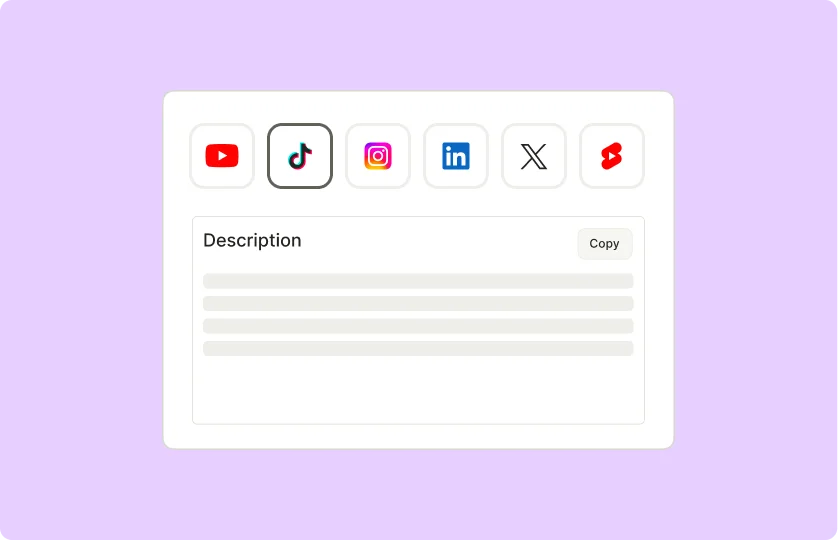
Engaging Social Media Posts in Minutes

quso.ai’s post generator crafts captions, hashtags, and post ideas tailored to your audience. Just input a topic, and let the AI handle the creativity to drive engagement effortlessly.

Engaging Social Media Posts in Minutes

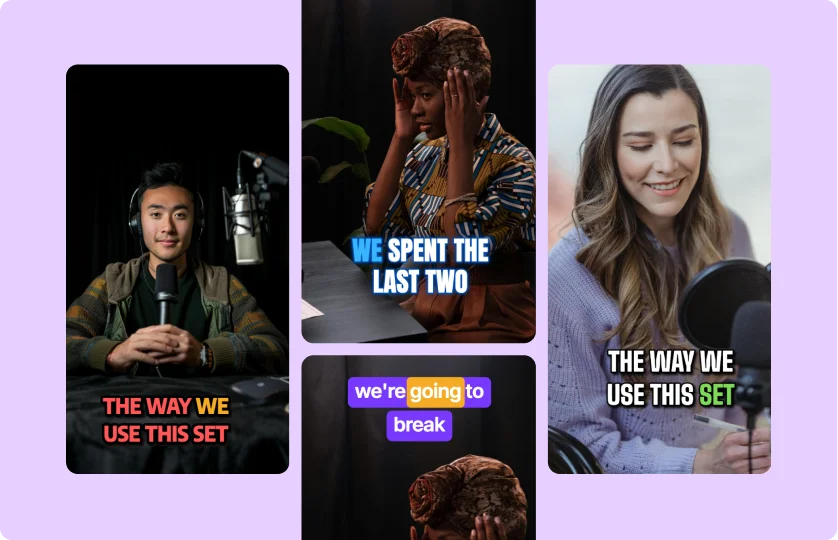
Convert Text to Video in No Time

Turn ideas into professional-quality videos in no time. Add voiceovers, subtitles, and animations with just a click, making your content stand out across platforms.

Convert Text to Video in No Time

Turn Moments Into Viral Clips

quso.ai automatically identifies the best moments from your videos and convert them into shareable, short-form clips optimized for TikTok, Instagram, and more.

Try AI Video Clipping

Turn Moments Into Viral Clips

High-Impact Posts Without the Hassle

Input an idea or topic, and let the AI craft witty captions, hashtags, and engaging copy tailored for any platform.

Generate AI Posts Now

High-Impact Posts Without the Hassle

Videos Created in Minutes, Not Hours

Generate professional-quality videos from your ideas or templates. Perfect for explainer videos, ads, or tutorials.

Generate Videos Quickly

Videos Created in Minutes, Not Hours

How to Create Video Content in 4 Simple Steps

  1. Start a New Project

Launch the video editing tool and select "New Project" to set up your workspace. This initial step organizes your assets and prepares your timeline for editing.

  1. Generate or Import Your Content

Choose between generating AI-generated video clips or uploading your own footage. Browse templates, stock libraries, or record new content to build your storyboard.

  1. Edit Your Video

Refine your project in the built-in editor. Overlay text, captions, and logos for branding, adjust transitions and effects for polish, and trim clips to perfect pacing. Sync with music or voiceovers to elevate engagement.

  1. Export and Schedule for Social Media

Once finalized, export your video in platform-friendly formats for TikTok, Reels, or YouTube Shorts. Use the scheduling tool to automate posting at peak times, adjust deadlines as needed, and maximize reach without manual effort.
FAQ

Can I generate videos from text?+

Yes, you can generate trendy faceless videos with quso.ai.

Does the AI support multiple languages?+

Yes, quso.ai supports multiple languages including Spanish, French, German.

How customizable are the AI outputs?+

You can customize every element of the generated output starting from captions, script to the effects of the video.

Can I edit the AI-generated content after creation?+

Yes, all AI-generated content can be customized using our intuitive editor. Adjust text, visuals, or layouts to perfectly match your brand's tone and style.

Is the AI suitable for all industries and niches?+

Absolutely! Our AI Content Creator is versatile and works for any industry, from e-commerce and education to entertainment and tech. The content can be tailored to suit your specific audience and goals.

AI Content Creator That Turns Ideas Into Content Instantly

Start Creating Content