Get Munch AI Review: Is it Good for Video Repurposing?
Discover if Get Munch AI is the ideal tool for video repurposing. Explore its features, pros, cons, and the best alternatives in this detailed review.

Get Munch AI is one of the many AI-powered video repurposing tools that promise to transform long videos into short, engaging clips in seconds. With features like AI clipping, auto-generated captions, and platform-specific optimization, it aims to simplify video editing for businesses, marketers, and content creators.
We’ve been testing Get Munch AI for the past week, and if you create video content, listen up. Editing and repurposing videos can be a time-consuming process, and a tool that automates this without sacrificing quality is a game-changer.
Get Munch AI claims to do just that—handling the tedious parts while delivering polished, shareable content.
But with so many AI tools making similar promises, does Get Munch AI actually stand out? We put it to the test. Here’s what we found.
{{cta-richtext}}
Quick Summary of Get Munch AI
.table_component caption { caption-side: top; text-align: left; }
.table_component th { border: 1px solid #dededf; background-color: #eceff1; color: #000000; padding: 5px; }
.table_component td { border: 1px solid #dededf; background-color: #ffffff; color: #000000; padding: 5px; }
    </tr>
    <tr>
        <td>Free Plan</td>
        <td>❌ No free plan, only paid options</td>

    </tr>
    <tr>
        <td>Pricing</td>
        <td>✅ Starts at $49/month </td>
    </tr>
    <tr>
        <td>AI Clips</td>
        <td>✅ Automatically extracts key moments from videos </td>
    </tr>
    <tr>
        <td>AI Video Editing</td>
        <td>✅ AI-powered editing but lacks manual fine-tuning </td>
    </tr>
    <tr>
        <td>AI Captions</td>
        <td>✅ Auto-generated captions for accessibility </td>
    </tr>
    <tr>
        <td>Team Collaboration</td>
        <td>✅ Available in higher-tier plans </td>
    </tr>
    <tr>
        <td>Pros</td>
        <td>✅ Saves time with automation, supports multiple languages, optimizes for social media platforms</td>

    </tr>
    <tr>
        <td>Cons</td>
        <td>❌ Limited manual editing, AI accuracy can be inconsistent</td>
    </tr>
</tbody>| Feature | Get Munch AI Details |
|---|---|
| Ease of Use | ✅ Intuitive interface, beginner-friendly |
What is Get Munch AI?
Get Munch AI is an AI-powered video editing and repurposing tool designed to transform long-form content into short, engaging clips optimized for social media. It automates the process of identifying key moments, adding captions, and resizing videos for different platforms, making content creation faster and more efficient.
With AI-driven analysis, Get Munch AI extracts the most engaging highlights from a video and optimizes them for platforms like TikTok, Instagram Reels, and YouTube Shorts. This eliminates the need for manual editing while ensuring the final clips are polished and ready to share.
Get Munch AI First Impressions
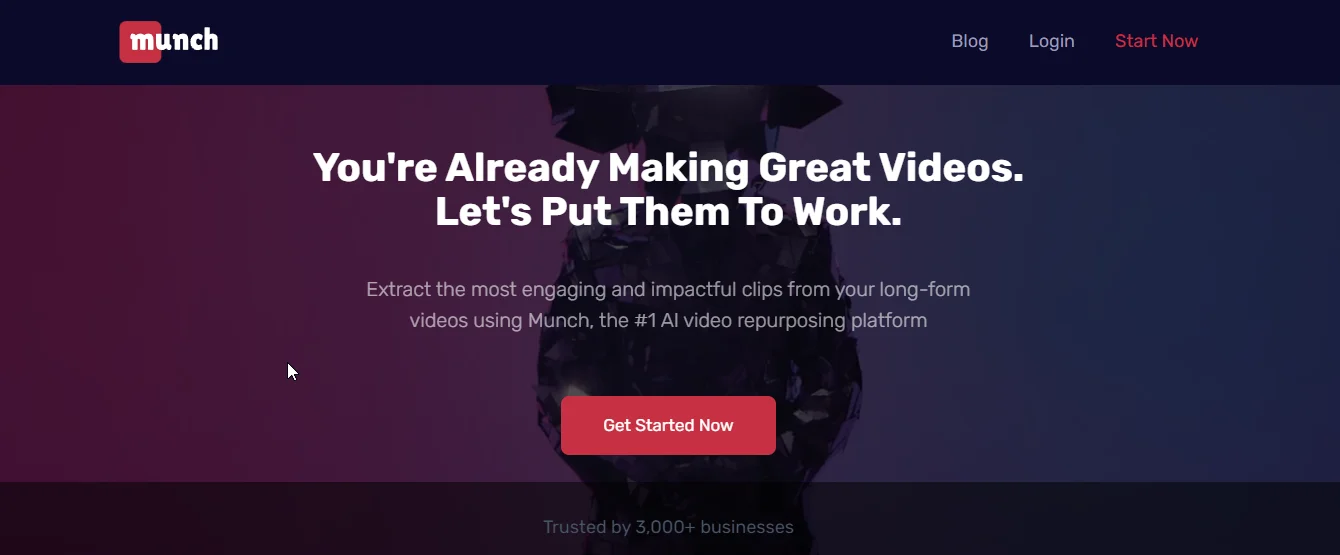
When we landed on Get Munch AI’s homepage, it immediately conveyed its core purpose—turning long videos into short, engaging clips. The messaging is clear, making it easy to understand what the tool offers right away.
The interface is clean and intuitive, with a unique design that sets it apart from other AI editing tools. Navigation feels smooth, and the platform’s layout ensures that even first-time users can get started without confusion.
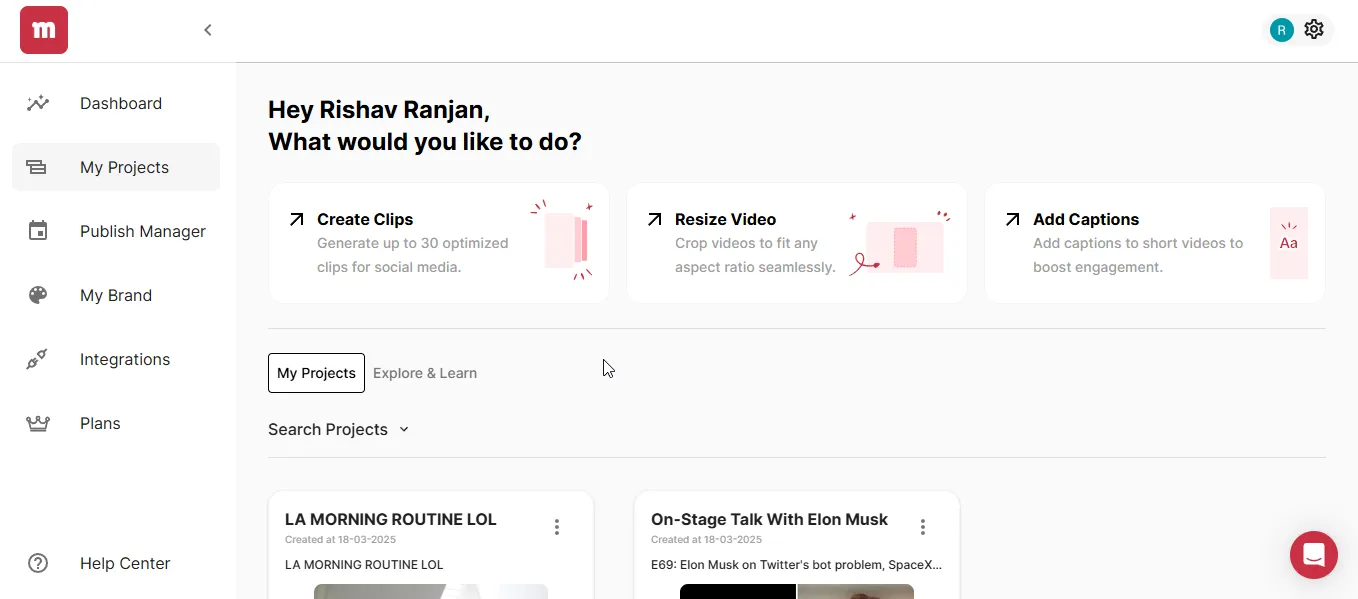
Once inside the app, the dashboard is clean and minimal with four main options: Create Clips, Resize Video, Add Captions, and Search Projects. Recent projects are neatly listed, making it easy to access past work. The intuitive layout ensures a seamless experience, allowing users to start editing without any confusion.
{{cta-richtext}}
Get Munch AI Features
- AI-Driven Editing: Get Munch AI automatically detects and extracts the most engaging moments from long-form videos, making them ready for social media sharing.
- Auto-Captions: The app generates captions instantly, ensuring videos remain accessible and engaging across various platforms.
- Platform Optimization: The platform adjusts content to fit the ideal format for TikTok, Instagram, and YouTube Shorts, maximizing visibility.
- Trending Insights: It leverages social and marketing trends to optimize for virality, giving your clips the best chance to gain traction.
- Multilingual Support: Get Munch AI seamlessly generates content in over 10 languages, making localization effortless and expanding audience reach.
Get Munch AI Pros
Get Munch AI offers several standout features that make video editing faster and more efficient. Here are some key benefits that enhance the content creation experience:
- Time-Saving Automation: When we used Get Munch AI, it handled video editing and captioning automatically, saving us significant time in content production.
- User-Friendly Interface: It allowed us to navigate the platform effortlessly, thanks to its simple and intuitive design, making content creation accessible for all skill levels.
- Comprehensive Social Media Support: We really liked this feature because it ensures content is optimized for major platforms like YouTube, Instagram, and TikTok without extra manual adjustments.
- AI-Driven Insights: This is a game-changer, as it uses trending data and AI to optimize clips for maximum engagement and virality.
- Multilingual Content Creation: When we used Get Munch AI, it seamlessly supported multiple languages, making it easier to create localized content for global audiences.
Get Munch AI Cons
While Get Munch AI excels at automation and clip generation, it lacks some essential features of a full-suite video editing app. Here are some limitations to keep in mind:
“Only 25% of the clips are usable. I would like to do more editing within the app instead of having to download and continue editing.”
- Limited Editing Flexibility: Get Munch AI generates clips automatically, but the lack of advanced in-app editing options means users may need to download and refine content using external tools.
- Relies on AI Accuracy: This was a major letdown at times, as AI occasionally missed context nuances, requiring manual adjustments to ensure accuracy.
- Learning Curve for Advanced Features: When we tried Get Munch AI, basic tasks were intuitive, but mastering the more advanced features took some trial and error to fully utilize.
- Subscription Cost: When we tried to evaluate the pricing, we found that it might be a bit steep for small businesses or individuals with tighter budgets.
Get Munch AI Pricing
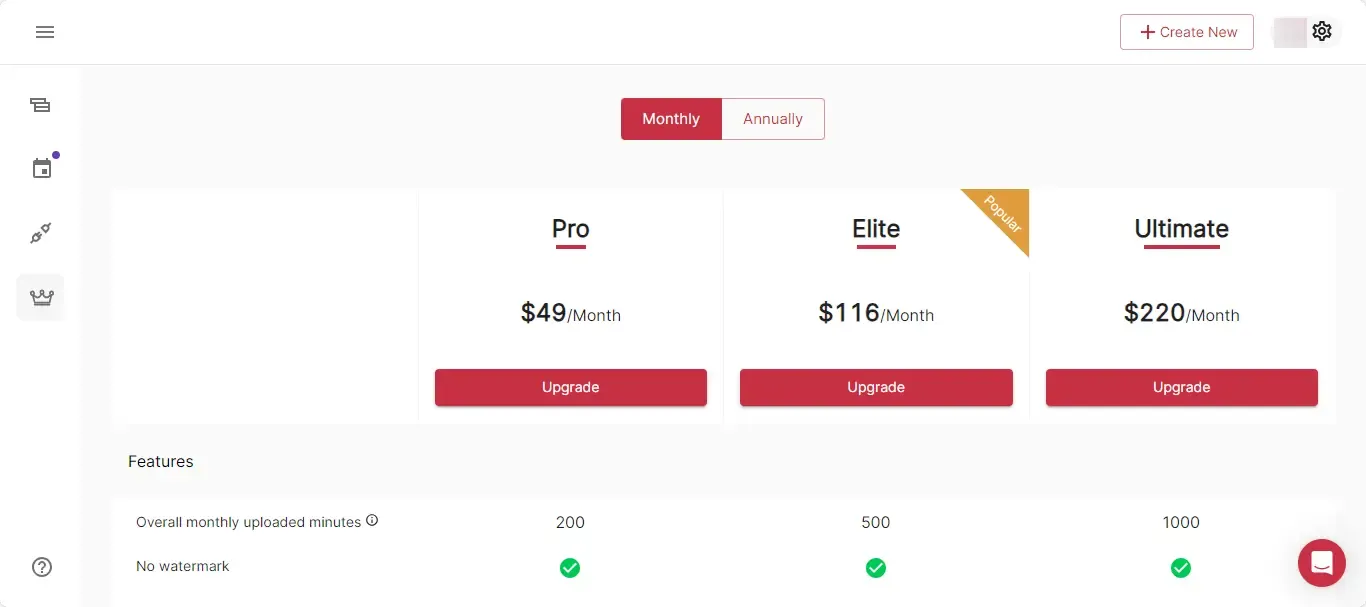
Get Munch AI offers flexible pricing plans designed to suit different types of users, from solo creators to media agencies. Whether you need basic features or advanced tools, there's a plan that fits your workflow. Here’s a breakdown of the available options:
Pro Plan – $49/month
Ideal for individuals and small businesses, this plan includes:
- 200 minutes of video uploads per month
- AI-powered short clip generation for social media
- Essential editing features
Elite Plan – $116/month
Designed for creators who need more flexibility and early access to new features:
- 500 minutes of video uploads per month
- All features from the Pro Plan
- Exclusive early access to new tools and updates
Ultimate Plan – $220/month
Best for brands and media agencies that require extensive editing capabilities:
- 1000 minutes of video uploads per month
- All features from the Pro and Elite Plans
- Full access to premium tools for advanced content creation
Are You Looking for a Get Munch AI Alternative?
While Get Munch AI is a solid choice for repurposing videos, it’s not the only option. If you’re looking for a tool that offers more than just clipping and captions, quso.ai might be the perfect alternative.
It’s an all-in-one AI-powered platform that helps you transform long videos into viral clips, automate subtitles, fine-tune edits, schedule posts, and manage your entire social media presence—seamlessly and efficiently.
Here’s why quso.ai is a superior alternative to Get Munch AI:
1. AI Clip Creation: Identifies and extracts the most engaging moments from longer videos to create short, attention-grabbing clips perfect for social media.
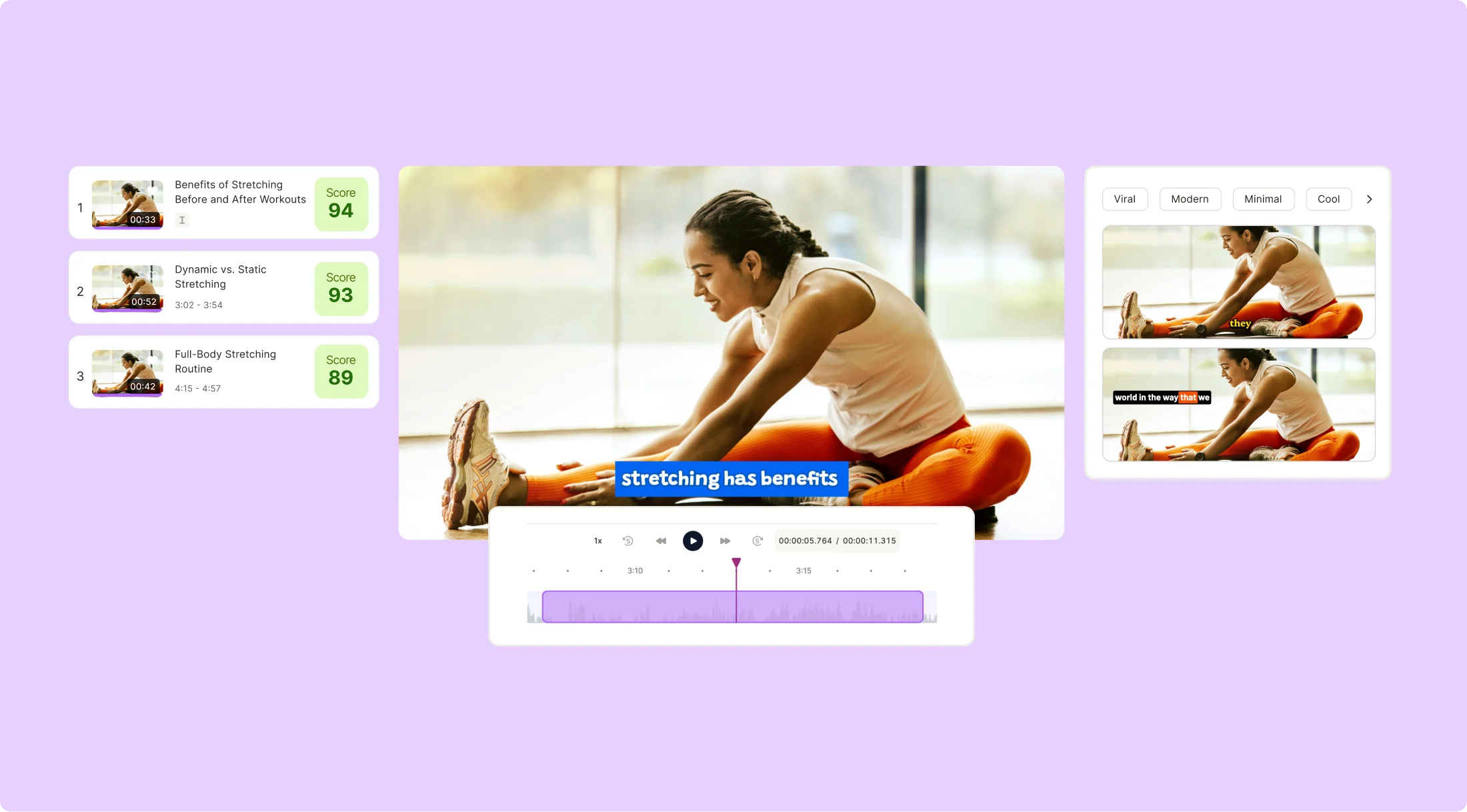
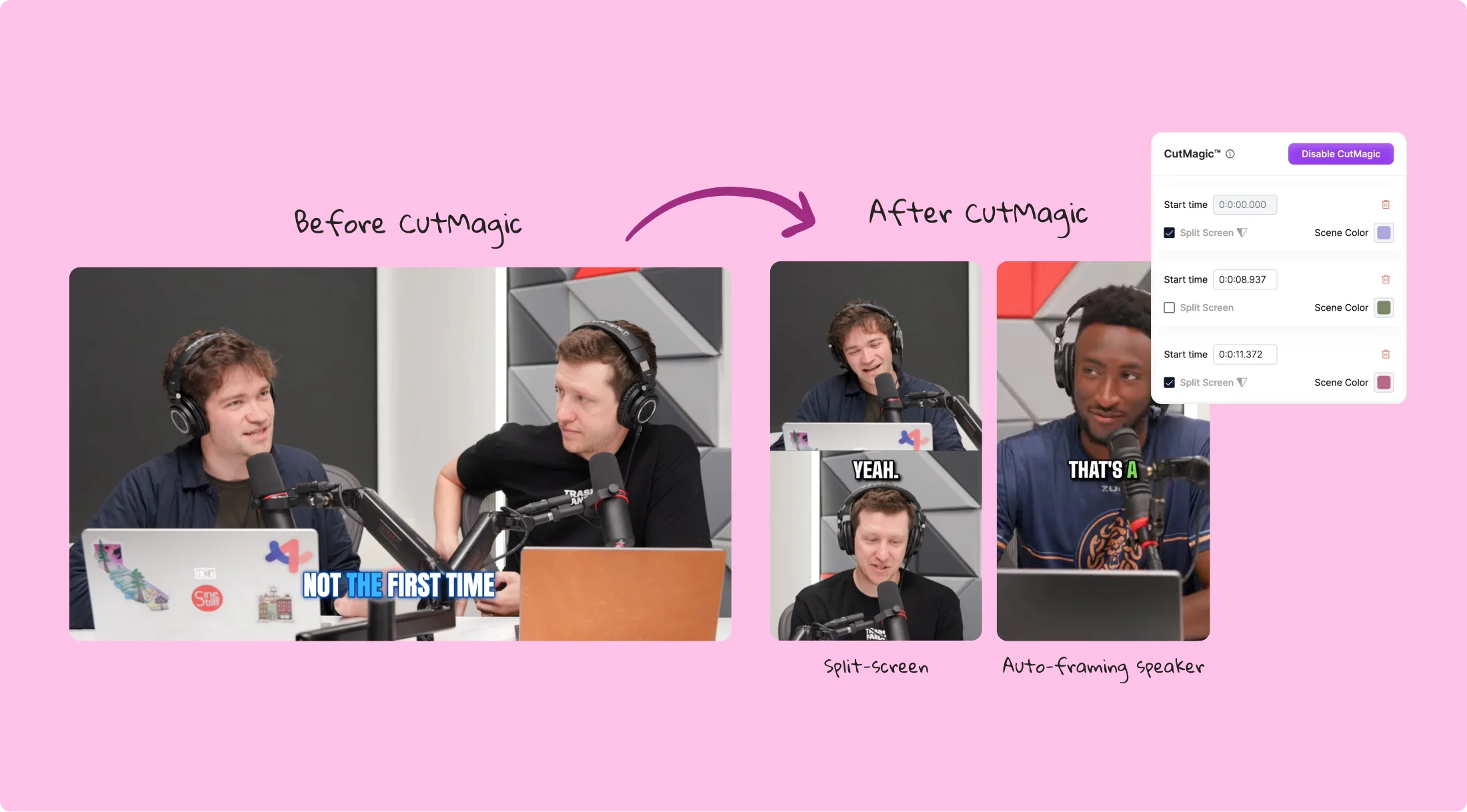
2. CutMagic: Automatically detects and adjusts scene changes for smoother, more professional video editing, saving you time.
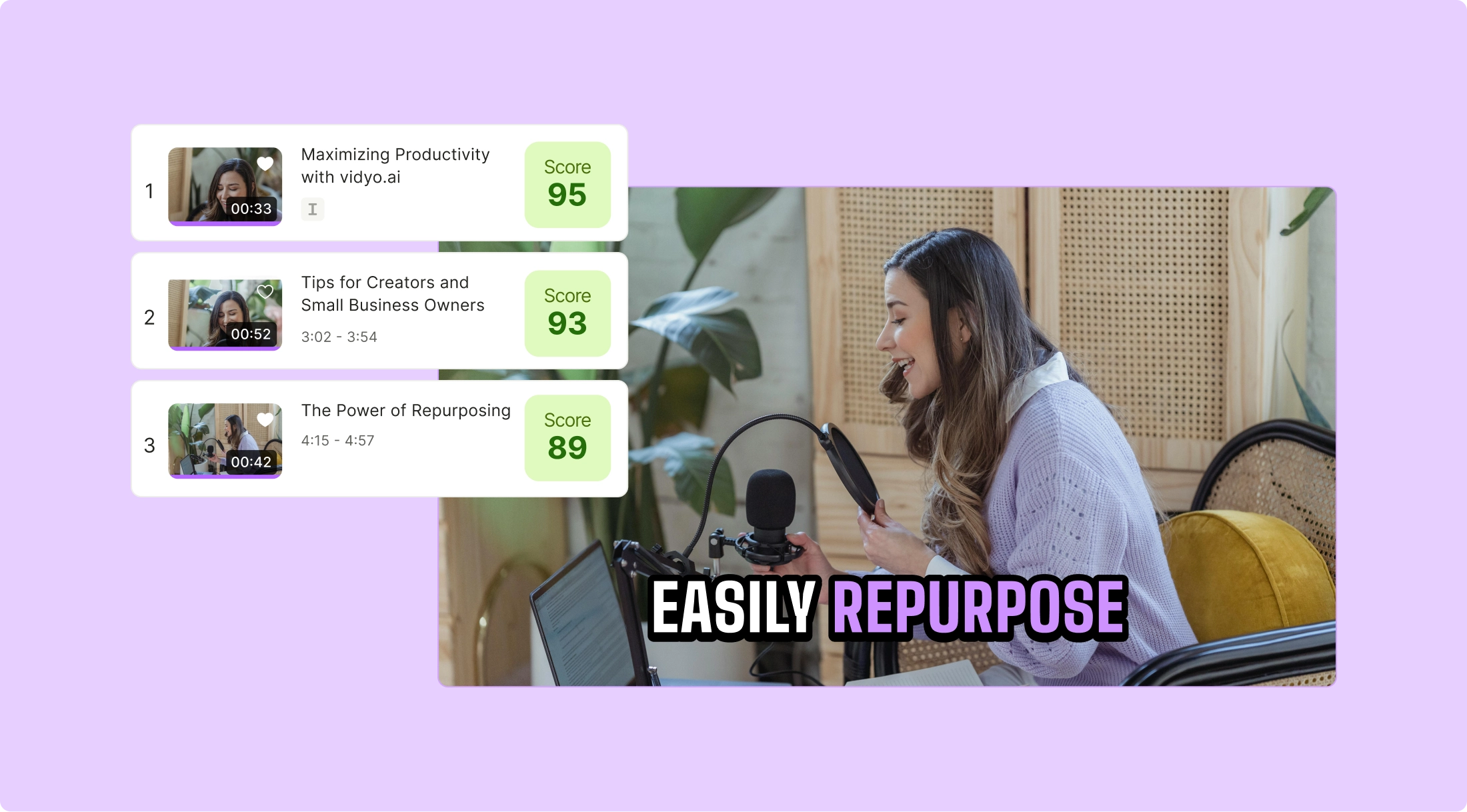
3. AI Virality Score: Predicts the potential success of your content, helping you optimize for better engagement.
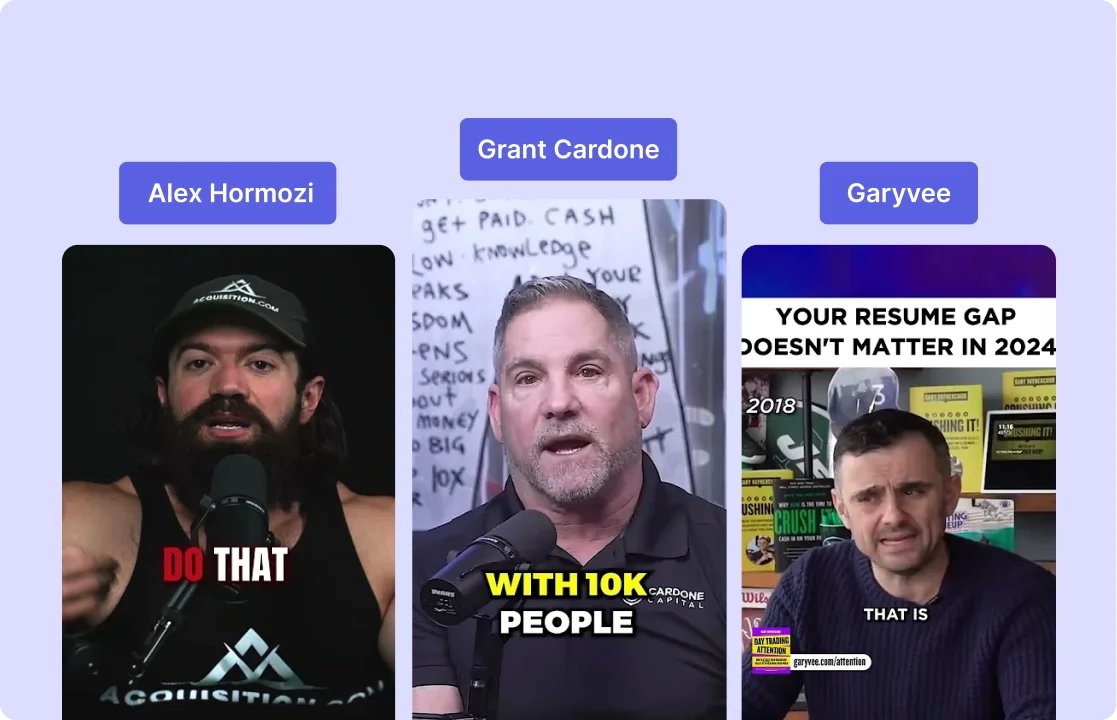
4. Automated Branding: Automatically applies your logos, colors, and fonts to maintain consistent branding across all videos.
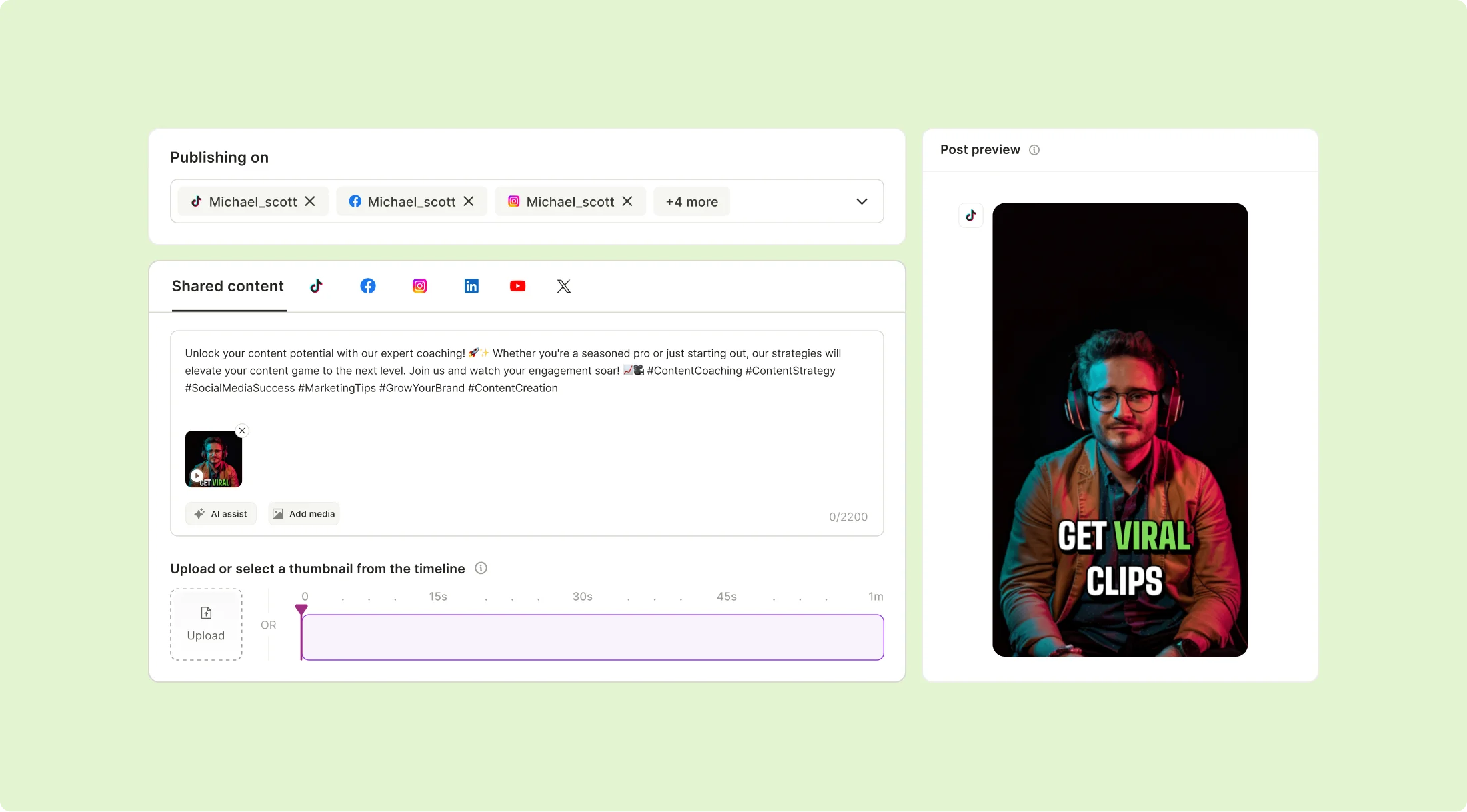
5. Content Scheduling & Publishing: Easily schedule and distribute videos across platforms like YouTube, TikTok, and Instagram directly from the app.
The Final Verdict: Is Get Munch AI Good for Video Repurposing?
After testing Get Munch AI, it’s clear that the platform excels at automating video editing and generating short clips for social media. Its AI-driven approach makes it a convenient tool for creators looking to streamline their workflow.
That said, Get Munch AI has limitations, such as a lack of full-suite video editing features, high pricing, and occasional AI inaccuracies that may require manual adjustments.
If you’re looking for a simple AI-powered tool for repurposing videos, Get Munch AI is a solid choice. But if you need a more versatile app with advanced editing and social media management, quso.ai could be a better fit.
With quso.ai, you get all of Get Munch AI’s automation capabilities—plus AI-driven content planning, social media scheduling, advanced editing tools, and more.
Log in or sign up for quso.ai and take your content creation to the next level.
Turn this into 30 clips.
Drop your long video into quso and let IntelliClips do the editing.
Start clipping free