Tools / AI Caption Generator

AI Caption Generator

Seamlessly add accurate, engaging video captions in seconds using AI Caption Generator. Make your content more accessible, more watchable, and more likely to perform on silent autoplay and reach a global audience. With multiple styles, formatiing, templates and customisation option, quso.ai's AI Caption Generator is perfect for content creators aiming to increase their social media reach.

Generate Captions Trusted by 4M+ creators
AI Caption Generator

AI Caption Generator For Creators Who Don't Have Time

100% Accurate AI Captions

Stop wasting hours on manual transcriptions. This AI caption generator uses speech recognition to instantly add accurate, time-aligned captions to your videos. Whether you're captioning for accessibility or silent autoplay, it's built to boost engagement—fast. Export in SRT, burn them in, or publish directly to platforms like YouTube, TikTok, and Instagram.

100% Accurate AI Captions

Style Captions to Match Your Brand

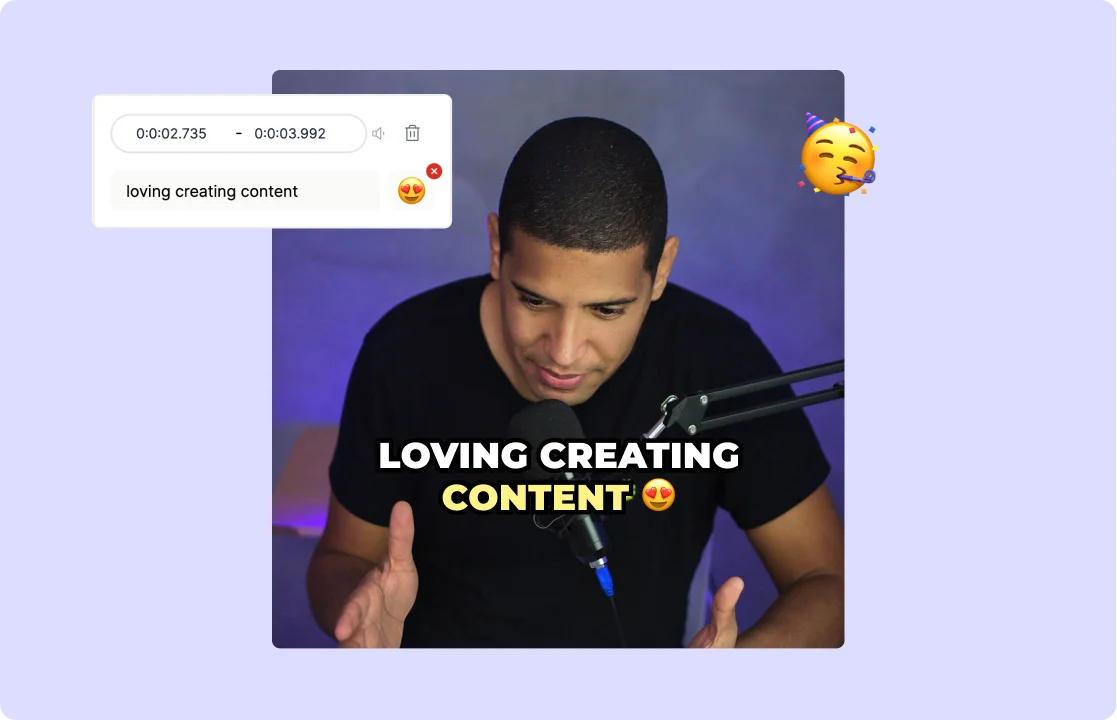
Do more than just generating captions— style your AI captions with your brand style. This AI caption generator lets you adjust fonts, colors, and text size to stay on-brand across every platform. Whether it’s bold for Reels, clean for corporate, or dynamic for Shorts, your captions stay consistent and professional without needing extra tools.

Style Captions to Match Your Brand

Boost Your Reachability with AI

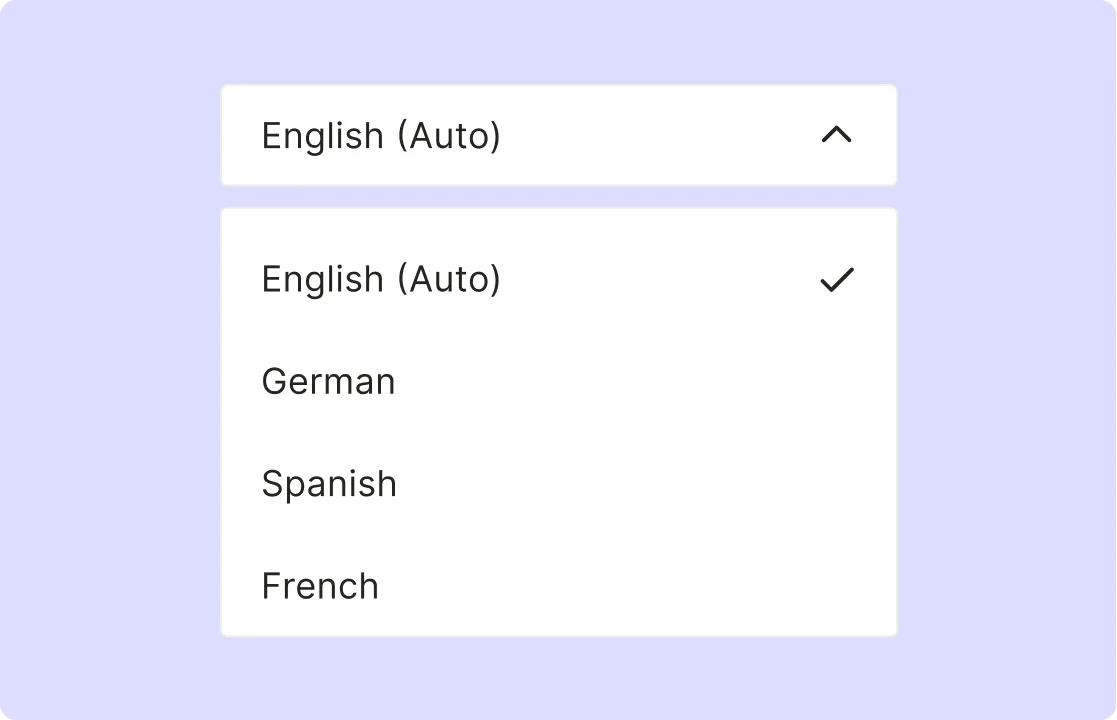
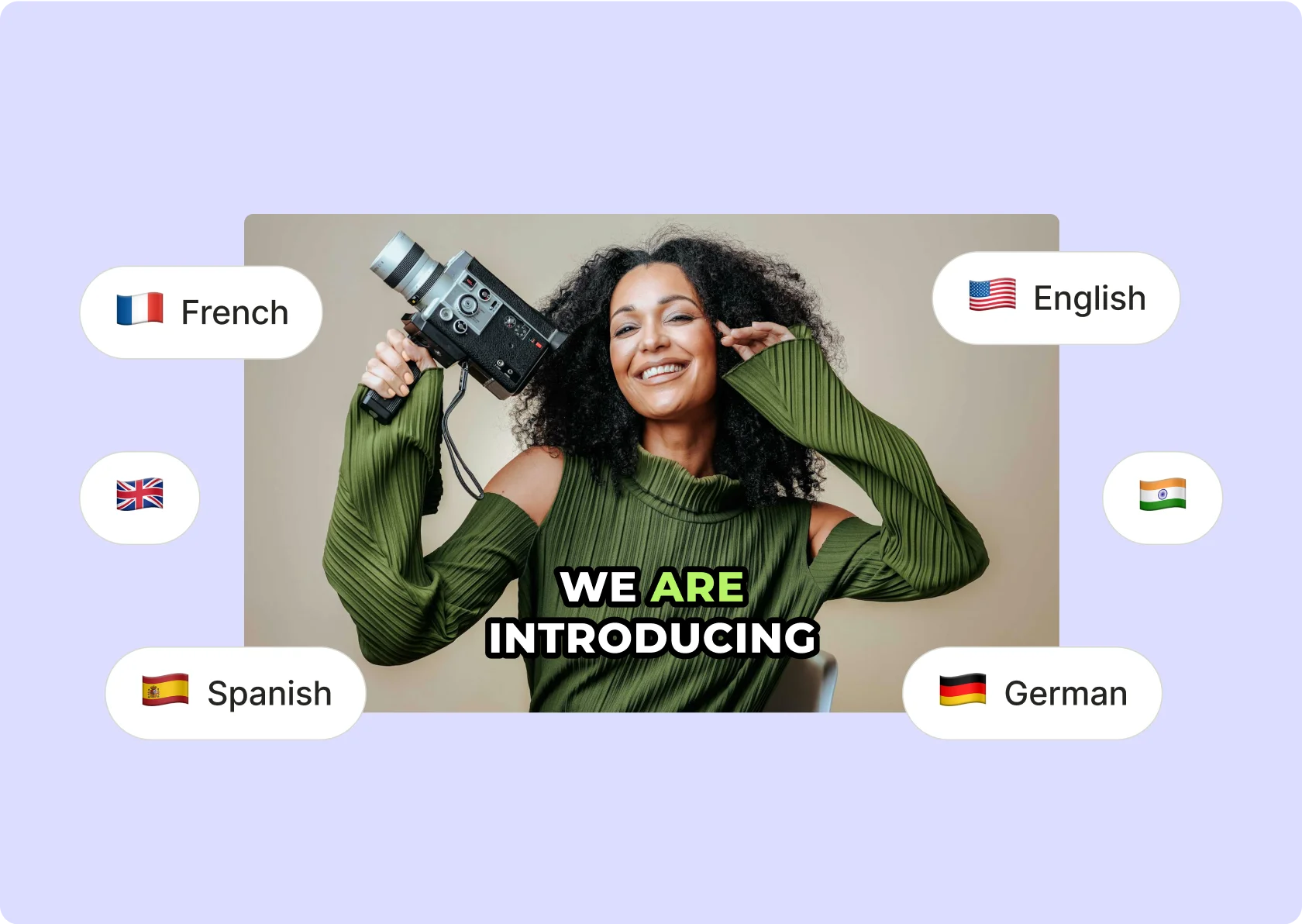
Make your videos more accessible and engaging. quso.ai's tool extends your content's reach by by captioning in more than 100+ languages. Opening up your videos to a broader audience, amplifying engagement and viewership.

Boost Your Reachability with AI
Create Captions Like the Pros

Create Captions Like the Pros

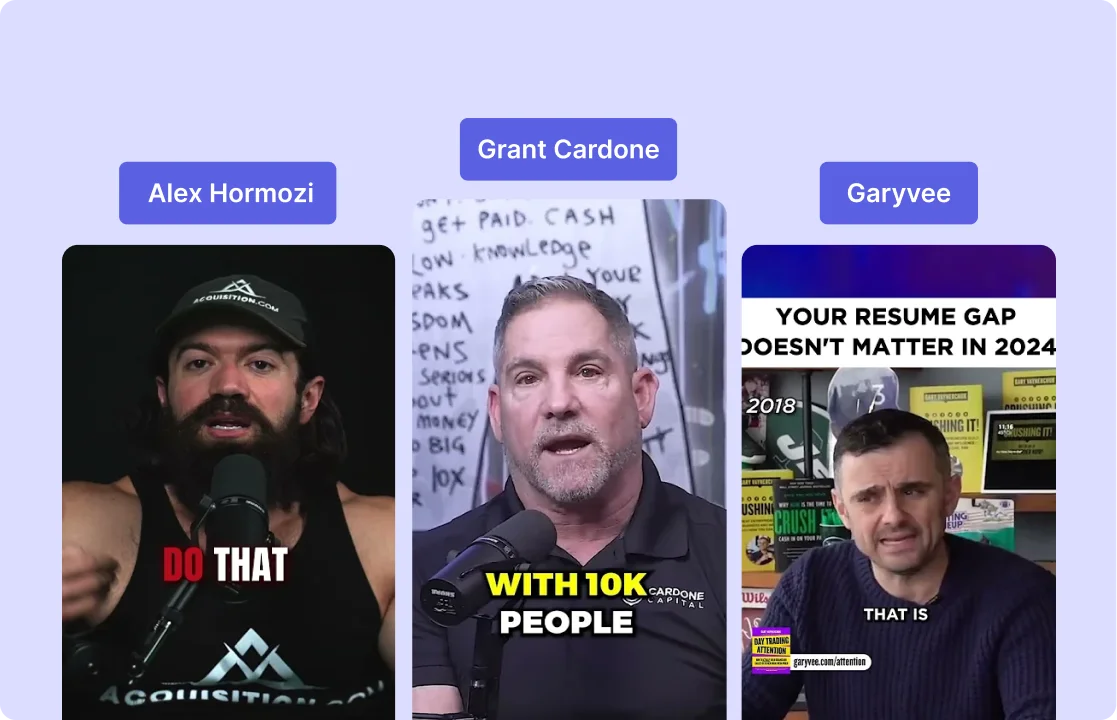
Match the style of top creators without doing it manually. This AI caption generator helps you add clean, high-impact captions like the ones you see on videos from creators like Alex Hormozi and GaryVee. Use it to boost retention, highlight key lines, and make your message easier to follow—on any platform.

Generate Creator Style Captions

Your Video, Your Style with Faster AI Captioning

Your Video, Your Style with Faster AI Captioning

Add punchy text, adjust formatting, and align with your brand—without switching tools. Whether you’re captioning for Instagram, YouTube Shorts, or TikTok, this AI Caption Generator handles timing, layout, and styling in one place. You get total control over how your captions look—without wasting hours editing.

Customize Your AI Captions

Increase Searchability & Engagement

Increase Searchability & Engagement

Adding captions to your videos makes them more searchable. It also significantly increases their shareability and engagement on social media platforms. This tool enhances the overall impact of your videos, driving higher engagement rates.

Generate AI Captions Now

How To Add AI‑Generated Animated Captions To Your Videos

  1. Import Your Video

Upload your clip or paste a YouTube link—quso.ai supports MP4, MOV, MKV, and more for instant processing.

  1. Auto‑Generate Captions

Our AI analyzes the audio and creates accurate, time‑coded captions in seconds—no manual transcription needed.

  1. Customize Styles & Animations

Choose styles, fonts, colors, entry/exit effects, and emojis to match your brand; tweak timing, line breaks, and text size with a click.

  1. Download or Publish

Export your video with embedded captions or grab an SRT file; publish directly to TikTok, Instagram, LinkedIn, or schedule via quso.ai.

FAQ

How to generate captions from a video+

To generate captions from a video, use an AI caption generator that automatically transcribes speech and syncs the text to the video timeline. Upload your video or paste a link, and the tool will create accurate video captions in seconds. You can then style, edit, and export them in formats like SRT, VTT, or as burned-in captions, ready for any platform.

How to save a video from a caption generator?+

Once your captions are created, most video caption makers let you download the video with captions burned in or export the subtitle file separately. To save the video from a caption generator, choose the “export with captions” or “download video” option. You can also download clean transcript files for later use or translation.

How to generate captions for a YouTube video+

You can generate captions for a YouTube video by pasting the video link into an AI video caption generator. The tool will transcribe the audio and create a caption track synced to the video. You can then download the SRT file and upload it to YouTube via YouTube Studio under the “Subtitles” section—or burn the captions directly into the video before publishing.

How to generate captions on a Facebook video+

To generate captions on a Facebook video, upload your video to an AI video captioning tool, which will detect and transcribe speech automatically. Once the captions are ready, download the SRT file and upload it through Facebook's video settings under the “Captions” tab. This improves accessibility and ensures your video performs better—even with sound off.

How to generate a caption transcript from a video?+

To generate a caption transcript from a video, use a video captioner that includes transcript export functionality. After uploading your video, the tool will transcribe the speech and allow you to export a clean text transcript or subtitle file. You can use this transcript for blogs, summaries, translation, or SEO—making your video content more repurposable and accessible.

AI Caption Generator

Generate Captions