AI Clips Generator
Free AI Video Clipper for making short videos
Turn long videos into engaging clips effortlessly with an AI clip maker designed to find your best moments instantly.
Clip Your Video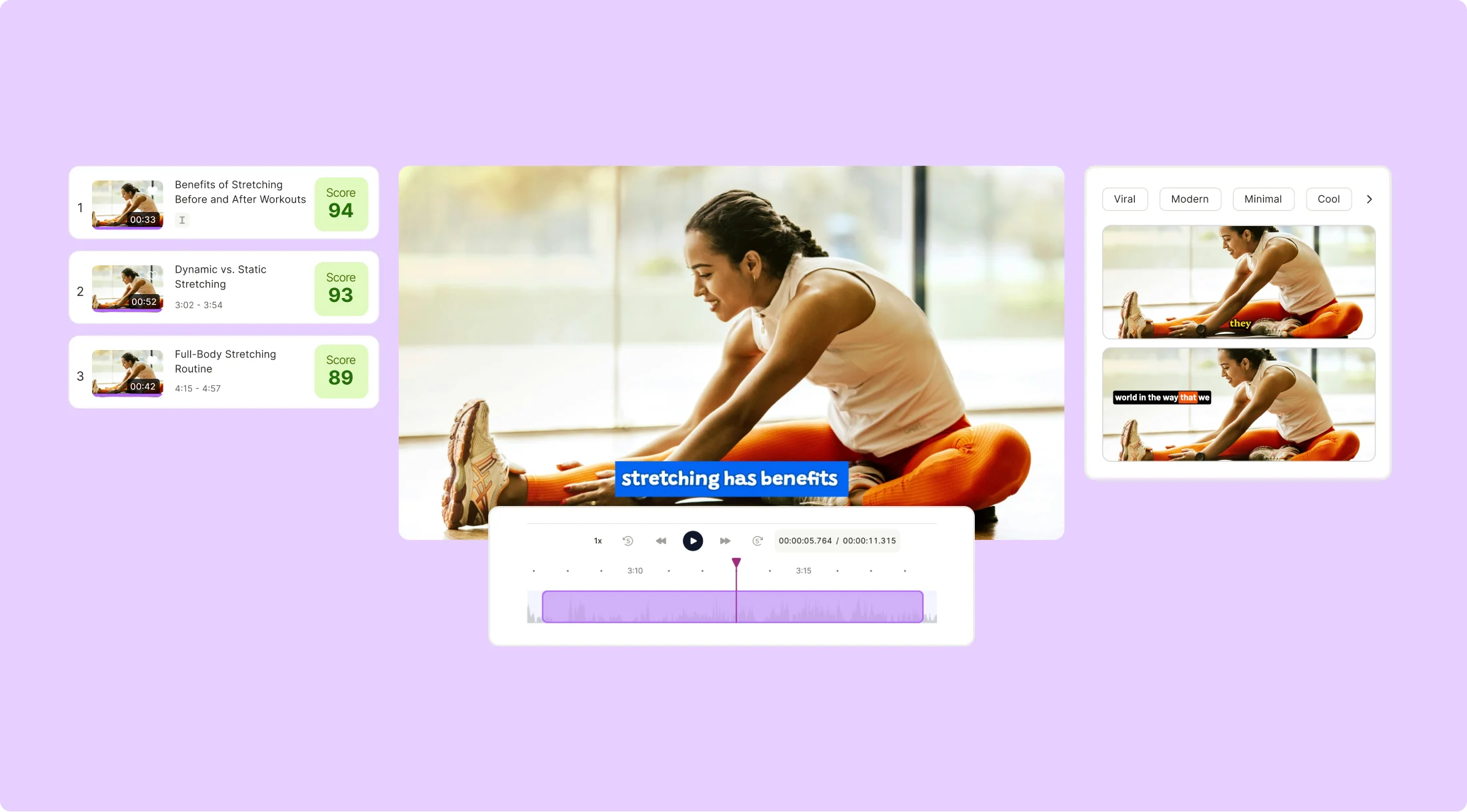
AI Clips Generator
Turn long videos into engaging clips effortlessly with an AI clip maker designed to find your best moments instantly.
Clip Your VideoWhy waste time hunting for the highlights? Let quso.ai’s smart AI find the gold in your videos and turn it into clips that hit hard and grab attention. You focus on the story; we’ll handle the magic.

Forget resizing nightmares. quso.ai makes sure your clips fit Instagram, TikTok, YouTube, or wherever you're posting—perfectly. No manual tweaks, no headaches—just hit upload and look like a pro.

Keep it consistent without breaking a sweat. Customize your videos with brand colors, fonts, and logos once, then reuse templates that scream your style every single time.

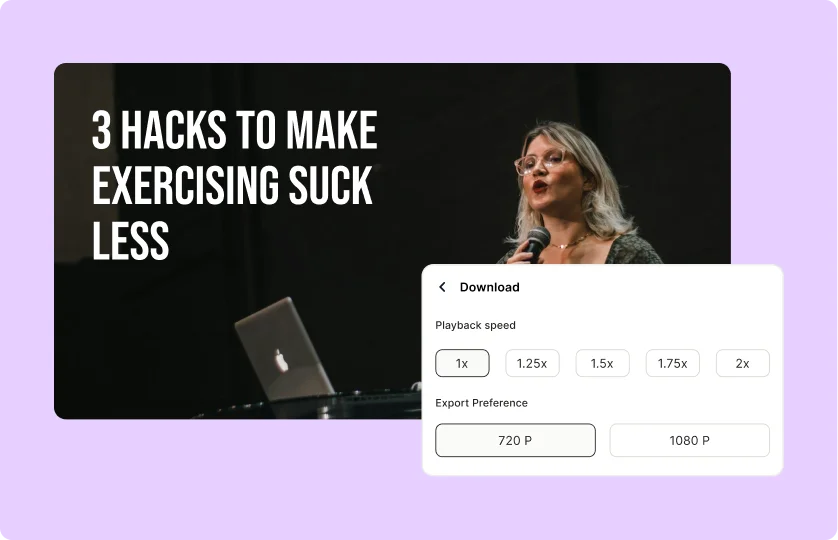
Whether you want to create dramatic slow-motion effects or highlight key moments with fast-paced edits, quso.ai's AI video clipping tool allows you to fine-tune playback speed effortlessly. This flexibility helps you emphasize important content and engage your audience more effectively. Tailor your clips to suit different storytelling styles.
Try AI Video Clipping
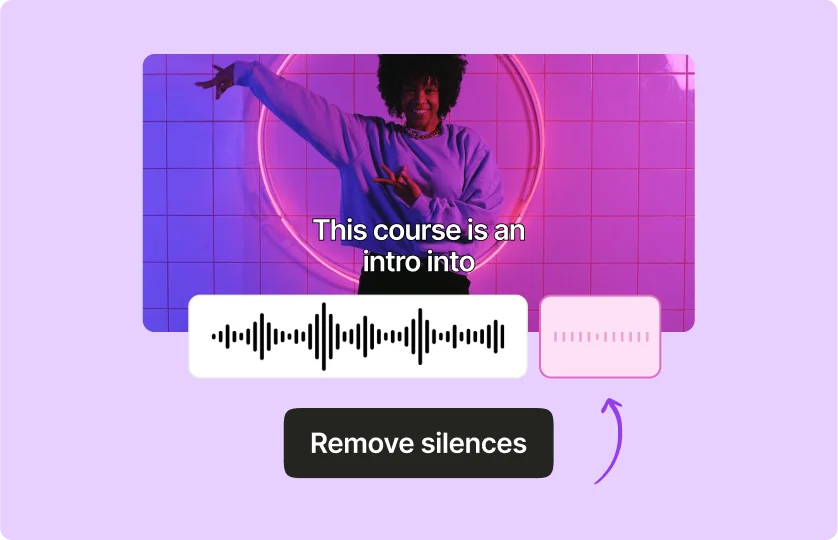
Enhance your video quality with quso.ai's auto silence and noise removal feature. The AI intelligently detects and eliminates unwanted silence and background noise, ensuring clear and professional audio throughout your video. This automated process saves you time and effort while delivering crisp, engaging content.
Clip Your Video for Free
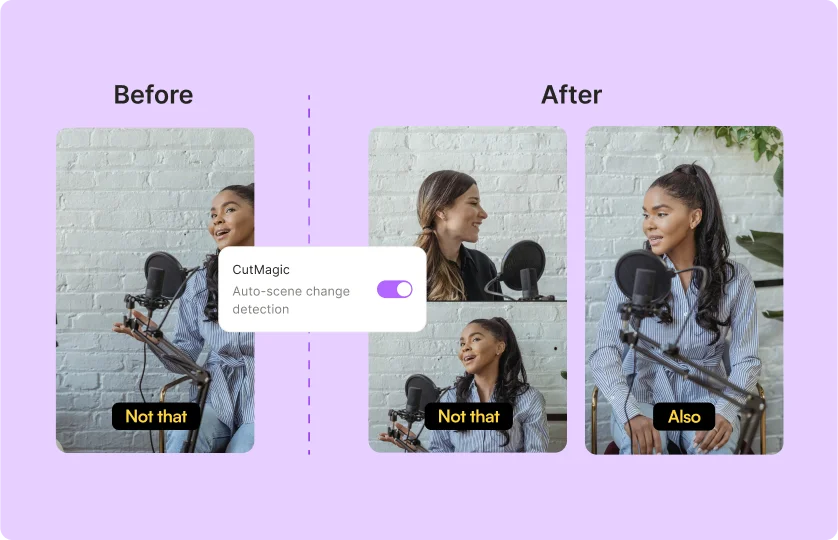
Our AI video clipping tool utilizes AI-powered scene detection to automatically clip your videos based on scene changes. This feature helps create seamless and dynamic clips that keep your audience engaged. Optimize your content for social media with clips that transition smoothly and capture viewers' attention.
Try Cutmagic Now
Start by uploading your video file directly or pasting a YouTube URL. The platform accepts drag-and-drop for fast importing of your content.
The AI analyzes your video to detect key highlights, engaging moments, and viral-ready segments. Browse and select the most impactful clips for further refinement.
Polish your selected clips using the editor. Add captions, text overlays, branding elements, or effects to boost engagement and tailor content for your target platform.
Download optimized clips for TikTok, Reels, or Shorts. Use the scheduling feature to auto-publish at ideal times, maximizing visibility with your audience.
The number of clips that can be generated depends on the length and content of your video. For example, an hour-long video can generate between 5-45 shorts, depending on the content.
Yes, you can create custom templates with quso.ai! This feature is accessible on our paid plans, allowing you to customize templates according to your specific needs and branding.
Free users can download files in 720p resolution, while paid users have access to high-definition 1080p resolution downloads.
Absolutely! You have the flexibility to upgrade or downgrade your plan at any time. Simply navigate to the "Billing & Payments" section in your account settings to find options for adjusting your plan as per your needs.
Most definitely! You can check out our YouTube channel https://www.youtube.com/@qusoai and our website's blog https://quso.ai/blog or knowledge base https://qusoaihelp.zendesk.com/hc/en-us to get started.