Integrations / YouTube

Automate Your YouTube Channel Success

Growing on YouTube requires more than great content—it takes strategy and consistency. Plan your videos ahead, post at the right time, and use insights to understand what keeps your viewers coming back.

Get Started For Free
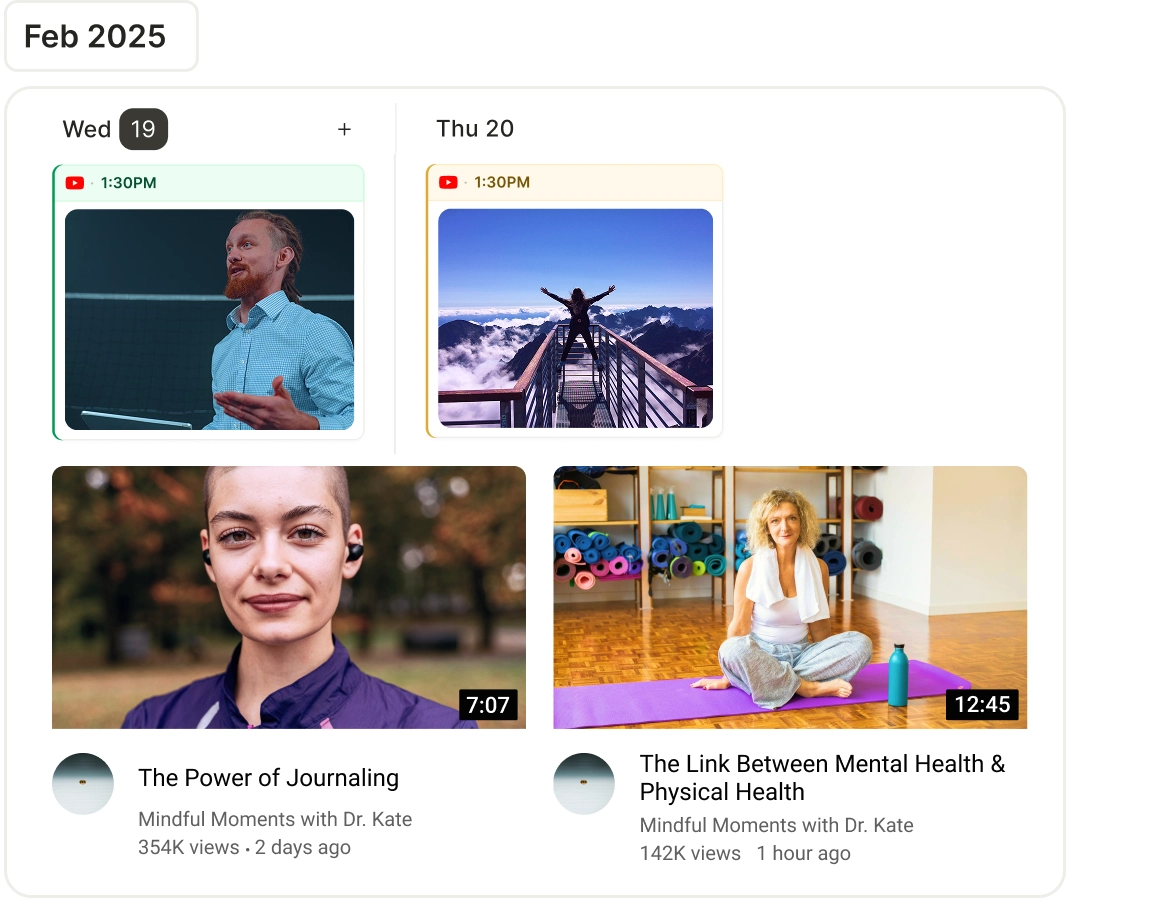
Automate Your YouTube Channel Success

Simplify YouTube Growth with Smart Content Planning.

Find Video Ideas

Discover trending keywords, formats, and content ideas to create videos that YouTube's algorithm loves.

Find Video Ideas

Schedule Videos and Shorts

Plan and schedule uploads at the best times to reach your subscribers when they’re most active.

Schedule Videos and Shorts

Predict Engagement

Use insights to forecast which videos are likely to get higher watch time and engagement.

Predict Engagement

Track Growth

Monitor views, watch time, and click-through rates to improve your content strategy.

Track Growth

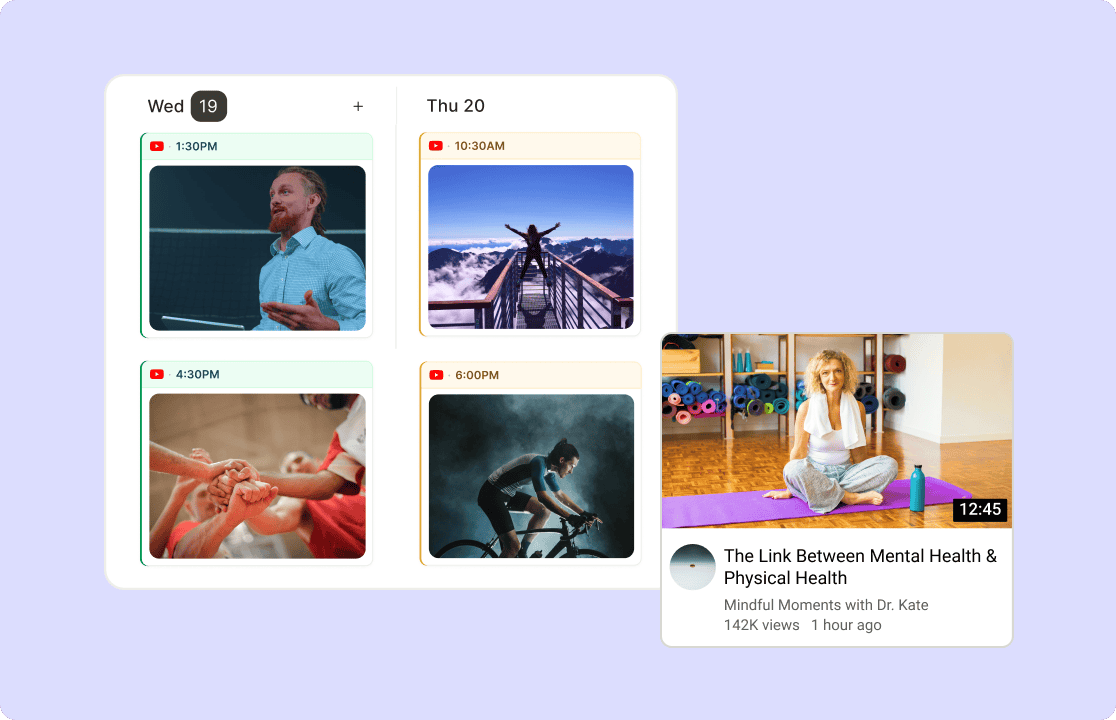
Visualize Your YouTube Upload Schedule in Seconds

Stop scrambling through drafts and spreadsheets. Get a full view of your monthly YouTube content calendar with AI Content Planner. Drag-and-drop videos or Shorts to test upload sequences, balance video types (tutorials, vlogs, reviews), and align with audience watch-time trends.

Get started now

Visualize Your YouTube Upload Schedule in Seconds

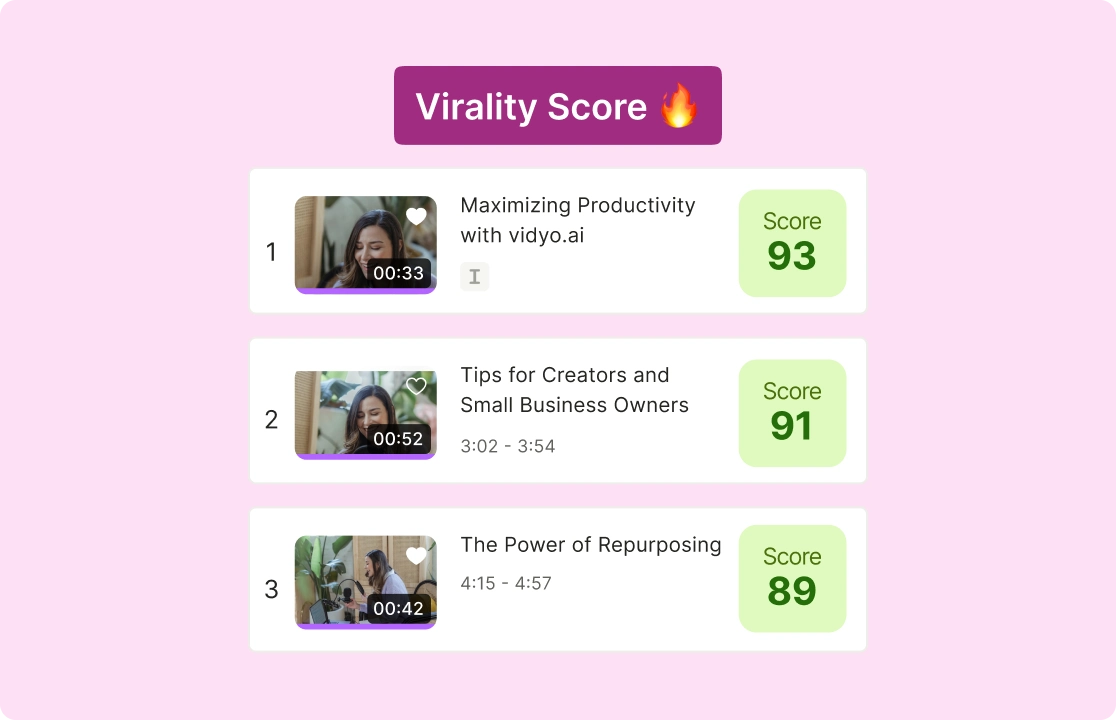
Predict Which Videos Will Get More Views

Check Virality Score of your video before publishing, and predict your video performance before even posting. See how likely your video is to perform well based on factors like engagement potential and audience interest. Compare predicted scores with actual performance after publishing to refine future predictions.

Check the virality now

Predict Which Videos Will Get More Views

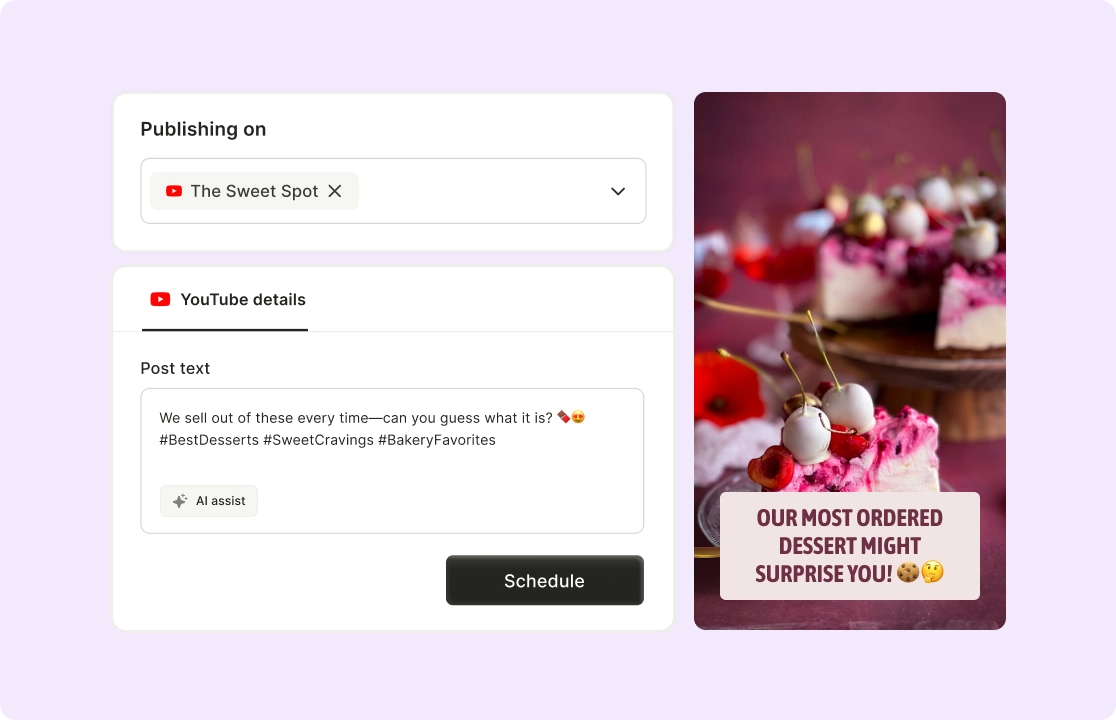
Schedule Videos and Shorts at Peak Times

Plan and schedule your content based on audience activity to maximize reach and watch time. Choose publishing times using data on when your audience is most active. Confirm schedules and let the tool handle publishing without manual intervention.

Start scheduling today

Schedule Videos and Shorts at Peak Times

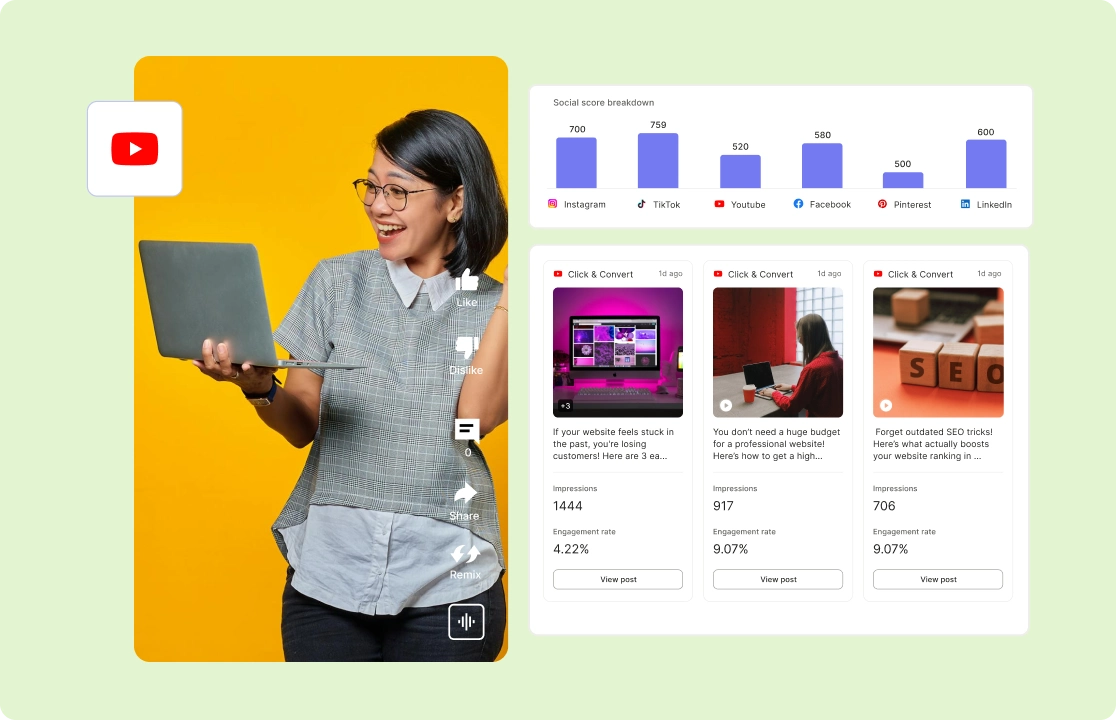
Track Performance and Improve with Data-Driven Insights

Analyze views, watch time, and CTR to understand what works—and apply those insights to future videos. Track real-time stats like average view duration, audience retention, and click-through rates with AI Social Media Analytics. Highlight videos with high CTR or retention to replicate their successful elements (e.g., hooks, pacing).

Optimize your content now

Track Performance and Improve with Data-Driven Insights

How To Schedule YouTube Videos With quso.ai

  1. Click on Social Media Manager Section

Once you log in to the platform, spot “Social Media” on the left side of the panel.

  1. Choose Your Publishing Time

Now click anywhere on the date you wish to schedule the post on and choose the time.

  1. Customize The YouTube Video

Edit AI Generated Twitter Caption, Hashtags and sprinkle some emojis to make your post more descriptive. 

  1. Schedule The YouTube Video

Click on Post so that you can see your content is scheduled, and you can locate these posts on the left side under "Posts" and also track analytics.

FAQ

How to schedule a YouTube streaming video?+

With quso.ai’s YouTube scheduler, you can set up live streams in advance, customize settings, and let the tool automatically go live at your chosen time.

How to schedule YouTube videos?+

Just upload your video to quso.ai, select the date and time you want it to go live, and the AI will handle the rest—no manual posting needed.

Can I schedule YouTube Shorts?+

Yes! quso.ai allows you to schedule YouTube Shorts just like regular videos, ensuring they post at optimal times for engagement.

How do I edit a scheduled YouTube video?+

Simply go to your scheduled videos in quso.ai, select the video you want to edit, make your changes, and save—your updated video will go live as planned.

Can I schedule YouTube videos for multiple channels?+

Absolutely! quso.ai supports multi-channel scheduling, so you can plan and automate posts across different YouTube channels from one dashboard.

Automate Your YouTube Channel Success

Get Started For Free