Vizard AI Review 2025: We Tried It and Here Are Our Thoughts
Vizard AI repurposes long videos into short, viral clips. Discover its features, pros, cons, pricing, and best alternatives in 2025.
Vizard AI is a popular AI video repurposing tool that promises to turn long videos into short, viral clips in seconds. With features like auto-generated captions, AI-driven clipping, and social media optimization, it aims to simplify video editing for creators, marketers, and businesses.
We’ve been testing Vizard AI for the past week, and if you create videos, listen up. Editing can be time-consuming, and a tool that streamlines the process without compromising quality is a game-changer. Vizard AI claims to do just that—automating tedious tasks while delivering polished, engaging content.
But with so many AI-powered tools making similar claims, does Vizard AI actually stand out? We put it to the test. Here’s what we found.
{{cta-richtext}}
Quick Summary of Vizard AI
.table_component caption { caption-side: top; text-align: left; }
.table_component th { border: 1px solid #dededf; background-color: #eceff1; color: #000000; padding: 5px; }
.table_component td { border: 1px solid #dededf; background-color: #ffffff; color: #000000; padding: 5px; }
    </tr>
    <tr>
        <td>Pricing</td>
        <td>$19/month (Creator Plan), $29/month (Business Plan)</td>

    </tr>
    <tr>
        <td>AI Clips</td>
        <td>✅ Automatically generates short clips </td>
    </tr>
    <tr>
        <td>AI Video Editing</td>
        <td>❌ Available, but limited options</td>

    </tr>
    <tr>
        <td>AI Captions</td>
        <td>✅ Auto-generated captions included </td>
    </tr>
    <tr>
        <td>Team Collaboration</td>
        <td>❌ Available only in Business Plan </td>
    </tr>
    <tr>
        <td>Pros</td>
        <td>✅ Fast video editing, AI-driven automation, supports multiple aspect ratios, seamless collaboration</td>

    </tr>
    <tr>
        <td>Cons</td>
        <td>❌ Lacks advanced editing, requires internet, AI-generated content may need tweaks</td>
    </tr>
</tbody>| Feature | Vizard AI Details |
|---|---|
| Ease of Use | ✅ Beginner-friendly interface |
| Free Plan | ✅ Available (60 upload minutes, 720p export) |
What is Vizard AI?
Vizard AI is a video editing tool that automatically extracts key moments from long-form videos, turning them into short clips for platforms like TikTok, Instagram, and YouTube Shorts. It uses AI to detect highlights, generate captions, and adjust aspect ratios, making video repurposing easier.
Users can upload a video or paste a YouTube link to get instant clips. Designed for creators, businesses, and marketers, Vizard AI aims to simplify content production by reducing manual editing time.
Vizard AI First Impressions
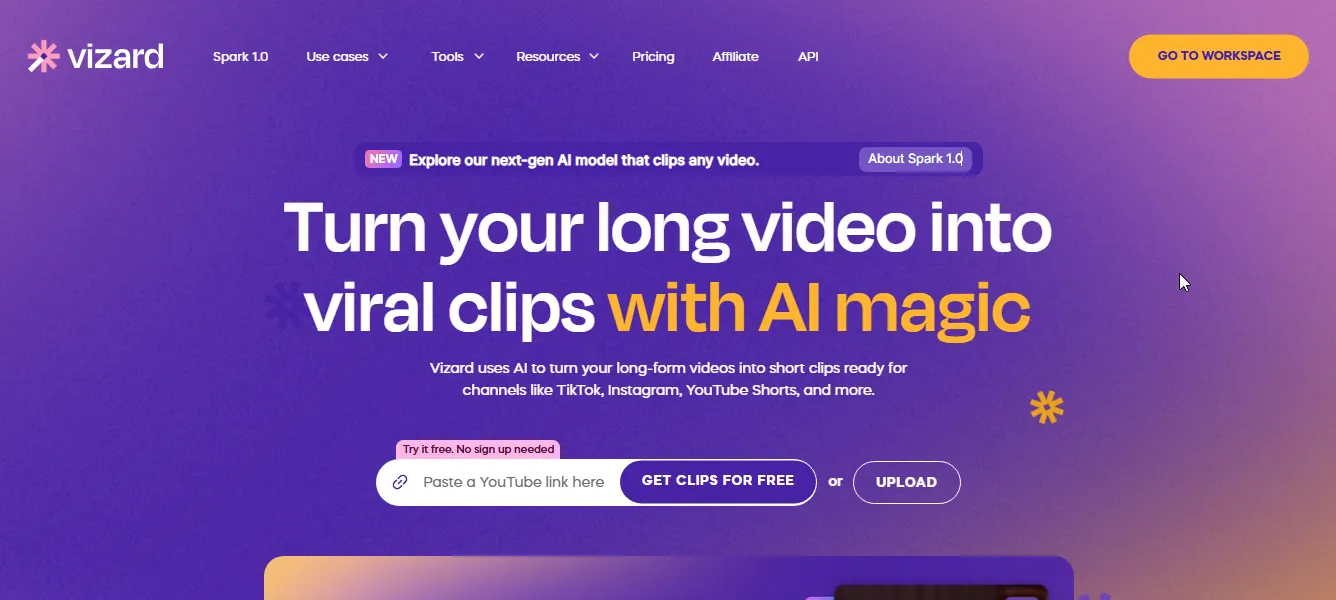
When we landed on Vizard AI’s homepage, it was immediately clear that the platform prioritizes short-form video creation. It lets us use the short clip generator without any sign-ups, making it instantly accessible.
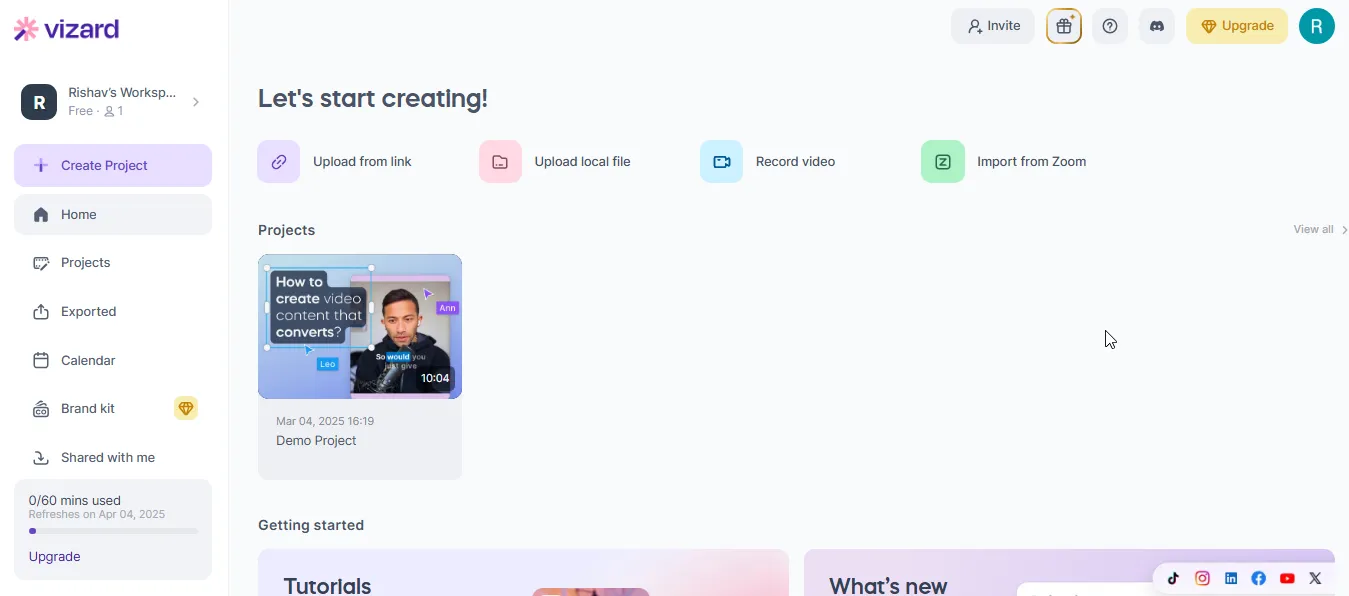
Inside the app, the simplicity continues. The dashboard is clean and well-structured, with key tabs like uploads, projects, collaboration tools, and tutorial guides placed front and center for effortless navigation. Everything we need is right in front of us, keeping the workflow smooth and intuitive.
{{cta-richtext}}
Vizard AI Features
- AI Clip Generator – Vizard AI makes short-form content creation effortless by automatically identifying and extracting key moments from longer videos. Perfect for quick, engaging clips.
- AI Video Generation – The AI video generator tool takes automation to the next level, transforming text, images, and media into professional-quality videos with minimal effort.
- Customizable Video Templates – The platform offers a range of templates designed for different themes and styles, making it easy to maintain brand consistency while saving time.
- AI-Powered Editing Tools – Vizard AI optimizes the editing process with automatic scene detection, background music selection, and intelligent text overlays, simplifying video production while keeping it high-quality.
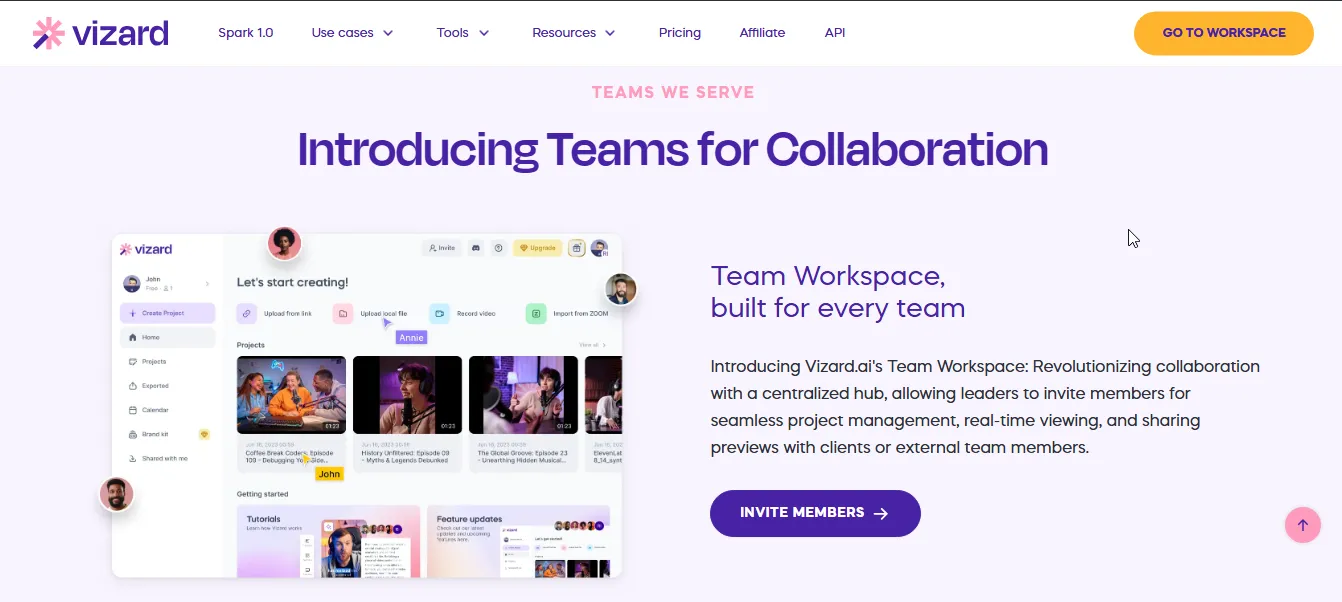
- Real-Time Collaboration – This feature stands out for teams, allowing multiple users to work on a project simultaneously, streamlining workflow and feedback loops.
- Analytics & Insights – Vizard AI provides in-depth data on video performance, offering valuable insights into audience engagement and retention to refine content strategies.
Vizard AI Pros
- Effortless Video Creation – When we tried Vizard AI, its intuitive interface made video editing surprisingly easy. Even without much prior experience, we could create polished, professional-grade videos in minutes.
- Lightning-Fast Production – The AI tools cut down editing time significantly. From automated clipping to smart subtitles, Vizard AI ensures content is ready to go in record time.
- Platform-Specific Aspect Ratios – We really liked how Vizard AI supports multiple aspect ratios—16:9 (widescreen), 9:16 (vertical), 1:1 (square), and 4:5 (portrait). This ensures content is perfectly formatted for Instagram, YouTube, TikTok, and more.
- Seamless Collaboration – The real-time collaboration feature is a huge plus. Teams can work together, edit, and provide feedback instantly.
Vizard AI Cons
- Initial setup required: When we first tried Vizard AI, we had to spend some time integrating media sources and exploring the interface. Newbie users might need a short learning curve before fully leveraging its features.
- Lacks Advanced Editing Capabilities – While Vizard AI is great for quick edits, it lacks the deep customization options professional editors might need. For highly detailed or complex video projects, it may not be the go-to choice.
- AI-Generated Content Isn’t Always Perfect – The AI does a solid job, but when we tested it with more complex inputs, some tweaks were necessary to achieve a polished final product. Users who expect a one-click perfect video might need to make manual refinements.
- Internet Dependency – Since Vizard AI is cloud-based, a stable internet connection is a must. If the connection drops, so does access to the platform, which can be frustrating.
Vizard AI Pricing
Vizard AI offers flexible pricing plans designed to meet the needs of both solo creators and businesses. Whether you're just starting out or managing a team, there's a plan that fits your video creation workflow. Here’s a breakdown of the available options:
Free Plan – $0/month
Perfect for beginners looking to test the platform, the Free Plan includes:
- 60 upload minutes per month
- Private workspace
- Manage 1 social media account
- AI-generated clips & full access to the video editor
- 720p export quality
- 3-day storage
Creator Plan – Starting at $19/month
For creators who need high-quality, watermark-free videos, this plan offers:
- 400+ upload minutes per month
- Private workspace
- Manage up to 6 social media accounts
- No watermark on videos
- 4K video export quality
- Social media post scheduling
- Unlimited video storage while subscribed
Business Plan – Starting at $29/month
Ideal for teams and businesses that require collaboration tools and branding features:
- 400+ upload minutes per month
- Shared workspace for teams
- Manage up to 20 social media accounts
- Everything in the Creator Plan, plus:
- Team member invites ($10/mo per seat)
- Unlimited viewers
- Brand kit & custom fonts
Are You Looking for a Vizard AI Alternative?
While Vizard AI is a solid choice for repurposing videos, it’s not the only option. If you’re looking for a tool that offers more than just clipping and captions, quso.ai might be the perfect alternative.
It’s an all-in-one AI app that helps you transform long videos into viral clips, automate subtitles, fine-tune edits, schedule posts, and manage your entire social media presence—seamlessly and efficiently.
Here’s why quso.ai is a superior alternative to Vizard AI:
1. AI-Powered Auto-Captions
Generate highly accurate subtitles in multiple languages with AI. Customize fonts, colors, and styles to match your brand effortlessly.
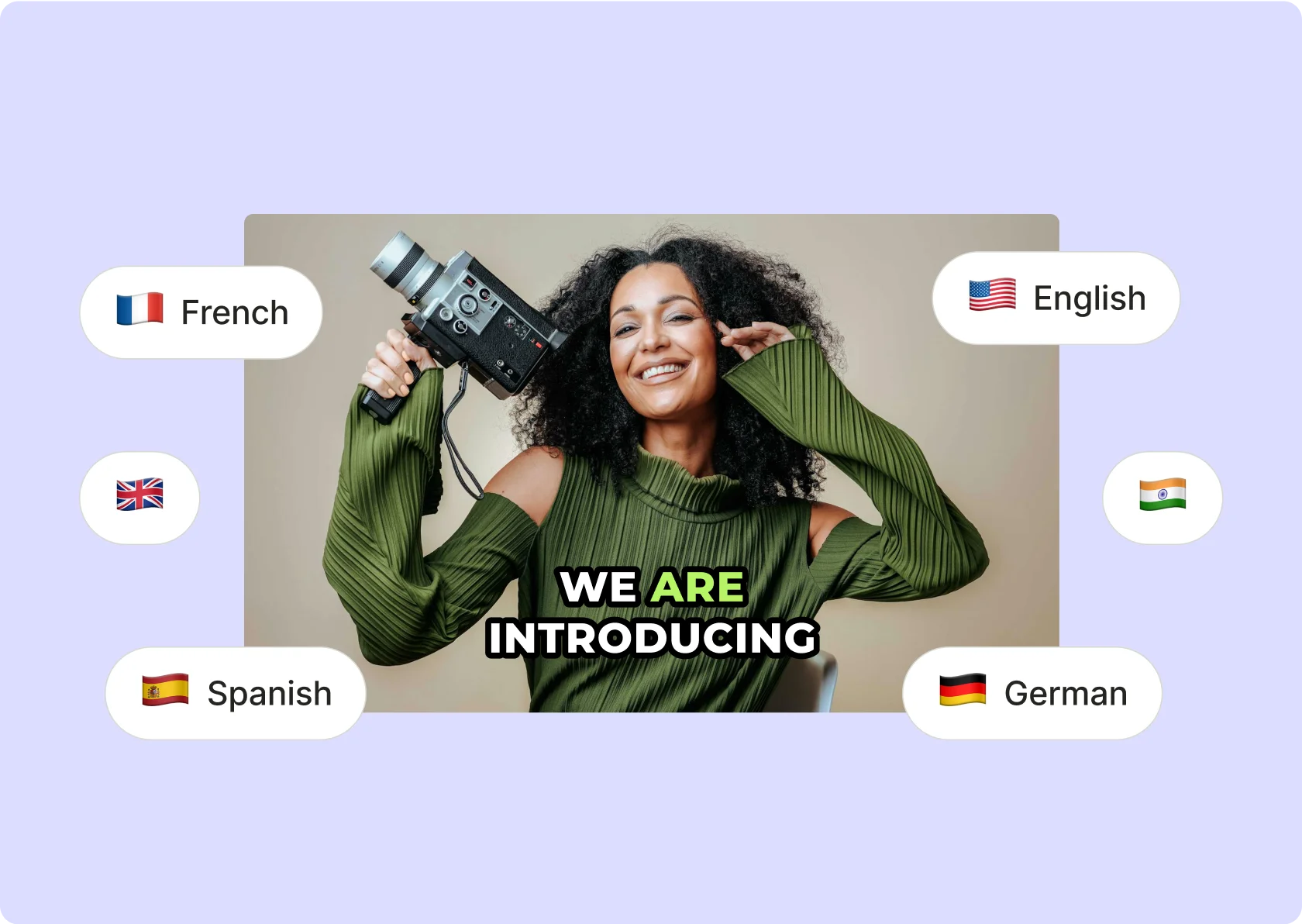
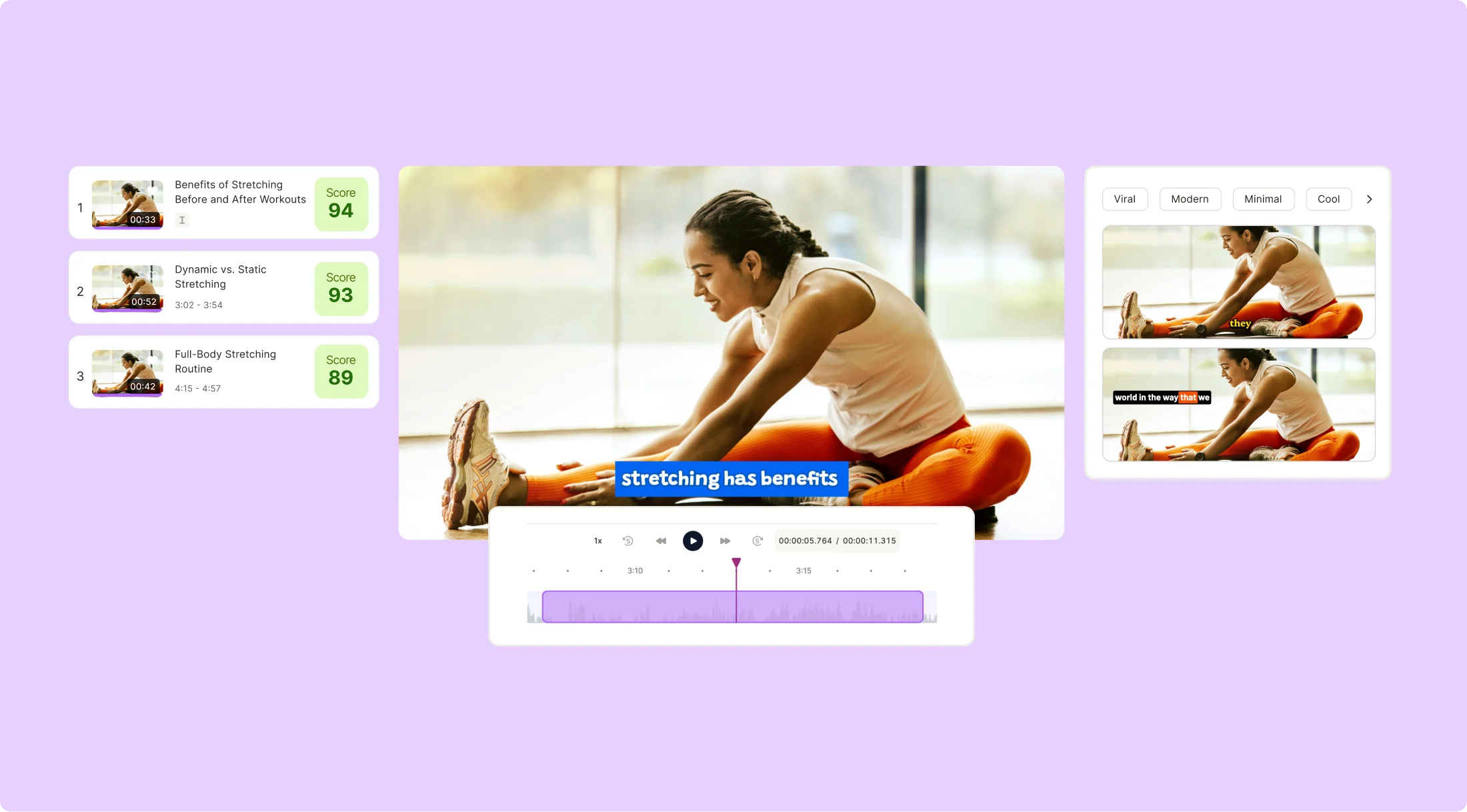
2. Auto Video Clipping
Instantly convert long videos into viral clips optimized for TikTok, Reels, and Shorts. The AI detects the best moments, saving you hours of manual work.
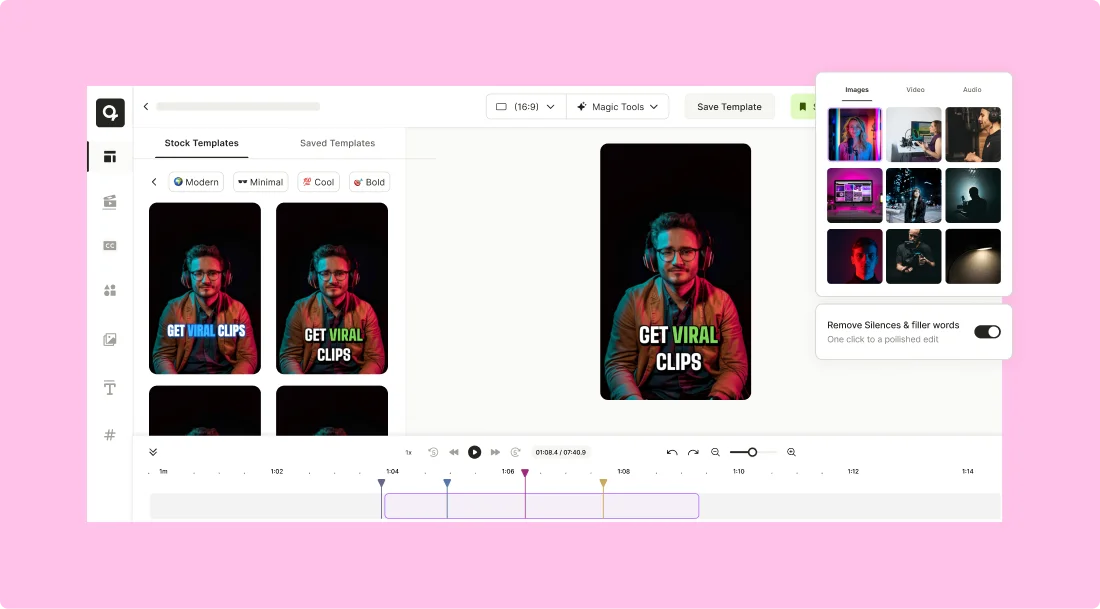
3. AI-Powered Editing
Remove silences, add jump cuts, and enhance pacing with a single click. Quso.ai ensures your videos are engaging and professional without needing advanced editing skills.
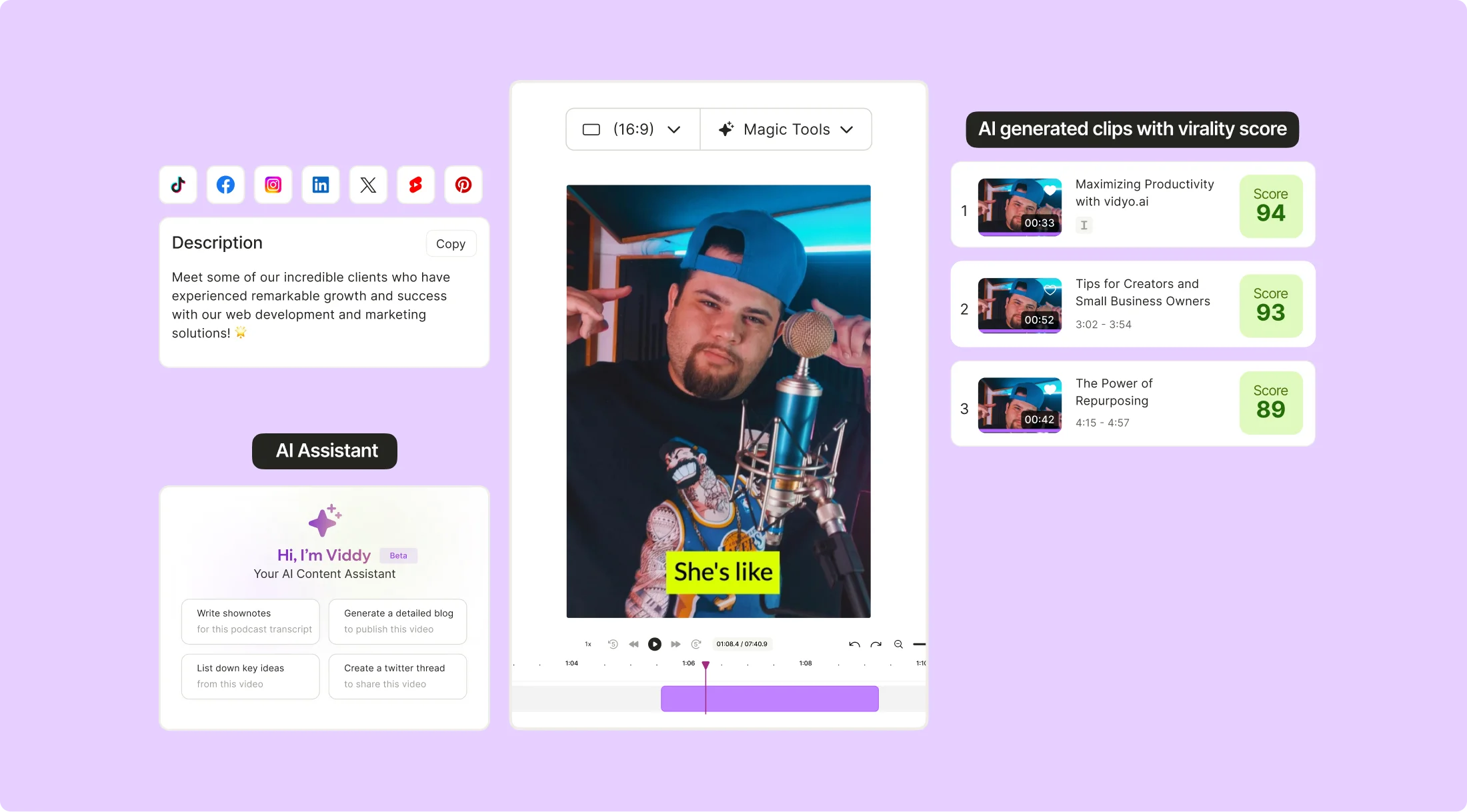
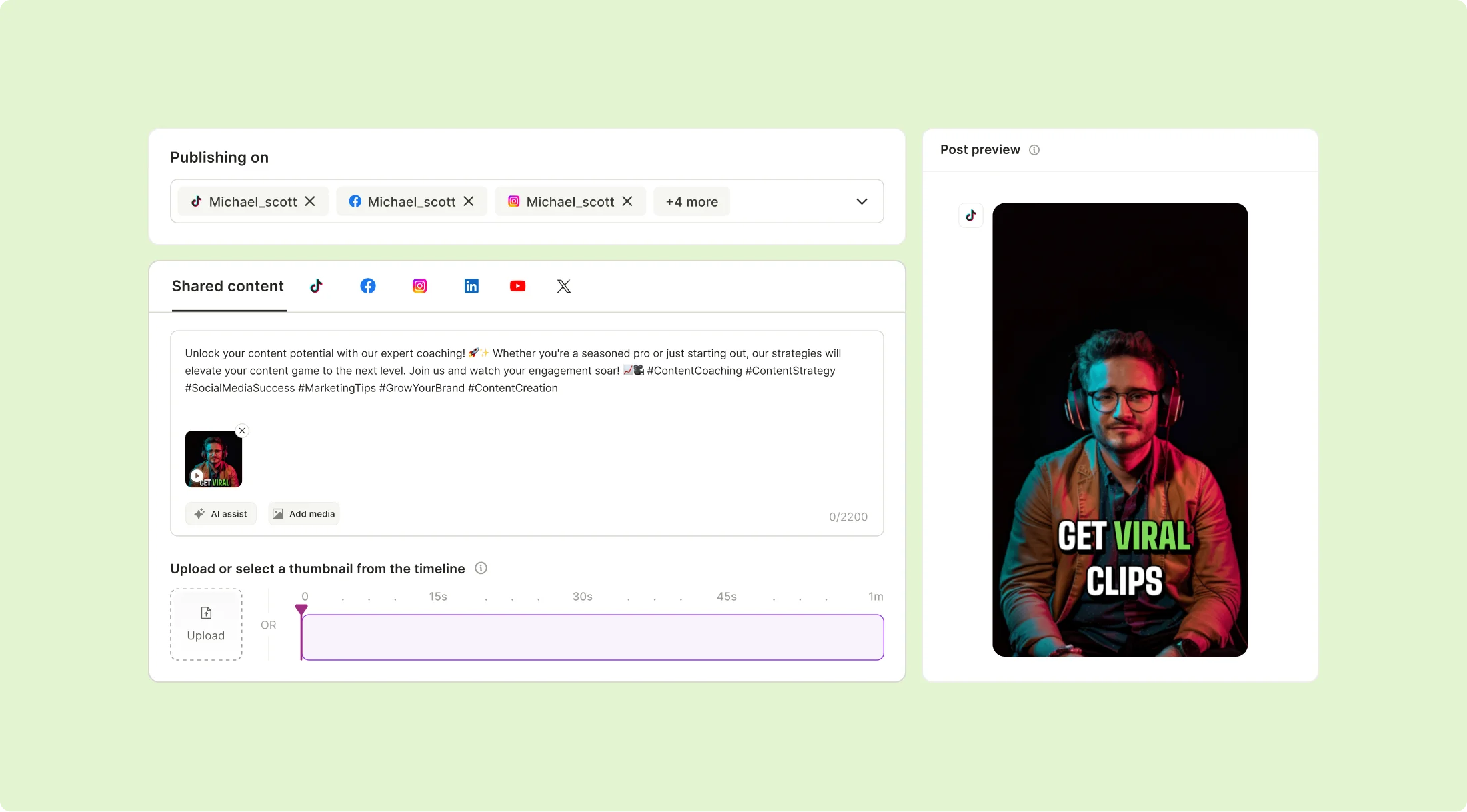
4. Multi-Platform Repurposing
Automatically resize, crop, and format videos for different platforms. Post seamlessly across TikTok, Instagram, YouTube, and LinkedIn.
5. Content Scheduler & Trend Insights
Plan and auto-post content with built-in scheduling tools. Get AI-driven trend suggestions to stay ahead of the competition.
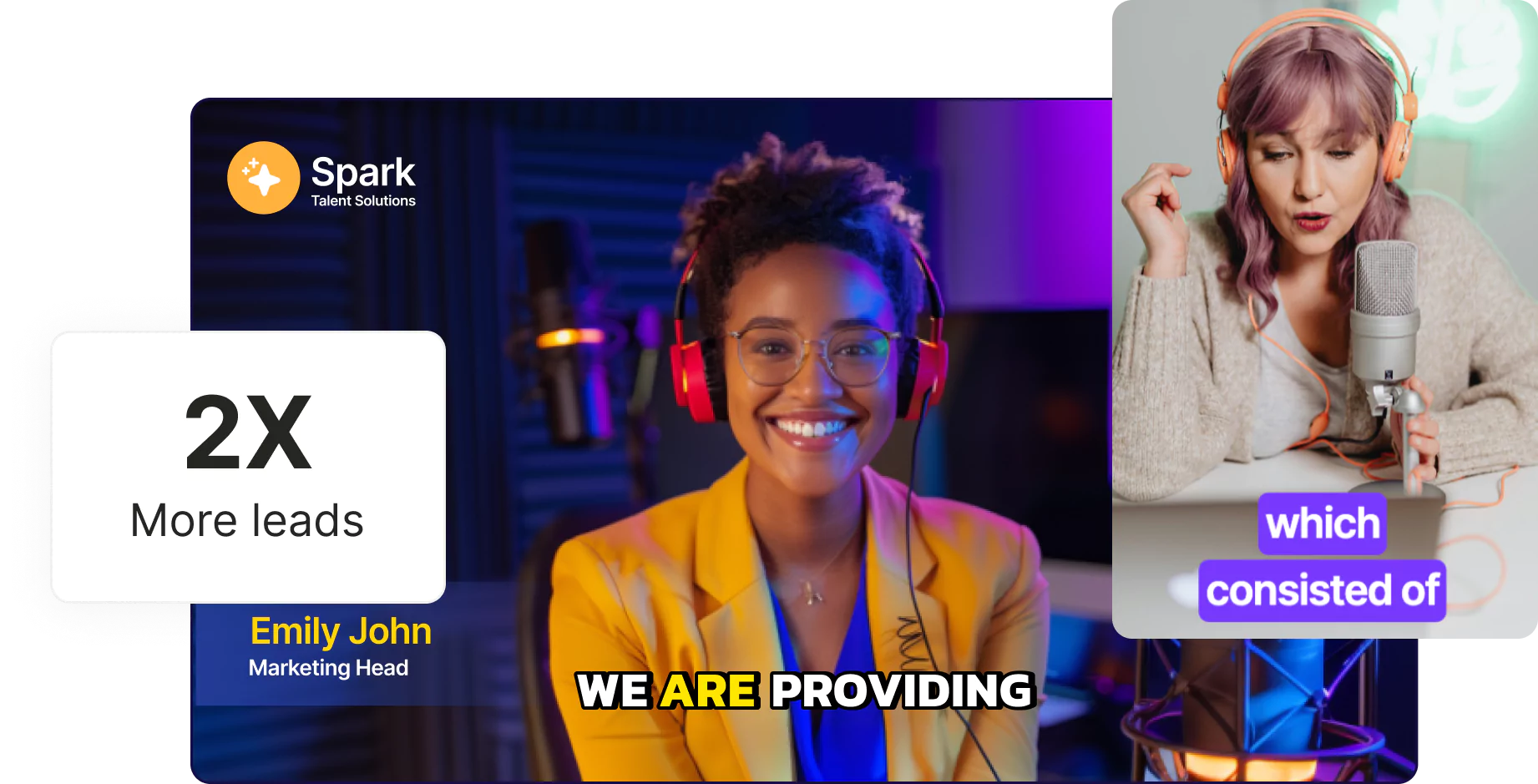
7. Branded Templates & Overlays
Design custom video templates, text animations, and overlays with ease. Maintain a consistent and professional brand presence across platforms.
Summing It Up: Should You Use Vizard AI?
After exploring Vizard AI, we can confidently say it’s a powerful tool for creators looking to streamline video production. Its AI-driven automation, intuitive interface, and multi-platform support make it an excellent choice for marketers, social media managers, and businesses that need high-quality video content quickly.
That said, while Vizard AI excels in ease of use and speed, some users may find its editing features a bit limited. If you’re looking for a more comprehensive solution, quso.ai could be a better fit.
You’ll get the power of repurposing long videos into short clips and all the features of Vizard AI, with additional tools such as AI influencer, social media scheduling, analytics, and so much more.
Log in or sign up for quso.ai and take your content creation to the next level.
Turn this into 30 clips.
Drop your long video into quso and let IntelliClips do the editing.
Start clipping free