Tools / Video Outro Maker

Video Outro Maker

Your video doesn’t end when the content stops—your outro is where you turn watchers into loyal fans. Create professional, high-converting video outros that boost engagement and drive action in seconds.

Create Your Free Video Outro Now Trusted by 4M+ Users
Video Outro Maker

Why You Need a Video Outro Maker

Because End Screens Drive More Clicks, Views & Engagement

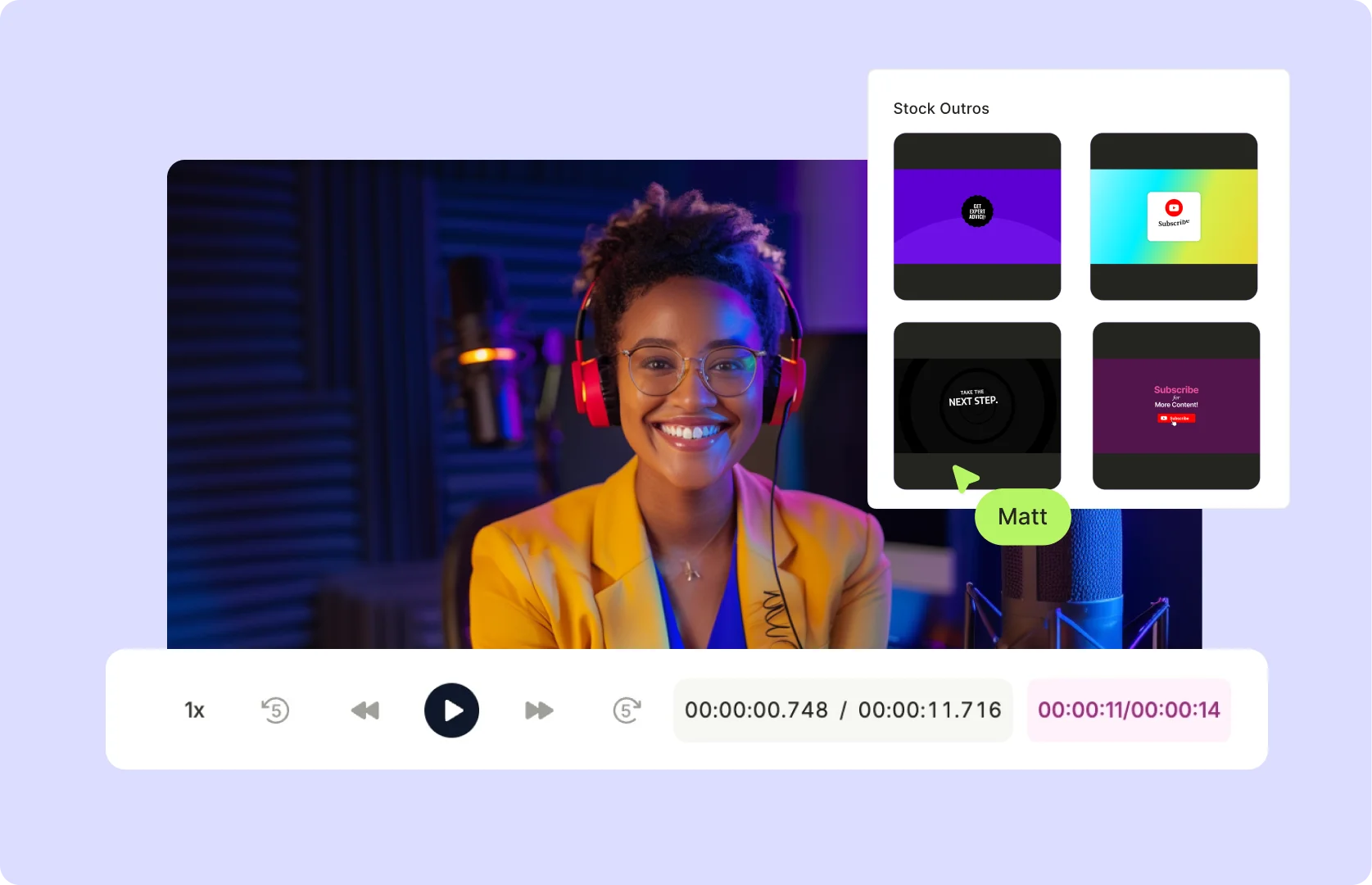
Your outro is prime real estate—use it wisely. A well-designed outro can get more people to subscribe, watch more videos, and follow your brand instead of dropping off after your content ends.

Because End Screens Drive More Clicks, Views & Engagement

Stay On Brand Without Extra Effort

No more generic, forgettable endings. Upload your own logo, brand colors, call-to-action, and social media handles to create a custom outro that reinforces your brand identity.

Stay On Brand Without Extra Effort

Cross-Promote Your Content Effortlessly

Drive traffic to your other videos, playlists, or social pages by adding clickable CTAs, channel links, and subscription prompts right at the end of your video.

Cross-Promote Your Content Effortlessly
Ready-to-Use Outro Templates

Ready-to-Use Outro Templates

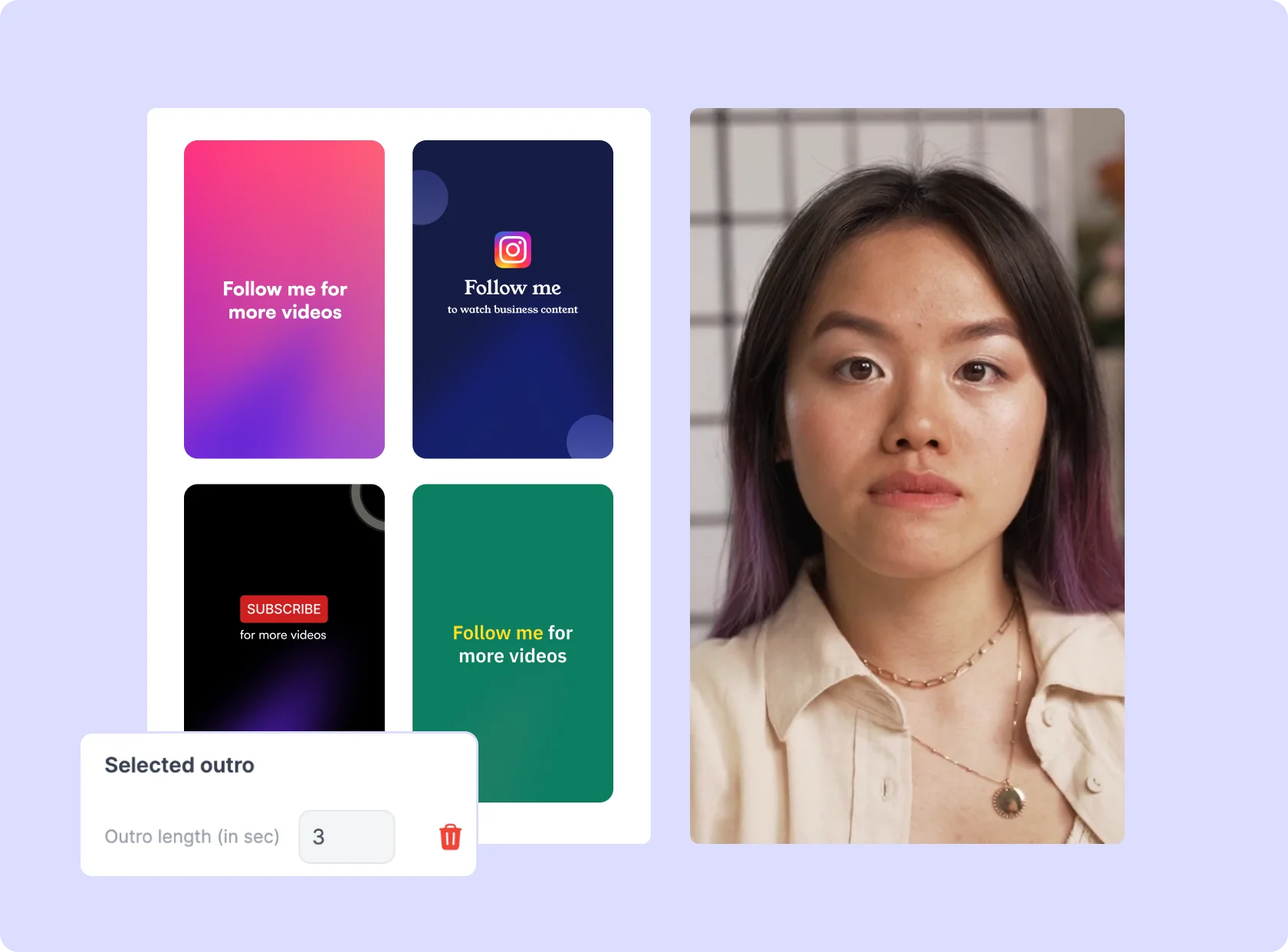
No design experience? No problem. Choose from professionally designed outro templates and customize them to match your brand in seconds.

Browse Outro Templates Now

One-Click Audio Integration

One-Click Audio Integration

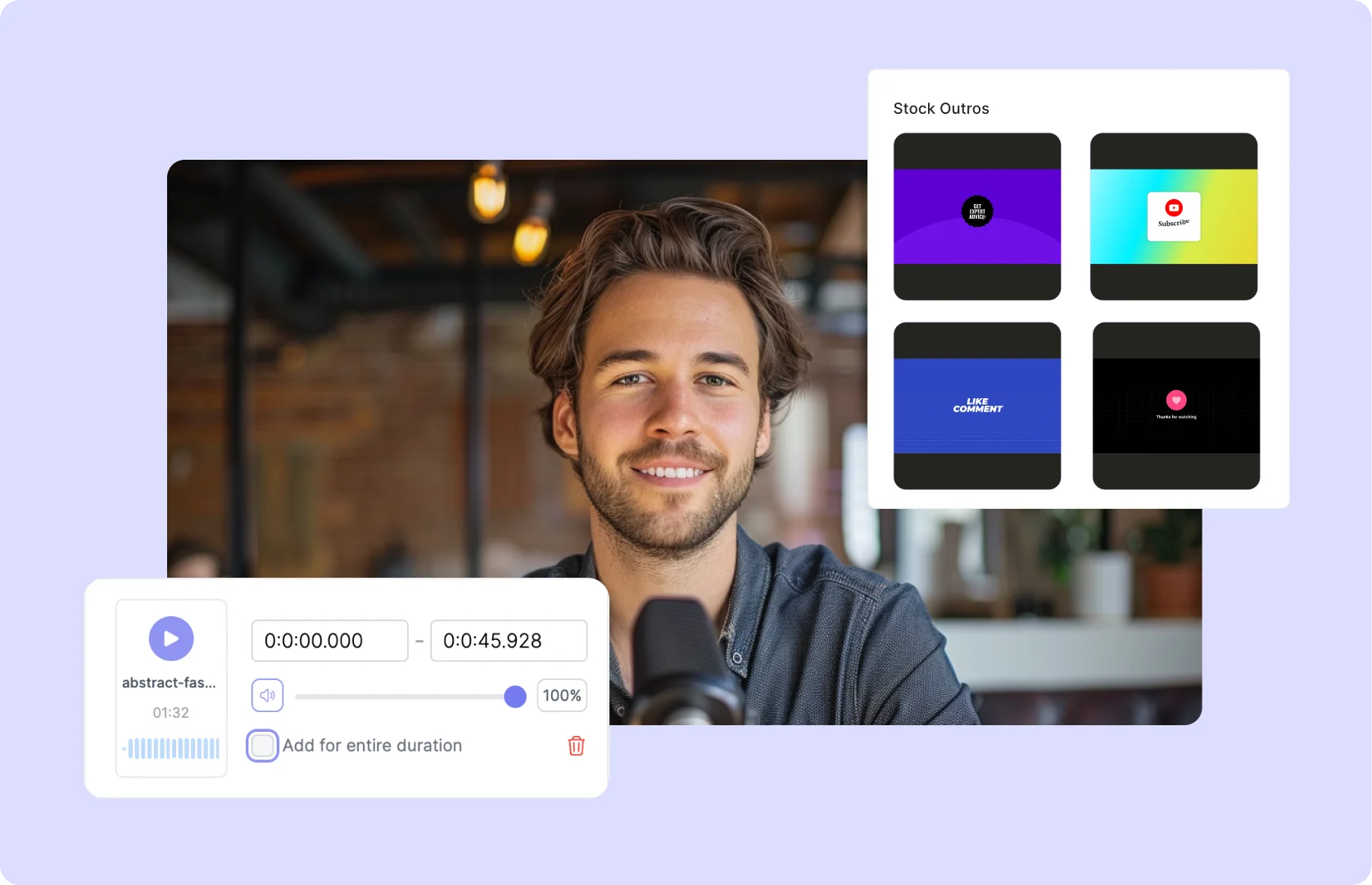
Add music, sound effects, or voiceovers to make your outro more engaging and memorable. Pick from stock audio clips or upload your own.

Enhance Your Outro with Audio

Optimized for Every Platform

Optimized for Every Platform

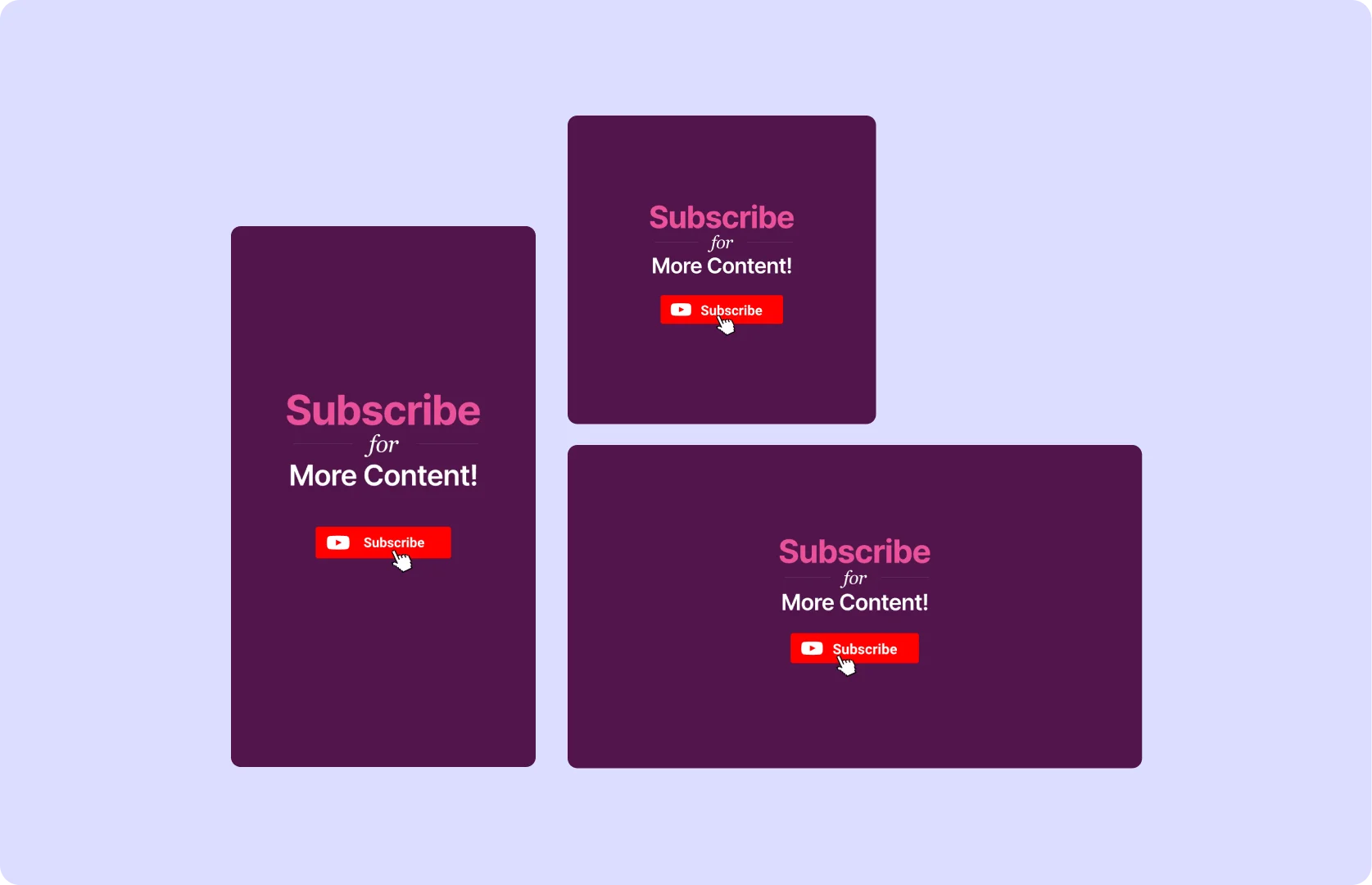
Whether you're creating an outro for YouTube, TikTok, Instagram, or LinkedIn, the tool automatically formats it for the best viewer experience.

Create Platform-Perfect Outros Now

How To Add Video Outro To Your Existing Video Using AI

  1. Upload Your Video

Drag & drop your MP4, MOV, or MKV file—or paste a YouTube link into quso.ai to start adding your outro to the video or clip.

  1. Choose Your Outro Template

Select from a variety of pre-designed outro templates. These include customizable end screens, call-to-action buttons, social media handles, and more.

  1. Customize Your Outro

Adjust the branding to align with your style or business to make your outro more engaging.

  1. Export or Publish

Download your video with the outro as an MP4 or publish directly to your platform of choice. No extra editing tools required—ready to share with your audience!

FAQ

How does an outro help my channel?+

A strong outro encourages viewers to stay engaged, watch more content, and take action. Whether it's subscribing, following your socials, or clicking on another video, a well-placed outro keeps people in your ecosystem.

How do I create an outro?+

Simply choose an outro template, customize it with your branding, add music, and export the final clip. You can then attach it to your videos before uploading them.

What is the ideal resolution for a YouTube outro template?+

For best results, use 1920x1080 (Full HD) resolution to ensure your outro looks sharp across all devices.

Can I add my own branding and call-to-actions?+

Absolutely! Upload your logo, social media handles, CTA buttons, and personalized text to create a branded outro that aligns with your content strategy.

What is the best online outro maker without a watermark?+

This video outro maker lets you create professional outros without watermarks, so your brand—not someone else’s logo—stays front and center.

Video Outro Maker

Create Your Free Video Outro Now