Tools / Meme Video Maker
Meme Video Maker
Turn ordinary videos into meme-worthy masterpieces in seconds. Add text, effects, and captions that make people stop scrolling and start sharing.
Create Your Meme Video Now Trusted by 4M+ Users
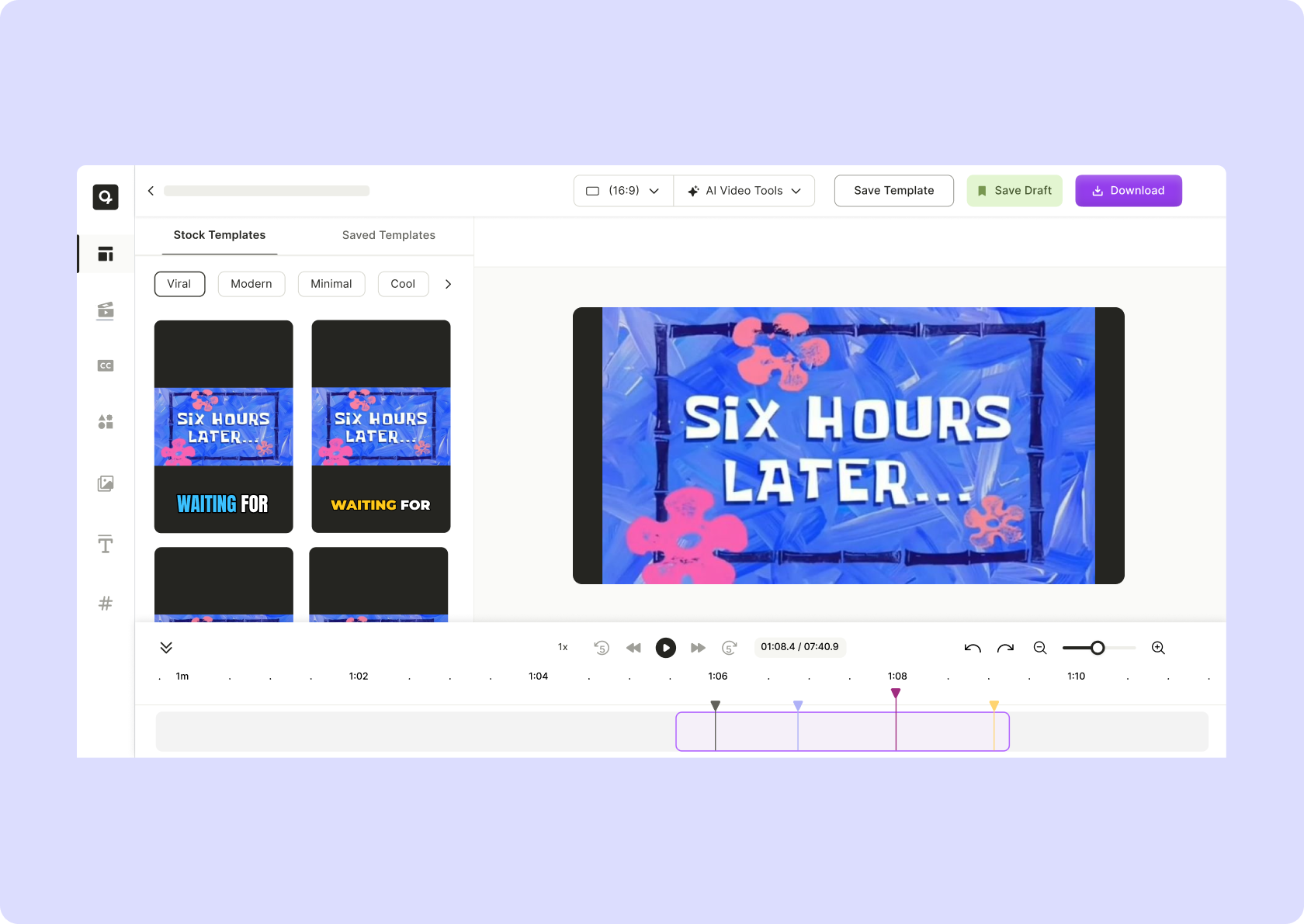
Tools / Meme Video Maker
Turn ordinary videos into meme-worthy masterpieces in seconds. Add text, effects, and captions that make people stop scrolling and start sharing.
If your content isn’t making people laugh, react, or comment, it’s invisible. Memes drive shares, start conversations, and keep your brand relevant.

Upload a video, slap on text, tweak the timing, and BOOM—your meme is ready to break the internet.

Instagram, TikTok, Twitter, Reddit—wherever memes live, your video will fit perfectly.

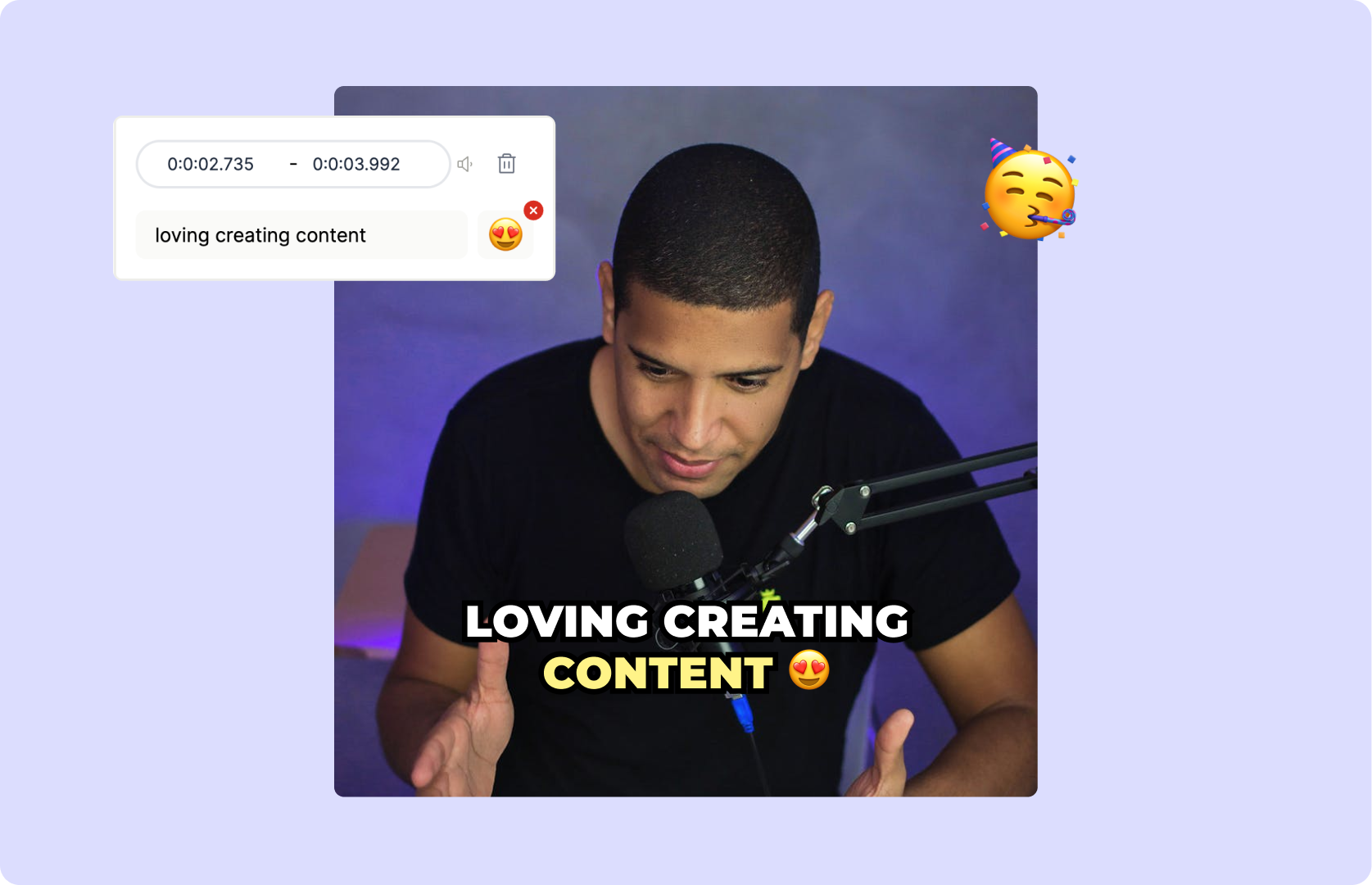
Upload your own videos or pull clips from trending content. Add captions, emojis, and effects in seconds.
Make Your First Meme
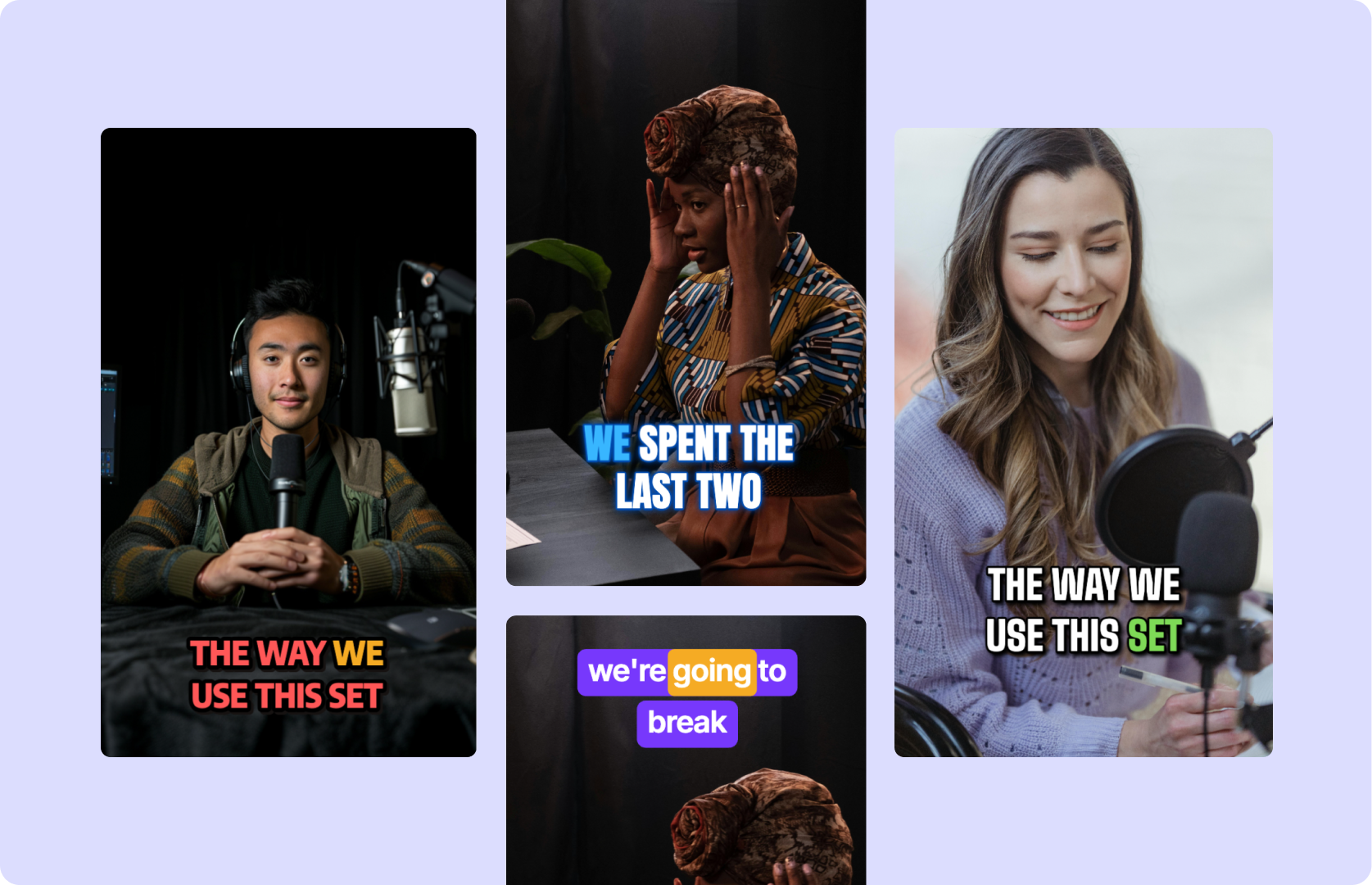
Top text, bottom text, animated text—customize your meme exactly how you want it.
Add Text & Effects Now
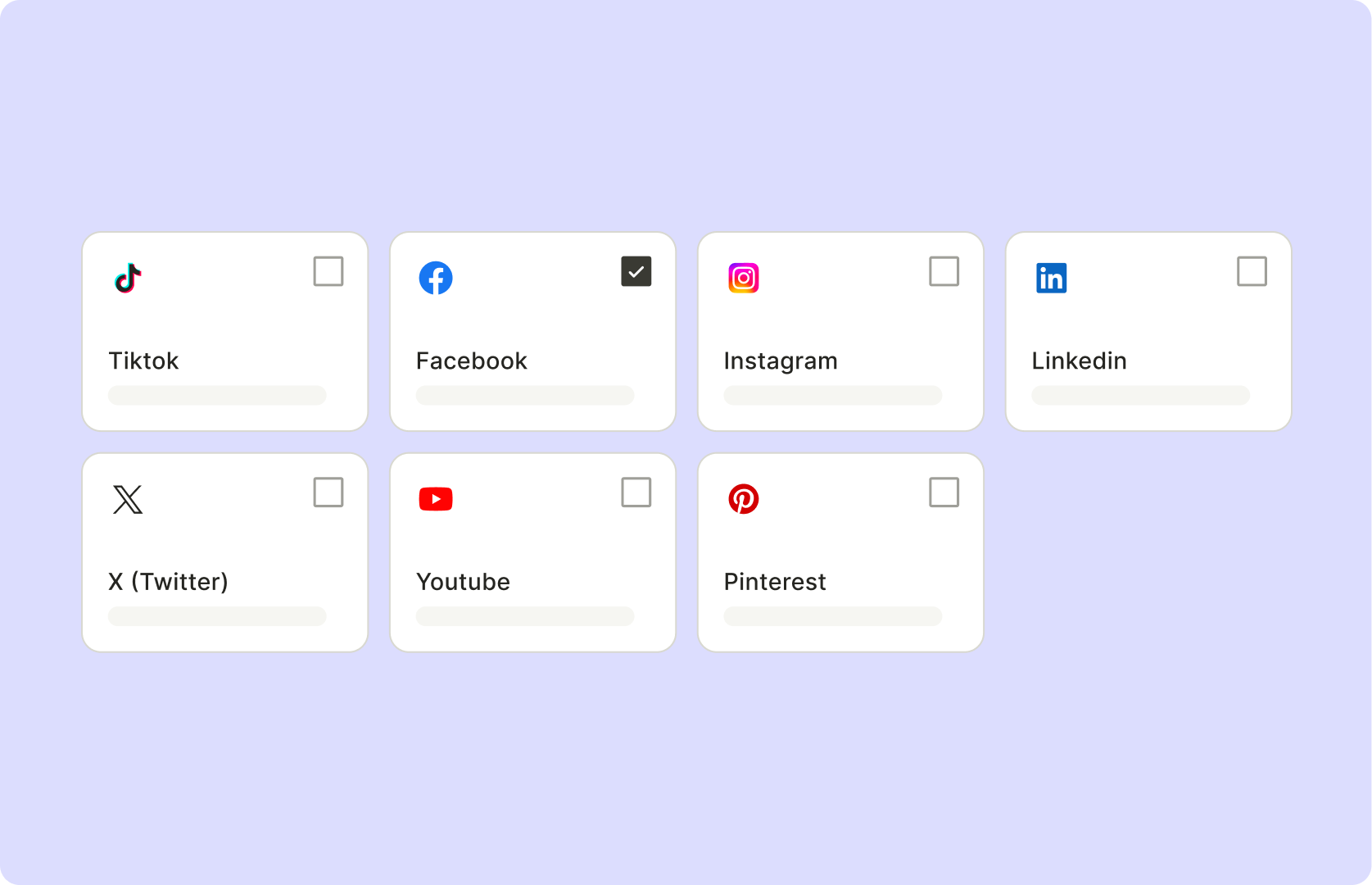
Crop, resize, and optimize for TikTok, Instagram, or YouTube Shorts—no more weird aspect ratios.
Resize for Any Platform
Select a video clip—whether it’s your own or a trending clip—and upload it to your editing tool for quick access.
Enhance the humor or message by inserting captions, emojis, sound effects, or stickers that make your meme pop.
Edit the length of the video, sync your text to punchlines, and adjust the pacing to ensure the joke lands perfectly.
Download your meme video as an MP4 and post it directly to social platforms like Instagram, TikTok, or Twitter to reach a wide audience.
It’s a tool that lets you add captions, effects, and text to videos to turn them into viral, shareable memes.
Square (1:1) and vertical (9:16) work best for Instagram, TikTok, and Shorts. Always optimize for mobile.
Keep it short, funny, relatable, and timely. Use trending sounds and captions people can’t ignore.
Video memes include sound and motion. GIF memes are silent. Video memes hit harder on social media.
Because they’re quick, funny, and relatable. Memes spread fast and help build brand personality.