Tools / AI Text to Speech

AI Text to Speech

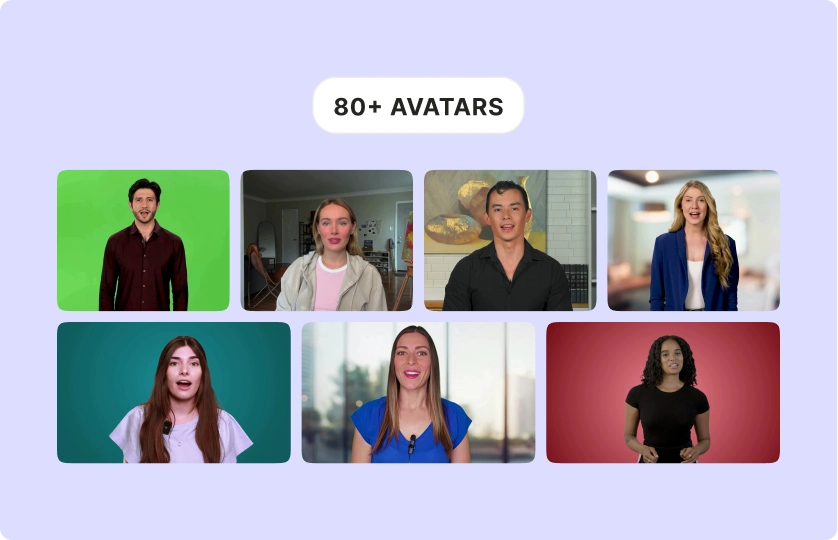
Bring your words to life with AI-powered text-to-speech. Create lifelike talking avatars that deliver your message with clarity, charisma, and authority—perfect for video content that grabs attention.

Turn Text into Speech Now Trusted by 4M+ Users
AI Text to Speech

Why Use AI Text to Speech for Your Videos?

Words That Speak Volumes

Don’t let your scripts stay static. AI text-to-speech transforms your words into powerful, engaging audio delivered by lifelike AI influencers.

Words That Speak Volumes

Authenticity Meets Scalability

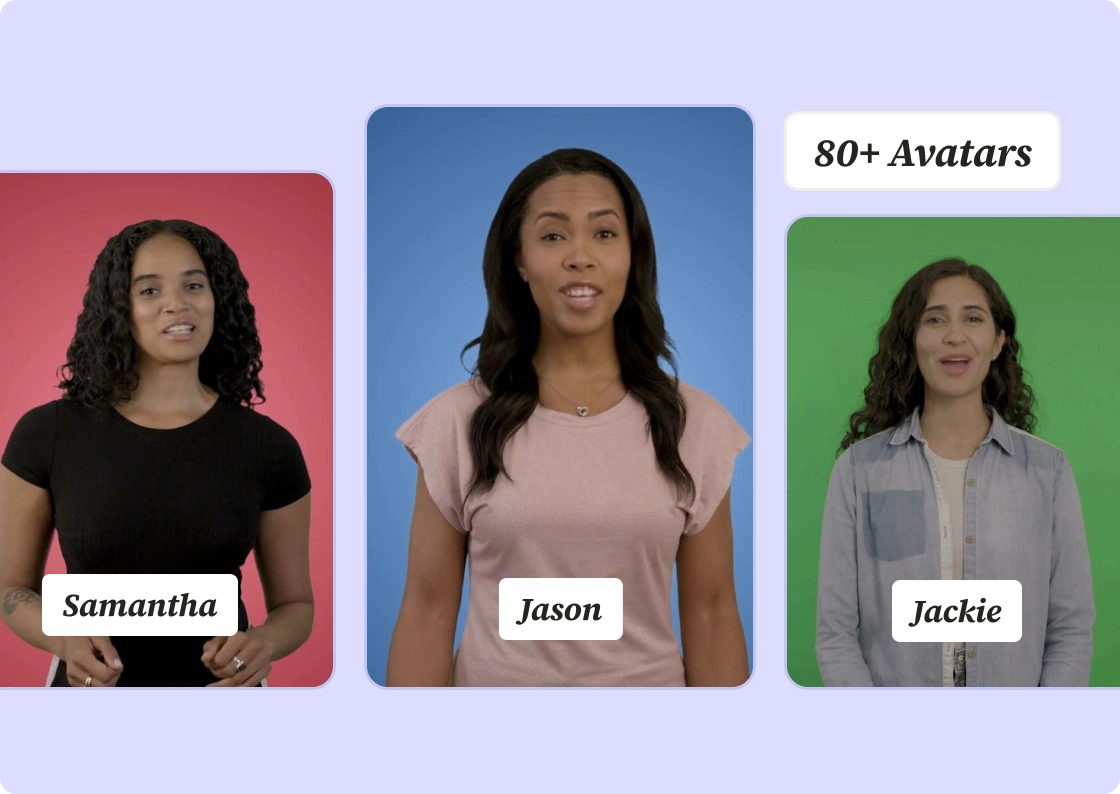
Your voice, your message—amplified. AI avatars with custom voices help you connect with audiences without spending hours recording.

Authenticity Meets Scalability

Save Time, Scale Faster

Skip the recording booth. Create professional audio in seconds and focus on growing your brand instead of managing production headaches.

Save Time, Scale Faster
Human-Like Voices That Connect

Human-Like Voices That Connect

Choose from a library of realistic AI voices that resonate with your audience. Whether it’s professional, casual, or energetic, AI speaks their language.

Try Text-to-Speech Now

Seamless Customization

Seamless Customization

Adjust tone, pacing, and style to match your message. Your AI avatar sounds exactly the way you want—every time.

Customize Your Voice

Optimized for Video and Beyond

Optimized for Video and Beyond

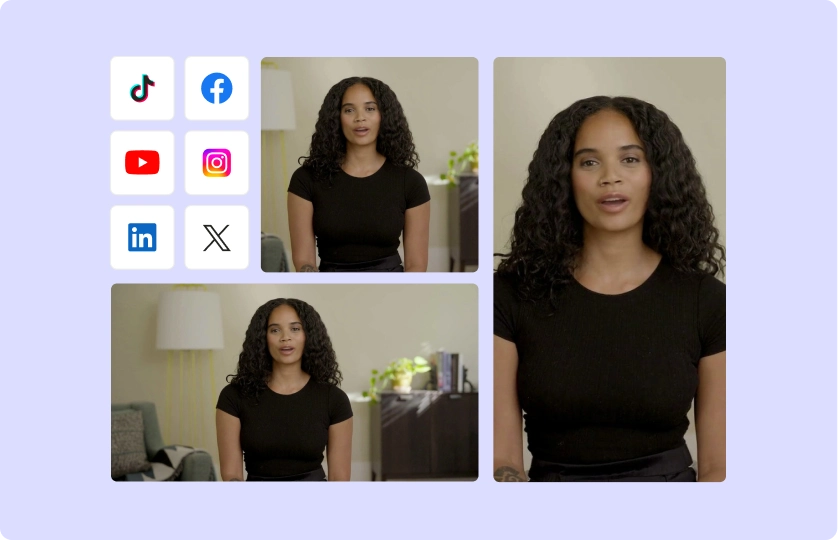
Use AI text-to-speech for tutorials, product demos, ads, or explainer videos. Whether it’s YouTube, TikTok, or Instagram, your audio is tailored for impact.

Start Creating Content

How To Convert Your Text To Speech Using AI

  1. Enter Your Text

Type or paste the text you want to convert into speech. This could be a script, article, or any other text that you need to be spoken aloud.

  1. Adjust Your Script

Modify your script by generating it again to match your preferences.

  1. Choose a Voice & Language

Select from a range of voices, accents, and languages to match the tone and style of your content. Whether you need a professional tone, casual voice, or character voice, the AI has you covered.

  1. Generate & Export

Click “Generate” to create the video, then download it as MP4.

FAQ

What is AI text-to-speech?+

It’s a tool that converts written text into natural-sounding speech using advanced AI technology.

How realistic are the voices?+

Very. AI voices mimic human intonation, emotion, and pacing for an authentic listening experience.

What types of content can I use it for?+

Explainers, ads, tutorials, presentations—anywhere you need clear, engaging audio.

How fast can I generate audio?+

In seconds. Input your text, select a voice, and you’re good to go.

Do I need experience to use AI text-to-speech?+

Not at all. If you can type, you can create professional-quality audio.

AI Text to Speech

Turn Text into Speech Now