Social Media Image Sizes Guide 2024: Dimensions & Tips
Discover 2024's top social media image sizes and pro tips to keep your content visually stunning and optimized for engagement across all social platforms.
Social media managers face constant change. From deciphering algorithms to keeping up with trends, one key aspect that remains crucial is understanding the sizes of social media images. This guide covers the latest recommendations for social media image sizes across various platforms to help you keep your content visually appealing and optimized for engagement. This guide also includes pro tips for optimizing your images to ensure they look perfect across all channels.
Why Social Media Image Sizes Matter?
Ensuring that your images meet the specified social media image size requirements helps maintain a professional appearance and maximizes engagement. Properly sized images avoid pixelation, stretching, and awkward cropping, leading to better user experience and higher interaction rates.
With the majority of users accessing social media via mobile devices, optimizing your images for mobile view is crucial. Desktop previews often give a misleading impression of how your images will appear on mobile. Ensure your social media image size is optimized for mobile to reach your audience effectively.
💡Related read: Best Time to Post on Social Media for 1M+ Views in 2024
Instagram Image Sizes
Instagram Post Image Sizes
- Story Post: 1080x1920 px (9:16 aspect ratio)
- Reels: 1080x1920 px (9:16 aspect ratio)
- Square In-Feed Image or Carousel: 1080x1080 px (1:1 aspect ratio)
- Vertical In-Feed Image or Carousel: 1080x1350 px (4:5 aspect ratio)
- Landscape In-Feed Image or Carousel: 1080x566 px (1.91:1 aspect ratio)
For Instagram Stories, ensure you leave about 250 pixels of space at the top and bottom to prevent overlap with your profile photo or CTA buttons. The maximum file size for Instagram images is 8 MB.
Instagram Profile Image Sizes
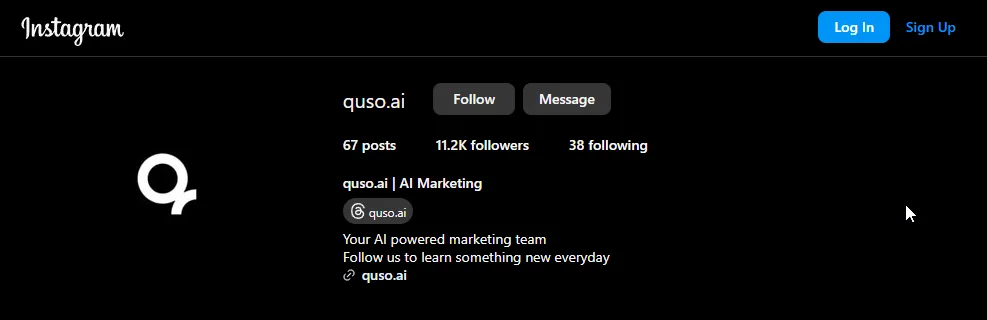
- Profile Image: 320x320 px (1:1 aspect ratio)
- Story Highlight Cover: 110x110 px (1:1 aspect ratio)
Although Instagram displays profile pictures at 110x110 pixels, uploading a 320x320 pixel image ensures better quality. Make sure the focus is centered to avoid cropping issues.
💡Related read: How Does the Instagram Algorithm Work? [+2024 Changes]
X (Twitter) Image Sizes
X (Twitter) Post Image Sizes
- Square In-Feed Image: 1200x1200 px (1:1 aspect ratio)
- Landscape In-Feed Image: 1200x628 px (1.91:1 aspect ratio)
- In-Feed Video: 1600x900 px (16:9 aspect ratio)
Each tweet can include up to 4 visual assets in GIF, JPEG, or PNG format. Images can be up to 5 GB.
X (Twitter) Profile Image Sizes
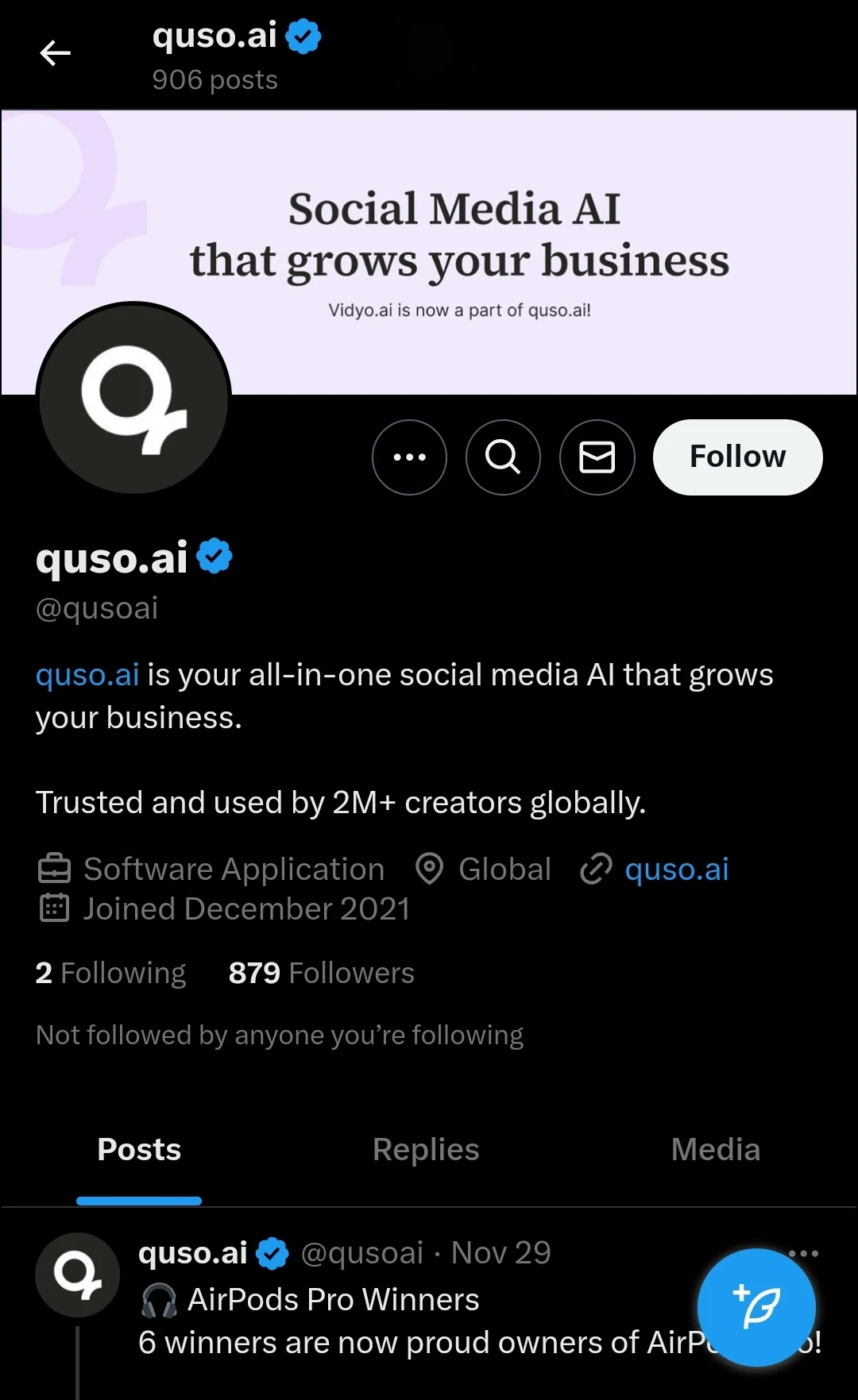
- Profile Image: 400x400 px (1:1 aspect ratio)
- Profile Cover Photo: 1500x500 px (3:1 aspect ratio)
X In-Stream Photos
- In-Stream Image: 1600 x 900 pixels; file size up to 5MB; supports JPG, PNG, or GIF.
- In-Stream GIF: 1600 x 900 pixels; file size up to 15MB (desktop), 5MB (mobile).
X Ads
- Single/Multi-Image Ad: 600 x 335 pixels (minimum); file size: 5MB (maximum).
- Carousel Ad: 800 x 800 pixels (1:1 ratio) or 800 x 418 pixels (1.91:1 ratio); file size: 20MB (maximum).
- Video Ad: 1200 x 1200 pixels; file size: 1GB (maximum upload size); video length: 15 seconds or less.
While GIFs can be included in tweets, they cannot be used for profile photos.
💡Related read: Twitter Algorithm Explained: How to Go Viral in 2024
LinkedIn Image Sizes
LinkedIn Post Image Sizes
- Square Image: 1080x1080 px (1:1 aspect ratio)
- Vertical Image: 1080x1350 px (4:5 aspect ratio)
- Landscape Image: 1080x566 px (1.91:1 aspect ratio)
- Post with URL and Custom Photo: 1200x627 px (1.91:1 aspect ratio)
- Post with Video: Between 256x144 px and 4096x2304 px (1:2.4 to 2.4:1 aspect ratio)
- Article Cover Photo: 1920x1080 px (9:16 aspect ratio)
Photos on LinkedIn should be at least 552x276 pixels, with a recommended width of 1080 pixels. The maximum file size for photos is 5 MB. Read our LinkedIn post specs guide for detailed understanding of dimensions and sizing.
LinkedIn Personal Profile Image Sizes
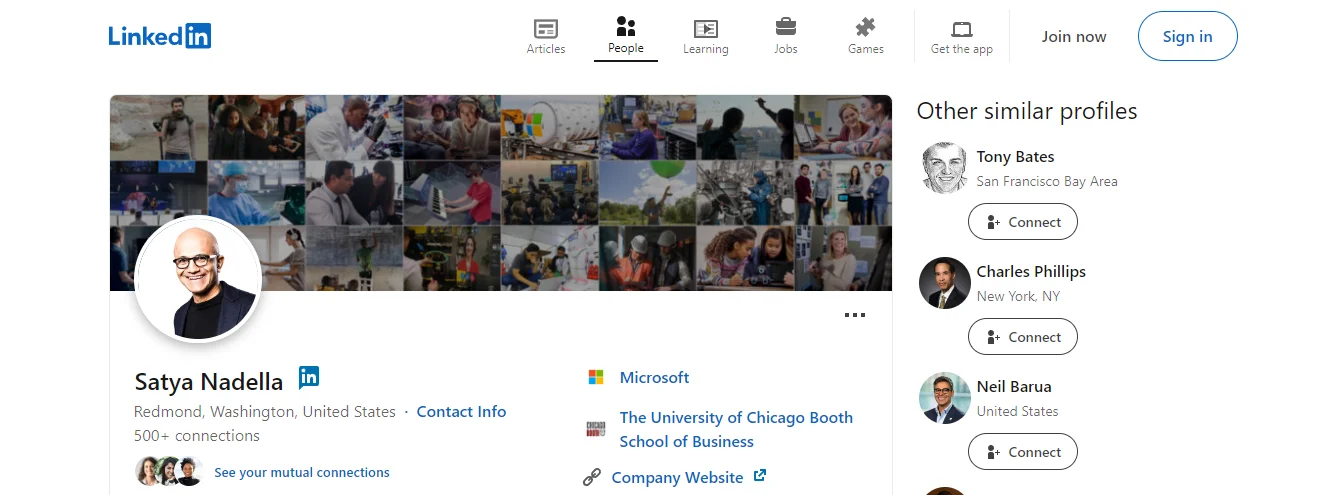
- Profile Image: 400x400 px (1:1 aspect ratio)
- Profile Cover Photo: 1584x396 px (4:1 aspect ratio)
Supported file types include JPEG and PNG.
LinkedIn Business Page Photo Sizes
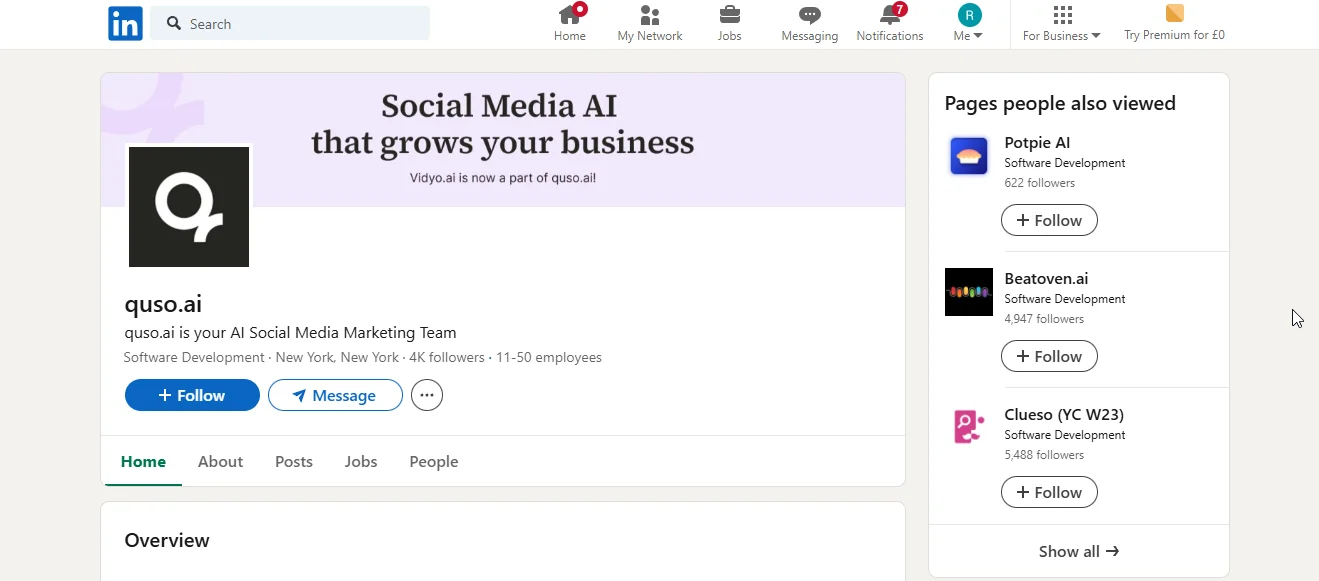
- Cover Image: 1128x191 px (5.91:1 aspect ratio)
- Logo Image: 400x400 px (1:1 aspect ratio)
- Main Image: 1128x376 px (3:1 aspect ratio)
- Custom Module: 502x282 px (16:9 aspect ratio)
- Company Photos: 900x600 px (3:2 aspect ratio)
Business page photos can be up to 3 MB. Ensure images are high quality with minimal text.
💡Related read: Your One-Stop LinkedIn Algorithm Guide: It’s Not too Late to Grow
TikTok Image Sizes
TikTok Photo and Video Sizes
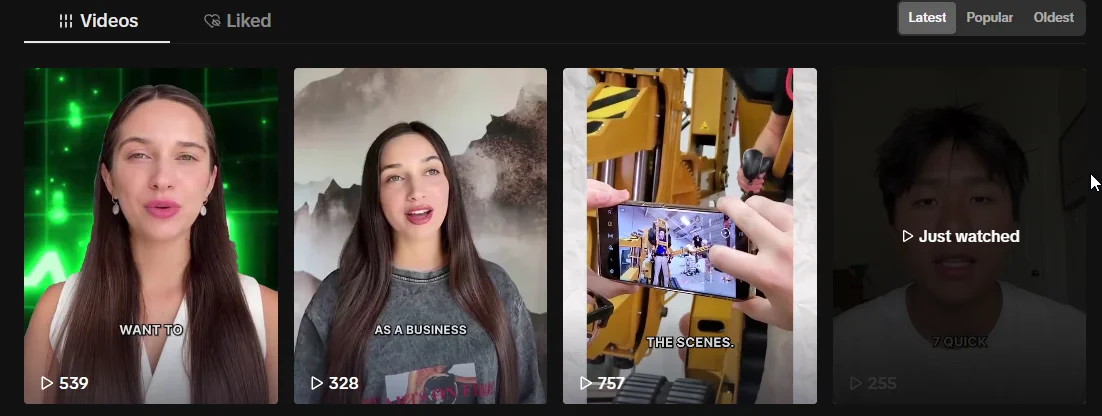
- In-Feed Video: 1080x1920 px (9:16 aspect ratio)
- Story Post: 1080x1920 px (9:16 aspect ratio)
- Photo Carousel: 1080x1920 px (9:16 aspect ratio)
While TikTok supports 16:9 and 1:1 ratios, sticking to a vertical 9:16 format prevents black bars. Supported file types include MP4, MOV, JPEG, and PNG.
TikTok Profile Image Sizes
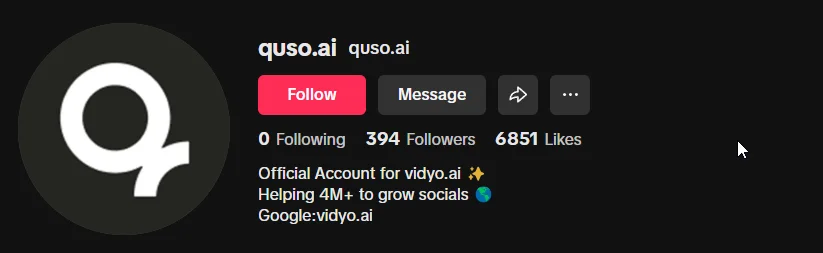
- Profile Image: 200x200 px (1:1 aspect ratio)
Although TikTok accepts profile photos as small as 20x20 pixels, using at least 200x200 pixels ensures better quality.
💡Related read: 23 TikTok Algorithm Hacks to Get More Engagement in 2024
YouTube Image Sizes
YouTube Video Post Sizes
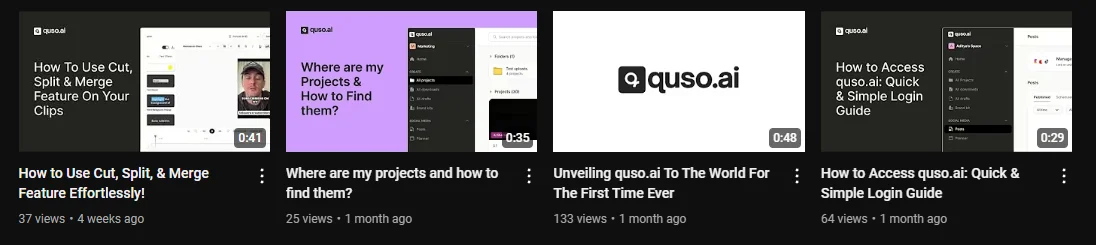
- Regular Video: 1920x1080 px (16:9 aspect ratio)
- Thumbnail for Regular Video: 1280x720 px (16:9 aspect ratio)
- Shorts: 1080x1920 px (9:16 aspect ratio)
- Thumbnail for Shorts: 1080x1920 px (9:16 aspect ratio)
YouTube recommends a 16:9 aspect ratio for videos. Avoid adding padding yourself to maintain responsiveness.
YouTube Cover and Profile Image Sizes
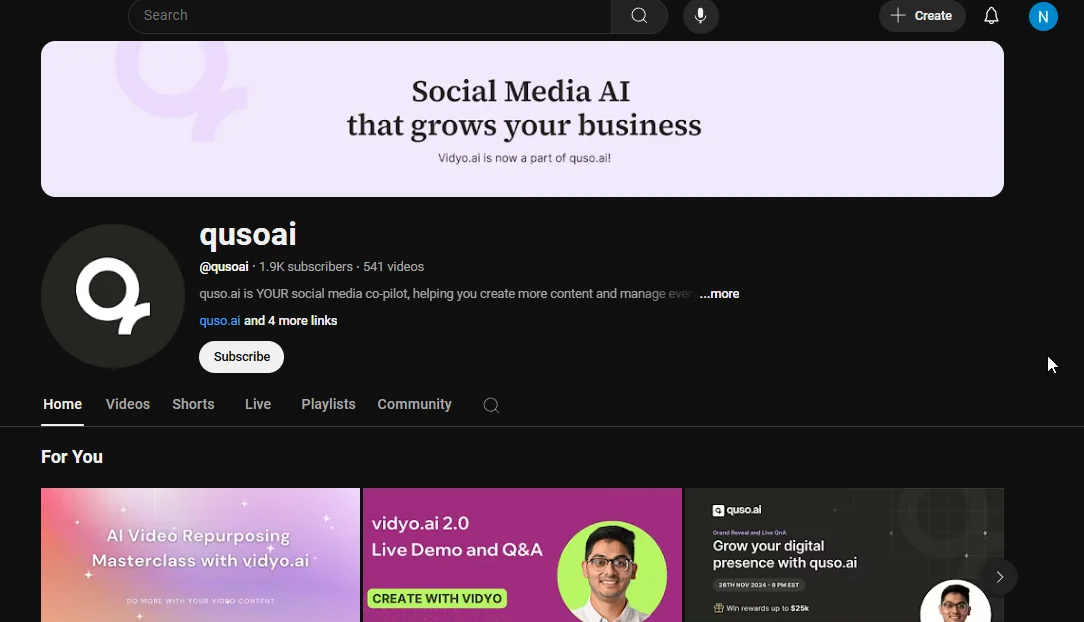
- Profile Image: 800x800 px (1:1 aspect ratio)
- Banner Image: 2560x1440 px (16:9 aspect ratio)
For optimal display across devices, Canva suggests using the larger size for banners. Profile photos are displayed as circles and can be up to 2 MB.
💡Related read: How 2024 YouTube Algorithm Works & 25 Tips for Optimization
Facebook Image Sizes
Facebook Post Image Sizes
- Story Post: 1080x1920 px (9:16 aspect ratio)
- Reels: 1080x1920 px (9:16 aspect ratio)
- Square In-Feed Image or Carousel: 1080x1080 px (1:1 aspect ratio)
- Vertical In-Feed Image or Carousel: 1080x1350 px (4:5 aspect ratio)
- Landscape In-Feed Image or Carousel: 1080x566 px (1.91:1 aspect ratio)
To avoid distortion and slow loading times, adhere to these sizes. Like Instagram, leave about 250 pixels of space at the top and bottom of Facebook Story content. Facebook carousel posts can include between 2 and 10 photos.
Facebook Profile Image Sizes
- Profile Picture: Minimum 196 x 196 pixels
- Cover Image: Recommended 820 x 315 pixels; minimum 400 x 150 pixels
- Post: 1200 x 628 pixels (horizontal), 1080 x 1080 pixels (square), or 1080 x 1350 pixels (portrait)
- Event Cover Image: 1920 x 1005 pixels
- Group Cover Image: 1640 x 856 pixels
Facebook Ads
- Square Image Ads: 1080 x 1080 pixels; aspect ratio of 1:1.
- Carousel Ads: 1080 x 1080 pixels; aspect ratio of 1:1.
- Collection Ads: 1080 x 1080 pixels; aspect ratio of 1:1.
- Right Column Ads: 1080 x 1080 pixels; 254 x 133 pixels (minimum).
- Landscape Image Ads: 1200 x 628 pixels; aspect ratio of 1.91:1.
- Vertical Image Ads: 1080 x 1350 pixels; aspect ratio of 4:5.
- Facebook Stories Ads: Best size is 1080 x 1920 pixels; aspect ratio of 9:16.
Profile images on Facebook are displayed differently on mobile and desktop, so use a photo that is at least 196x196 pixels. The image will be displayed as a circle, so center the focus to avoid cropping.
💡Related read: 31 Proven Strategies to Cheat the Facebook Algorithm in 2024
Pinterest Image Sizes
Pinterest Post Image Sizes
- Standard Pin or Carousel: 1000x1500 px (2:3 aspect ratio)
- Square Pin or Carousel: 1000x1000 px (1:1 aspect ratio)
- Tall or Long Pin: 1000x2100 px (1:2.6 aspect ratio)
- Story Pin: 1080x1920 px (9:16 aspect ratio)
- Infographic: 1000 x 3000 pixels; aspect ratio of 1:3
Pinterest supports various aspect ratios including 1:2, 3:4, and 4:5. File types include BMP, JPEG, PNG, TIFF, and WEBP with a max file size of 20 MB.
Pinterest Profile Image Sizes
- Profile Image: 280x280 px (1:1 aspect ratio)
- Cover Photo: 800x450 px (16:9 aspect ratio)
- Board Cover Photo: 600x600 px (1:1 aspect ratio)
Pinterest Ads
- Ad Image Pin: 1000 x 1500 pixels; 2:3 aspect ratio.
- Carousel Ads: Aspect ratios of 1:1 or 2:3; file size up to 20MB; 5 photos per carousel (maximum).
- Video Pin: Aspect ratios of 1:1, 9:16, or 2:3; file size up to 2GB; video length: 4 seconds to 15 minutes.
Google Business Image Sizes
Google Business Profile Image Sizes
- Logo: Recommended 720 x 720 pixels; minimum 250 x 250 pixels
- Cover Photo: Recommended 1080 x 608 pixels; minimum 250 x 250 pixels
- Photo: Recommended 720 x 720 pixels; minimum 250 x 250 pixels
Google Ads Formats
Display Ad Sizes
- Square: 250 x 250 pixels.
- Small Square: 200 x 200 pixels.
- Banner: 468 x 60 pixels.
- Leaderboard: 728 x 90 pixels.
- Inline Rectangle: 300 x 250 pixels.
- Large Rectangle: 336 x 280 pixels.
- Skyscraper: 120 x 600 pixels.
- Wide Skyscraper: 160 x 600 pixels.
- Half-Page Ad: 300 x 600 pixels.
- Large Leaderboard: 970 x 90 pixels.
Mobile Display Ads
- Mobile Banner: 300 x 50 pixels.
- Large Mobile Banner: 320 x 100 pixels.
💡Related read: 15 Best Social Media Scheduling Tools for Businesses
Snapchat Image Sizes
Snapchat Image Guidelines
- Public Profile Picture: 320 x 320 pixels
- Public Profile Hero Image: 1000 x 1500 pixels
- Geofilter: 1080 x 2340 pixels
Conclusion
In today's digital age, visual content is king—whether you're promoting a brand, sharing a video, posting news updates, or uploading memes. The social media image sizes play a crucial role in conveying your brand's message and making a lasting impression on your audience.
Yet, managing these visuals across multiple platforms can be time-consuming. Imagine spending almost 4 hours a week just publishing content. With quso.ai, you can streamline this process and save valuable time. Our tool allows you to publish content to 7 different platforms with a single click, complete with AI-generated titles, descriptions, metadata, and hashtags optimized for each platform.
Start using quso.ai to save time and effort on scaling social media and focus on what truly matters in the long run of building your business.
Turn this into 30 clips.
Drop your long video into quso and let IntelliClips do the editing.
Start clipping free