How to Resolve Instagram's 'We Restrict Certain Activities' Error
Fix Instagram's "We Restrict Certain Activities" error by understanding its causes and following best practices to keep your account safe and active.
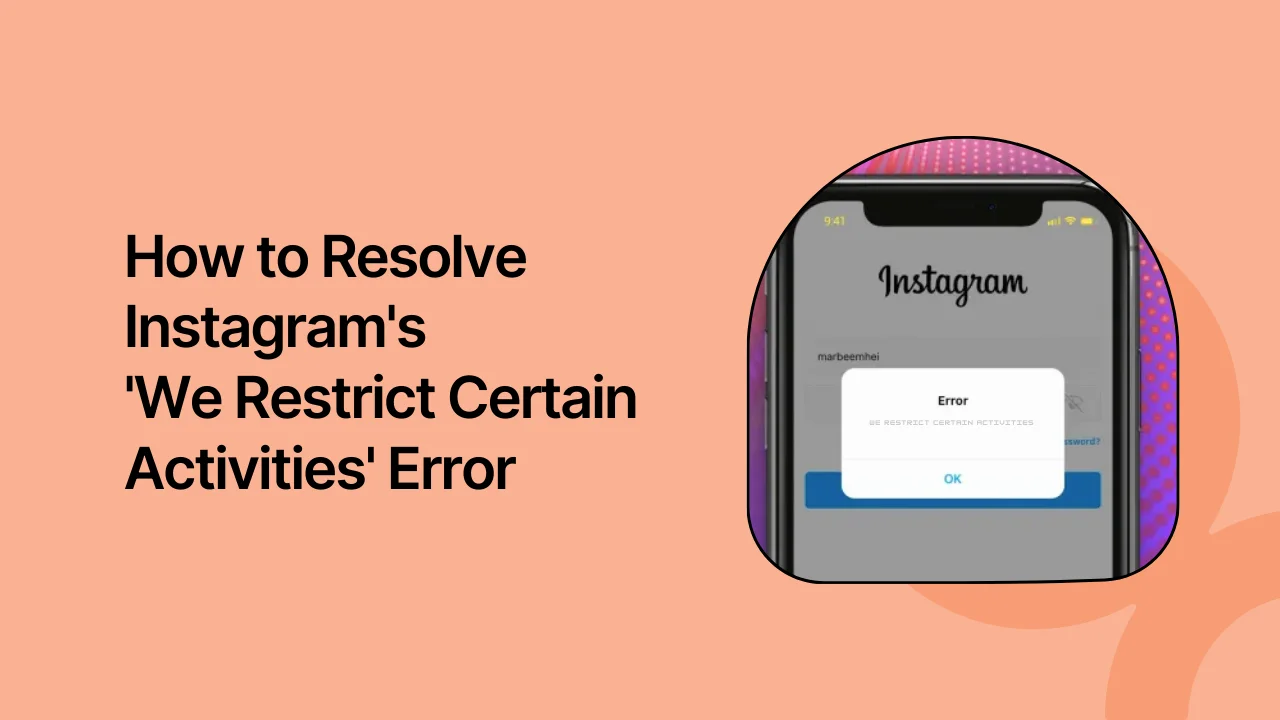
Instagram is a gold mine for businesses like yours to connect with audiences. But it also has some rules about the types of content you can post and how you can interact with other people to keep its audience secure.
If you've ever encountered the error "We Restrict Certain Activities to Protect our Community” on Instagram, you may be wondering what it is, what it means for your account, and what steps you can take to ensure your account is safeguarded from such errors. Instagram prioritizes the safety of its community, which is why it restricts certain actions to protect users and maintain a secure environment.
In this blog, we will dive into this error, explaining its causes and providing practical solutions to help you get your account back on track.
What is the 'We Restrict Certain Activities to Protect our Community' on Instagram Error All About?
The "We Restrict Certain Activities to Protect our Community" error on Instagram occurs when the platform detects unusual or potentially harmful activity on your account. This message indicates that Instagram has temporarily limited certain actions, such as liking posts, following accounts, or commenting, to ensure compliance with its community guidelines.
These restrictions are a part of Instagram's efforts to create a secure and positive space by preventing spam, harassment, or inappropriate content from spreading. While it may feel frustrating, this error is not a permanent ban; it’s a temporary measure to help users align their actions with Instagram's standards.
Why Are You Seeing the Restricted Activity Message on Instagram?
Instagram's primary goal is to ensure a safe and positive experience for its users, which is why it actively restricts undesired activities. The platform monitors behavior to prevent misuse, spam, and abuse. When you see the message “We restrict certain activity to protect our community,” it usually means Instagram has detected unusual or potentially harmful actions associated with your account.
It’s not always clear what caused the issue, but here are some common reasons for encountering this error:
- Excessive following or unfollowing: Rapidly following or unfollowing accounts can appear spammy and disrupt the user experience. Instagram may temporarily restrict your actions to prevent this behavior.
- Liking or commenting too quickly: Liking or commenting on too many posts in a short period can be flagged as automated activity or spam. Instagram restricts such actions to stop bots from engaging with content. Wait a while and try again to see if the restriction lifts.
- Posting inappropriate content: Sharing content that goes against Instagram’s Community Guidelines, like graphic violence or hate speech, can result in restrictions on your account. Always ensure your posts align with these guidelines.
- Using third-party apps: Third-party apps promising follower boosts or engagement can violate Instagram's terms of use. Using these tools can trigger restrictions, so avoid using services that aren't approved by Instagram.
- Suspicious login activity: If Instagram detects unusual login attempts or changes to your account settings, it may limit your account temporarily to protect your data.
How to Fix Instagram Restriction Error
1. Pause Your Instagram Activity
Taking a break from Instagram activity is one of the most effective ways to resolve a restriction error. By pausing your actions, you allow Instagram’s system to reset and potentially remove the restriction.
- Stop engaging: Refrain from liking, commenting, or following accounts for a few hours or up to a couple of days.
- Avoid automation tools: Ensure you're not using third-party apps or automation services that could trigger the restriction.
Giving your account a pause shows Instagram you're a legitimate user, not a bot or spammer. Often, this cooling-off period can lift the restriction.
2. Change Your Password
Changing your password is another good way to resolve the restriction error. This confirms your identity and prevents any unauthorized access.
- Log in from a different device: Access your account from a new device to add another layer of security.
- Reset your password: Create a strong, unique password to secure your account.
By securing your account with a new password, you show Instagram that you're taking proactive steps to protect your account from unauthorized activity.
3. Remove Suspicious Third-Party Apps
Sometimes, third-party apps can trigger restriction errors if they violate Instagram’s terms of service. Regularly check and manage the apps connected to your account.
- Disconnect unauthorized apps: Go to your Instagram settings and remove any apps that you don’t recognize or no longer use.
- Ensure app compliance: Only connect trusted, compliant apps to your Instagram account.
By managing third-party apps, you can reduce the chances of a restriction error and enhance your account security.
4. Verify Your Account Information
Keeping your account information accurate and verified can help prevent restriction errors. It also adds an extra layer of security.
- Authenticate your contact details: Double-check that your email address and phone number are correct and verified.
- Enable two-factor authentication: This adds an additional step during login, boosting your account’s protection.
- Link to Facebook: Connecting your Instagram to Facebook can further validate your identity and help with account recovery.
Verifying and securing your information helps prevent errors and strengthens your account against future restrictions.
5. Contact Instagram Support
If the restriction persists, reaching out to Instagram Support can help resolve the issue.
- Report the problem: Use the "Report a Problem" feature in the app to describe the error and actions you've already taken to address it.
- Request an account evaluation: Ask Instagram to review your account and confirm if the restriction was applied in error.
- Follow up: If you don’t get a response within a reasonable time, submit another report. Persistence can often help get your concern addressed.
Follow Instagram Guidelines to Avoid Restrictions
To keep your account safe from restrictions, make sure you follow Instagram's guidelines. Now that you understand what triggers the restriction error and how to fix it, avoid actions that could set off Instagram’s algorithm.
By engaging responsibly and staying within community standards, you’ll lower the risk of encountering the "We Restrict Certain Activities to Protect Our Community" message. Keep your interactions genuine, steer clear of spammy behaviors, and stay updated on Instagram's rules to ensure smooth and uninterrupted access to your account.
And if you need any help creating or managing content for your Instagram, log in or sign up for quso.ai and let us help you take your Instagram marketing to the next level.
Turn this into 30 clips.
Drop your long video into quso and let IntelliClips do the editing.
Start clipping free